POS for Small Business: A Practical Starting Guide
New to POS? Start with POS systems explained — it covers what a system does, minimum features, hardware, costs, and moving from paper. This guide is for the one- or two-counter shop that already knows the basics and wants practical advice: avoiding enterprise overbuy, starting without a six-month project, training staff, and the mistakes that turn a helpful till into shelf decoration.
What small shops need vs enterprise POS
Enterprise point-of-sale — the kind deployed in supermarket chains, franchise networks, and department stores — is built for problems a neighbourhood shop may never have: hundreds of concurrent users, central kitchens, complex promotions across regions, and integration with warehouse management systems that cost more than the shop's annual rent. That is not a criticism of enterprise software; it is a mismatch warning. Small shops that buy by feature count often end up paying for complexity they cannot staff.
A small retail or service counter typically needs something narrower:
- Speed at one screen.Walk-in customer, items found, total correct, payment taken, receipt out — under a minute for a typical basket. Fancy dashboards matter less than whether the search box finds “blue 2-metre cable” on the first try.
- A sales record you trust. Every transaction logged with items, time, and payment method. This replaces the duplicate bill book and becomes the spine of your shop accounting.
- Stock that moves when goods move. Not a warehouse system — just counts that decrease on sale and increase on receiving, honest enough for reorder decisions.
- Receipts and returns without drama. Print or share a receipt, process a return against the original sale, void a mistake with a record of who did it.
- One or two users, clearly separated. Owner and clerk, not a permission matrix for forty roles.
Enterprise POS adds layers small shops rarely need on day one: loyalty programmes tied to national databases, kitchen display systems, advanced workforce scheduling, open API ecosystems for custom integrations, and dedicated implementation teams measured in weeks. Some of those become relevant when you open a second branch — covered in the multi-store guide — but they are not prerequisites for selling competently at a single counter.
The practical test: if a feature requires a person whose only job is to manage that feature, you probably do not need it yet. Your first POS should make the owner's Tuesday easier, not hire an imaginary IT department.
Minimum features that actually matter
For a one-or-two-counter shop the honest requirements are short: fast item entry, editable quantity and discount, cash and credit payment, hold/resume, receipt printing, searchable sales history, automatic stock decrement, and separate staff logins. The POS overview lists these in full. Treat everything beyond that — loyalty schemes, e-commerce sync, franchise dashboards — as optional until you have opened a second branch or outgrown the basics. For retail-specific depth on scanning, returns, and counter speed, see the retail POS guide.
Realistic costs: hardware, software, and hidden fees
Cloud subscriptions for small shops commonly run from a few dollars to a few tens per month; hardware (laptop, scanner, printer) often lands between 300 and 700 dollars if bought new, much less if you reuse a device. The costs that surprise people are data entry time, the slow first week, and whether you can export when you leave — not the sticker price. The POS overview breaks down subscription vs licence shapes and hidden fees in detail. For cloud-specific subscription economics and export rights, see the cloud POS guide. Frame the investment as leakage control — unrecorded shrinkage in a bad quarter often exceeds a year of software.
Starting simple without painting yourself into a corner
The best first deployment is boring: load your top sellers, print a price list for the long tail, ring live sales for a week with the owner standing behind the clerk, fix what breaks, then load the rest of the catalog in batches. Attempting to barcode ten thousand SKUs before the first sale is how projects die in the back room.
A workable sequence:
- Audit yesterday, not theory. List the twenty products that account for most of your revenue. Those enter the system first, with correct cost and sell price if you track margin.
- Match your real payment mix. If eighty percent of customers pay cash, optimise for cash speed. If half pay by wallet transfer, train confirmation-before-goods on day one.
- Run parallel for one week if trust is low. POS for live sales plus duplicate bills in the drawer is redundant but reassuring. End parallel running the moment totals match daily — redundancy breeds double work.
- Define three rules on paper. Every sale rung up; no deleting — void with reason; returns only against a receipt or supervisor code. Rules written beat rules shouted across a busy counter.
- Set a review date thirty days out. What is still manual? What report do you open every morning? Adjust catalog and permissions then, not daily.
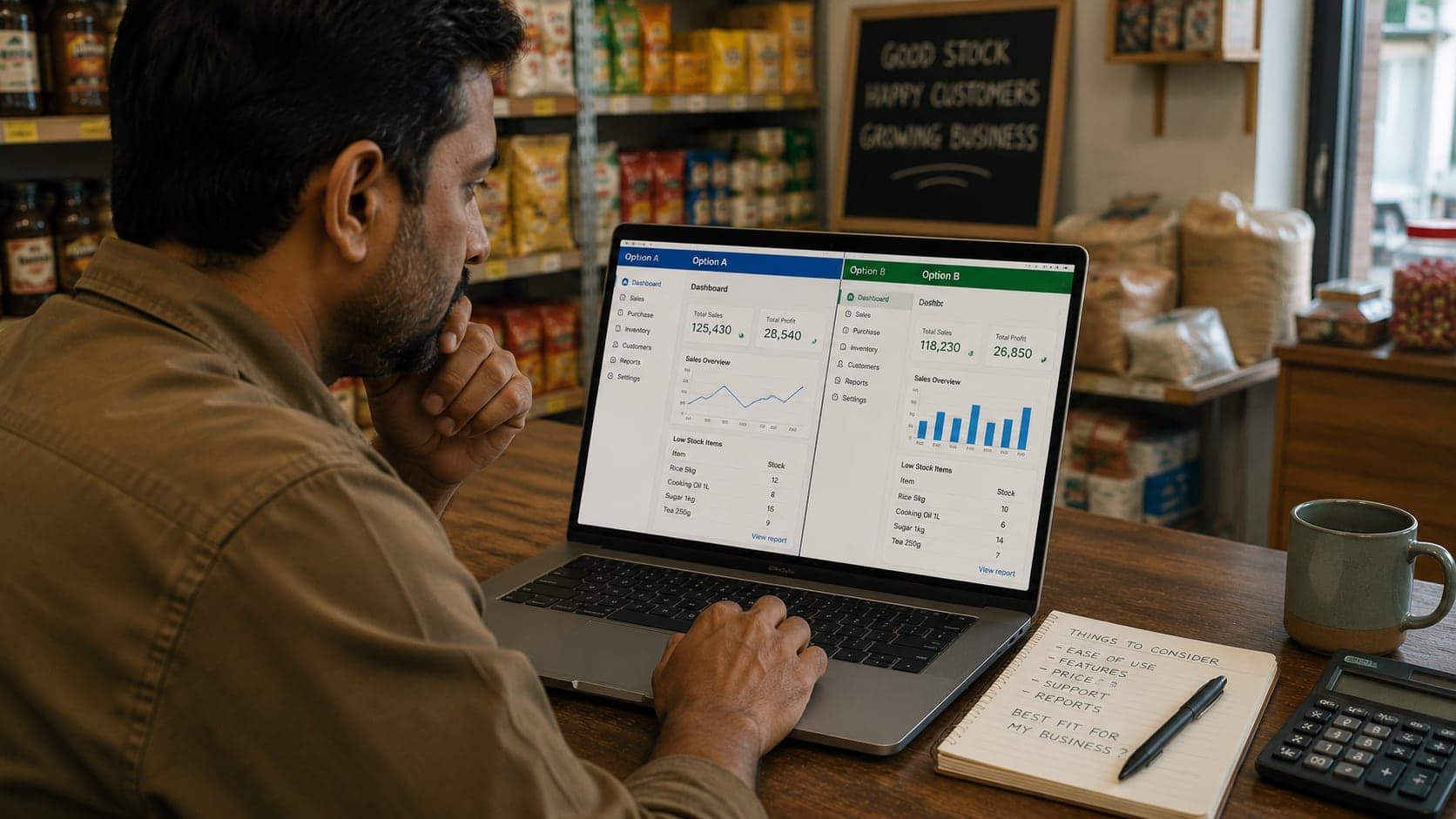
Choose software that lets you grow into features — inventory modules, second user, second location — without re-entering years of history. The shop software buyer's guide walks through trial questions; the principle here is start with sales and closing, add stock discipline when the shelf argues back.
Staff training that sticks after day one
Counter staff do not fail POS training because the interface is hard. They fail because the old habit — mental arithmetic, pocket cash, skipping the bill for a friend — is faster until the new habit is enforced. Training is therefore half buttons, half policy.
Session one: the happy path. Open shift, search product, change quantity, take cash, print receipt, close shift. Repeat ten simulated sales. Speed matters less than zero hesitation on the common case.
Session two: the unhappy path. Wrong item rung — void before payment. Customer returns — find sale, partial refund. Price dispute — supervisor discount. Wallet payment pending — do not release goods until confirmed. These scenarios happen weekly; pretending they do not is how drawers drift.
Session three: the owner's eyes.Show the day close report. Explain that an unrecorded sale does not steal from the software — it steals from the counted cash at close and from the clerk's credibility. Staff who understand the close report ring more honestly than staff who only hear “use the system.”
Keep a laminated cheat sheet under the counter: search shortcut, void steps, who to call when the printer jams. Replace verbal folklore with one page. Re-train when you hire, not when you suspect — suspicion training feels like accusation.
If you extend customer credit, train credit as a separate workflow: named account, limit visible on screen, receipt marked unpaid. Credit without a system is where small POS deployments quietly fail, because the clerk rings cash sales correctly and writes credit on paper beside the keyboard.
When to upgrade from your first system
First POS choices are often pragmatic — cheap, fast to deploy, good enough. Upgrade becomes sensible when the pain is structural, not when a salesperson shows a prettier dashboard.
Signs you have outgrown the first system:
- You are maintaining stock in spreadsheets because the POS stock module is too weak or too tedious.
- Closing the day takes manual reconciliation the software should automate — copying totals into notebooks, fixing payment splits by hand.
- You need a second location and the current product cannot share catalog or reporting without awkward workarounds.
- Returns, exchanges, and partial payments happen daily and the workflow fights your counter.
- Your accountant asks for exports the system cannot produce, and staff re-key data monthly.
- Reliability — crashes, sync failures, slow search — costs sales during peak hours.
Upgrade is not always new software. Sometimes it is enabling a module you already pay for, adding a scanner, or enforcing policies the current tool supports but you skipped in week one. Before switching vendors, list the top three problems in plain language and ask whether the existing product solves them with configuration. Migration has a cost — data export, retraining, a month of dual records — that should be smaller than the cost of staying.
If you do switch, migrate catalog and open balances, not ancient history. Two years of archived sales in CSV is enough for tax and trend analysis; re-keying every old invoice into a new system is how upgrades stall in the back room until everyone gives up and returns to paper.
Common mistakes small shops make with POS
These patterns appear in shops worldwide, independent of brand. Recognising them early saves money and staff goodwill.
Buying for the shop you imagine.Three counters, online orders, warehouse — when today you have one crowded table and a fan that rattles. Buy for Tuesday's reality with a migration path, not for a business plan slide.
Skipping the catalog discipline.Miscellaneous items, manual prices, and owner-only product codes produce reports that say you sold “general merchandise” for forty percent of revenue. That is not a reporting bug; it is a data entry habit. Fix names and prices at receiving time.
Owner bypass.The boss rings half of sales informally “because it is faster.” Staff follow the visible example. One recorded process for everyone, owner included, or the close report is theatre.
No close ritual. POS without a daily close is a fancy calculator. The software knows expected cash; someone must still count the drawer and explain gaps while memory is fresh.
Permission sprawl. Everyone shares one login, or everyone has admin rights. Shared logins destroy accountability; admin rights invite accidental setting changes. Clerk accounts with void limits; owner account for refunds and discounts — simple separation beats complex role editors you never configure.
Ignoring updates and backups. Tablets that never update, software pinned to old versions, exports never tested — then the device dies and the shop discovers cloud backup was opt-in. Monthly: export sales, open one file, confirm readable.
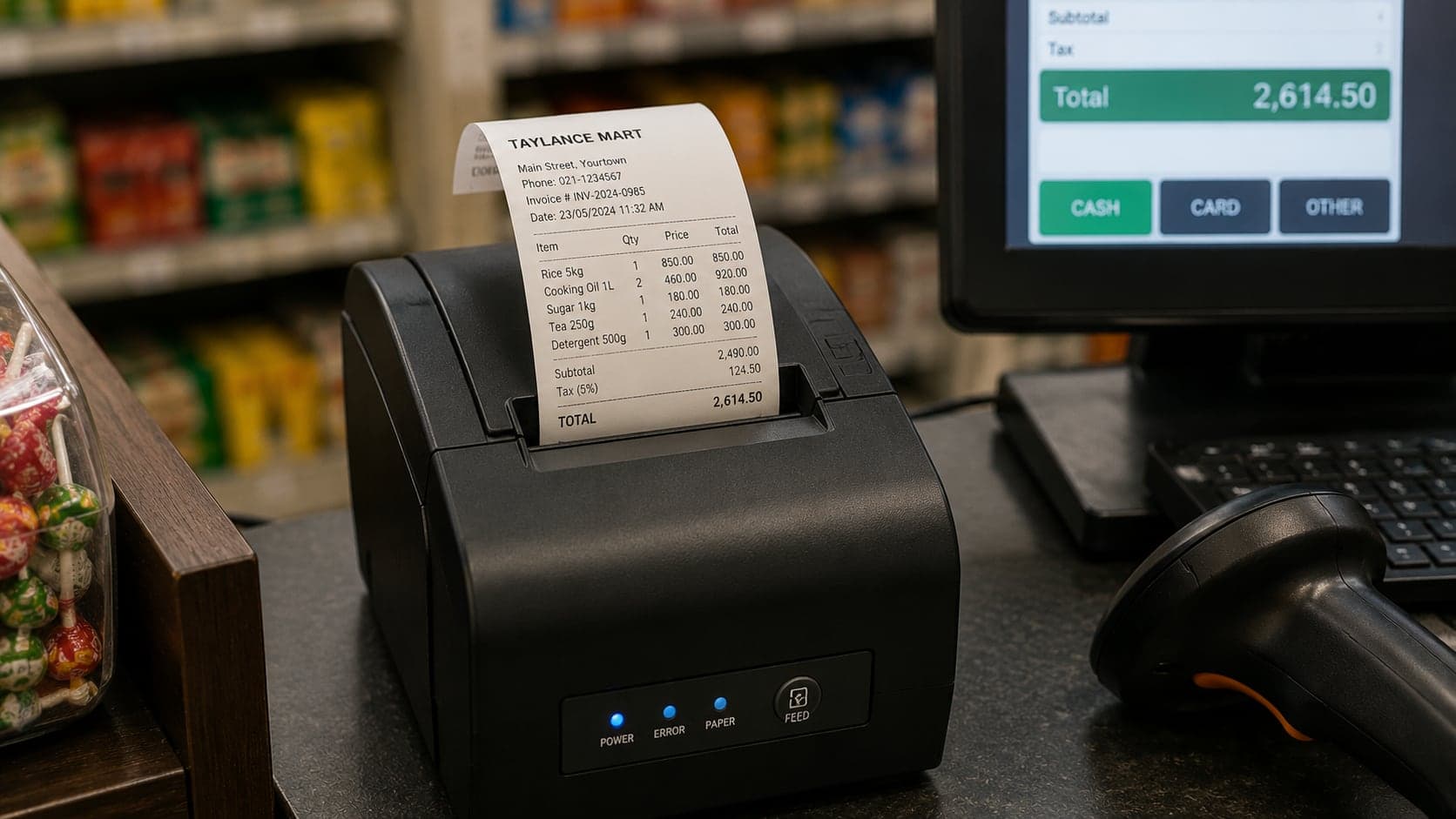
Printer neglect. A jammed receipt printer on a busy morning pushes sales back to mental math. Keep a spare roll, know how to clean the cutter, read the printer troubleshooting section before you need it.
Moving from paper billing to digital POS
The switch fails more often for human reasons than technical ones: enter your fastest-moving hundred items first (not the full catalog), run parallel paper for at most two weeks with a firm end date, and test twenty fake sales before the first real customer. The POS overview covers the full migration playbook — first-day hour-by-hour routine, common mistakes, and signs you have outgrown paper. Small-shop specifics: pick a quiet weekday for switch day, agree opening stock counts with your senior clerk, and enter credit customer balances from the invoicing guide if the software supports accounts.
Choosing counter hardware without overspending
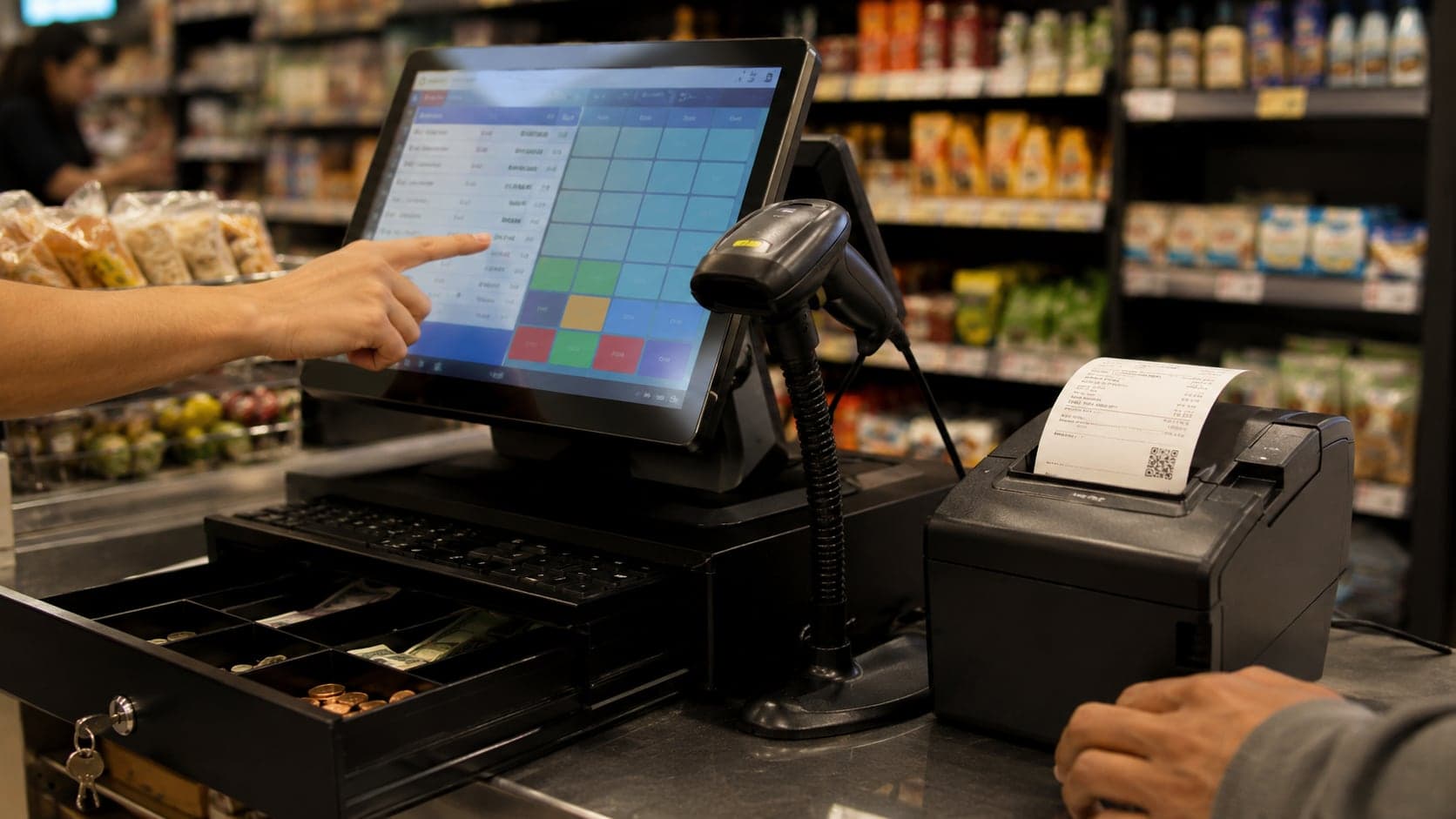
Start with the device you have plus a scanner and receipt printer; let real friction — not a sales brochure — tell you what to add next. The POS overview lists what is worth having versus skippable at the start. Small-shop rule: prefer parts you can replace in an afternoon over sealed all-in-one terminals; test screens in your actual shop lighting, add a mobile hotspot as backup for cloud POS, and buy spare paper before you need it.
Daily routines that keep your POS honest
Software does not replace shop discipline — it amplifies it. Three routines, borrowed from good cash handling and adapted for digital tills, keep small-business POS trustworthy:
Morning:open shift on the device, confirm printer has paper and prints a test line, glance at low-stock alerts if you use them, note yesterday's close any unexplained gap still under investigation. Do not start selling on a printer that failed the test — customers will ask for receipts you cannot produce.
During trade: receiving deliveries updates stock in the system when cartons arrive, not at week-end. Price changes from suppliers propagate to the catalog before the altered goods hit the shelf. Ad-hoc discounts get a named reason in the note field when the software allows — future you will wonder why margin dipped on Tuesdays.
Evening close: run the Z-report or day close, count cash by denomination, compare to expected cash, record wallet and card totals from the report against app settlements weekly. Post credit sales to customer accounts before leaving — the same rule as paper ledgers: later never comes.
Weekly, export sales and skim top movers and dead stock. Monthly, reconcile stock on hand for your top twenty SKUs with a quick walk of the shelf — the inventory guide's cycle count section describes a light version that takes twenty minutes.
Shops that treat POS as a counter ornament get ornament-quality data. Shops that treat it as the sales chapter of a larger records habit — cash book, stock, credit — get decisions: what to reorder, what to discontinue, whether the second clerk is worth the wage, whether this month's profit is real or sitting in customer pockets. That is the whole point of starting simple and staying consistent: the register becomes a thermometer for the business, not a subscription you resent.
FAQ
Frequently Asked Questions
Quick answers to common questions about this topic.
Do I need a POS system if I only sell twenty items a day?
Not necessarily — a duplicate bill book and a cash book can serve a very low-volume counter if the owner is present and credit is rare. POS earns its keep when volume makes mental arithmetic unreliable, when staff other than the owner sell, when you need stock counts that match sales, or when customers expect itemised receipts and card payments. The threshold is operational pain, not a magic sales number.
Should I buy the cheapest POS I can find?
Cheap is fine if the software does the three jobs you actually need — fast sales, honest records, and stock that updates — and if support exists when something breaks on a Saturday morning. The expensive mistake is not paying a few dollars more per month; it is paying for enterprise modules you never open, or choosing software that cannot export your data when you outgrow it.
Can I run POS on my personal phone or tablet?
Many small shops start exactly that way, and it works for a trial or a single counter with modest volume. The trade-offs are durability (consumer devices drop and spill), shared use (personal messages beside the till app), and printing (tablets need a separate receipt printer). A dedicated counter device — even a modest Android tablet kept at the till — signals to staff that the register is work equipment, not a borrowed phone.
How long should staff training take?
A counter clerk who can already use a smartphone should ring a basic sale within an hour of supervised practice. Give them a second session on returns, voids, and the one credit workflow you allow. The habit that takes longest is not button-pressing — it is ringing every sale, every time, including the small ones the owner used to absorb informally.
What if the internet goes down?
Clarify this before you buy. Cloud POS that stops entirely offline is a problem in neighbourhoods where connectivity flickers. Look for software that queues sales locally and syncs when the link returns, or keep a fallback duplicate bill book for true outages. Test offline mode during your trial — do not discover it on your busiest day.
When is it worth paying for inventory and accounting modules?
Add inventory when you can no longer eyeball the shelf and reorders are guesswork — usually when SKU count passes a few dozen or when shrinkage has a cost you feel but cannot name. Accounting integration matters when a bookkeeper or tax filing needs structured exports, not when you still close the day in a notebook. Modules you open weekly earn their fee; modules you open never are rent.