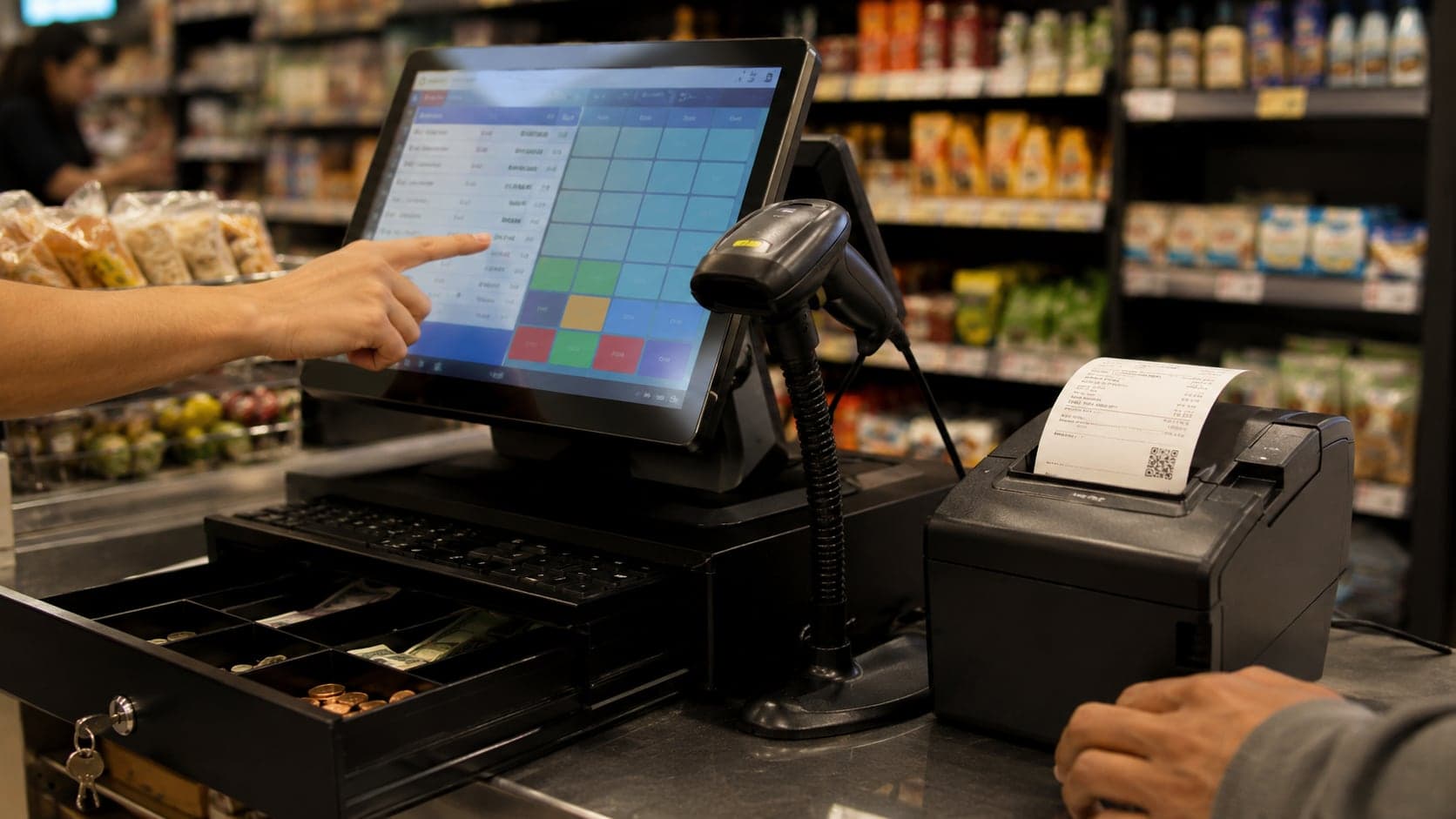
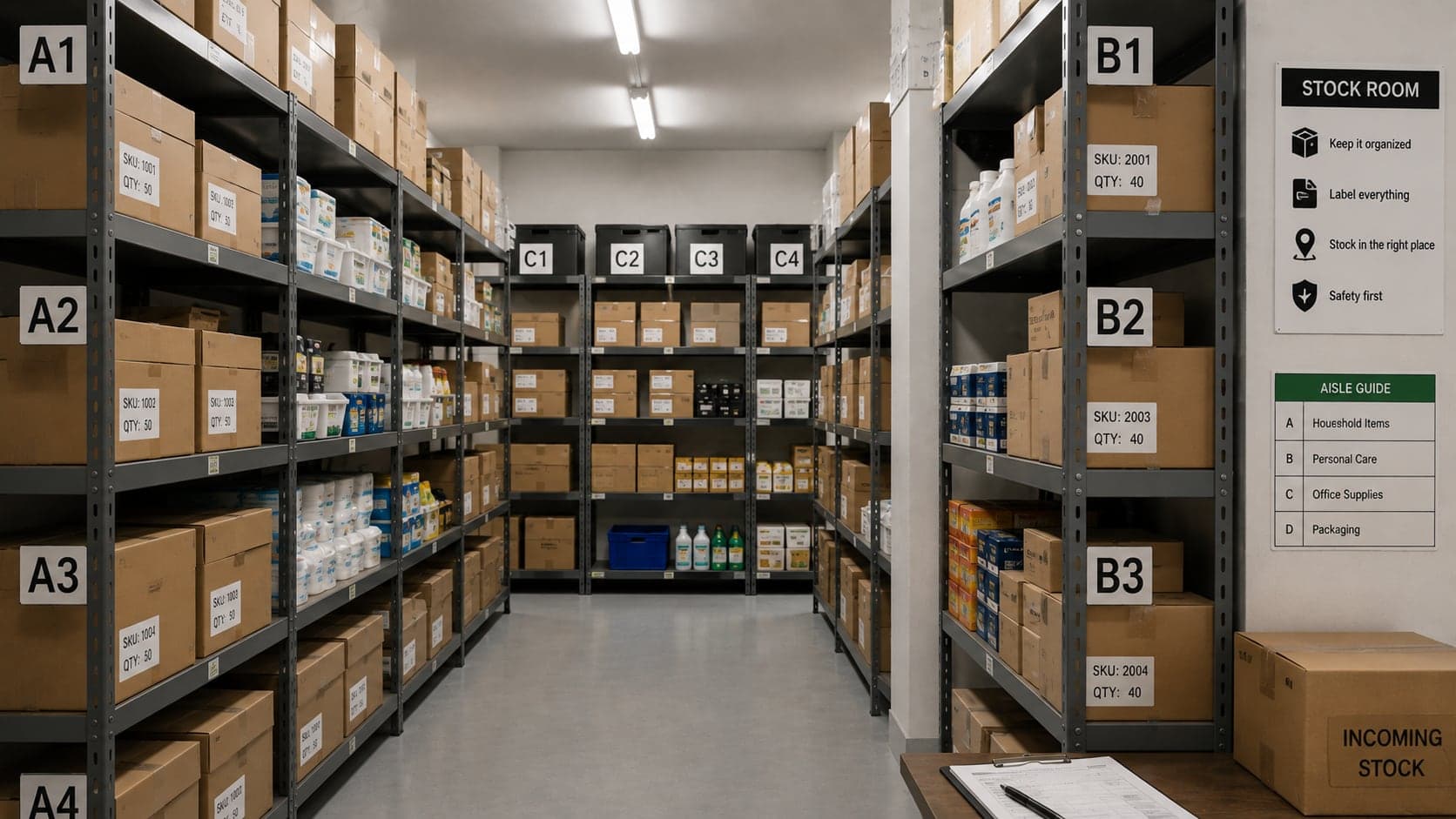
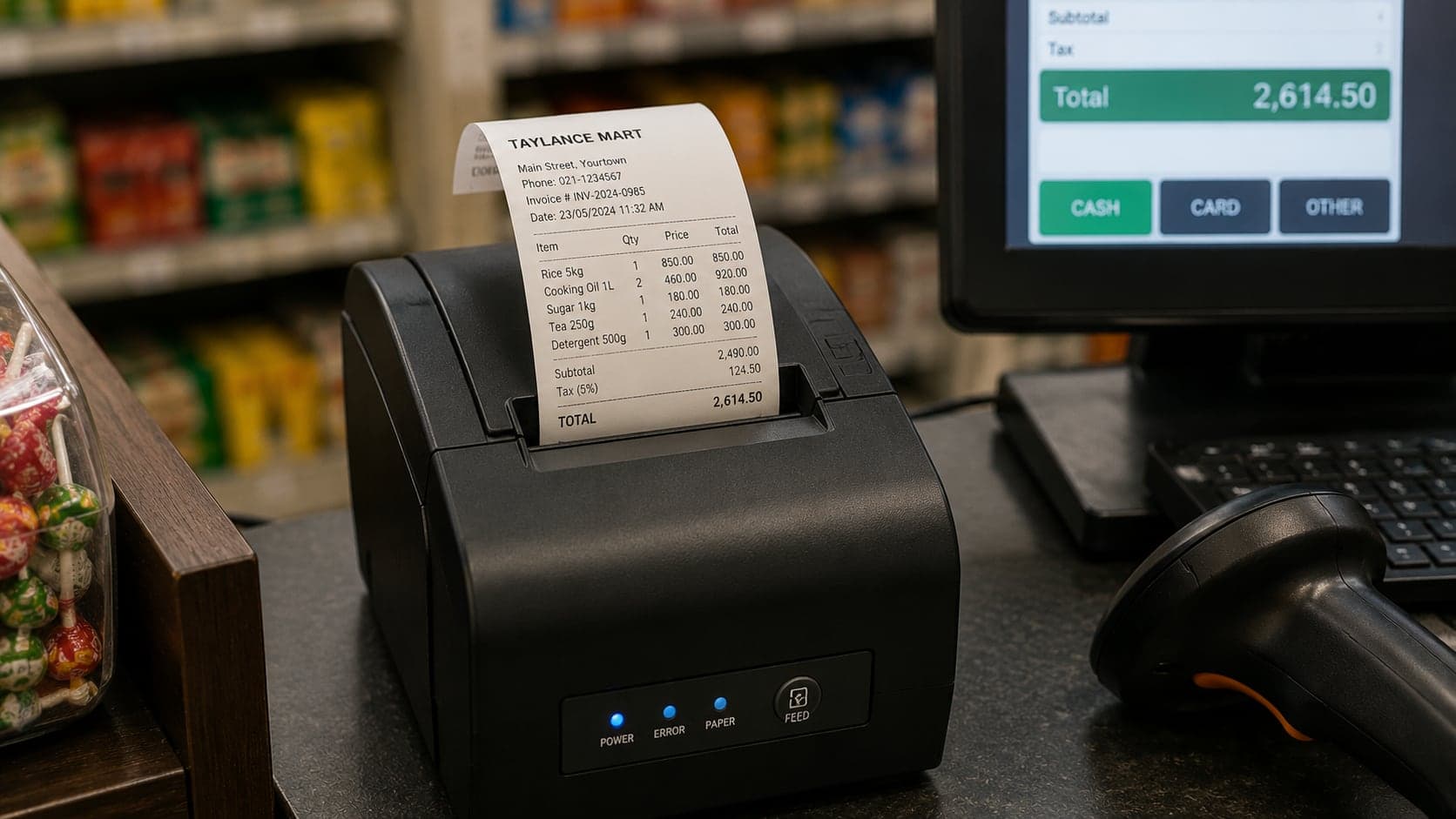
How to Choose Shop Management Software: A Buyer's Guide
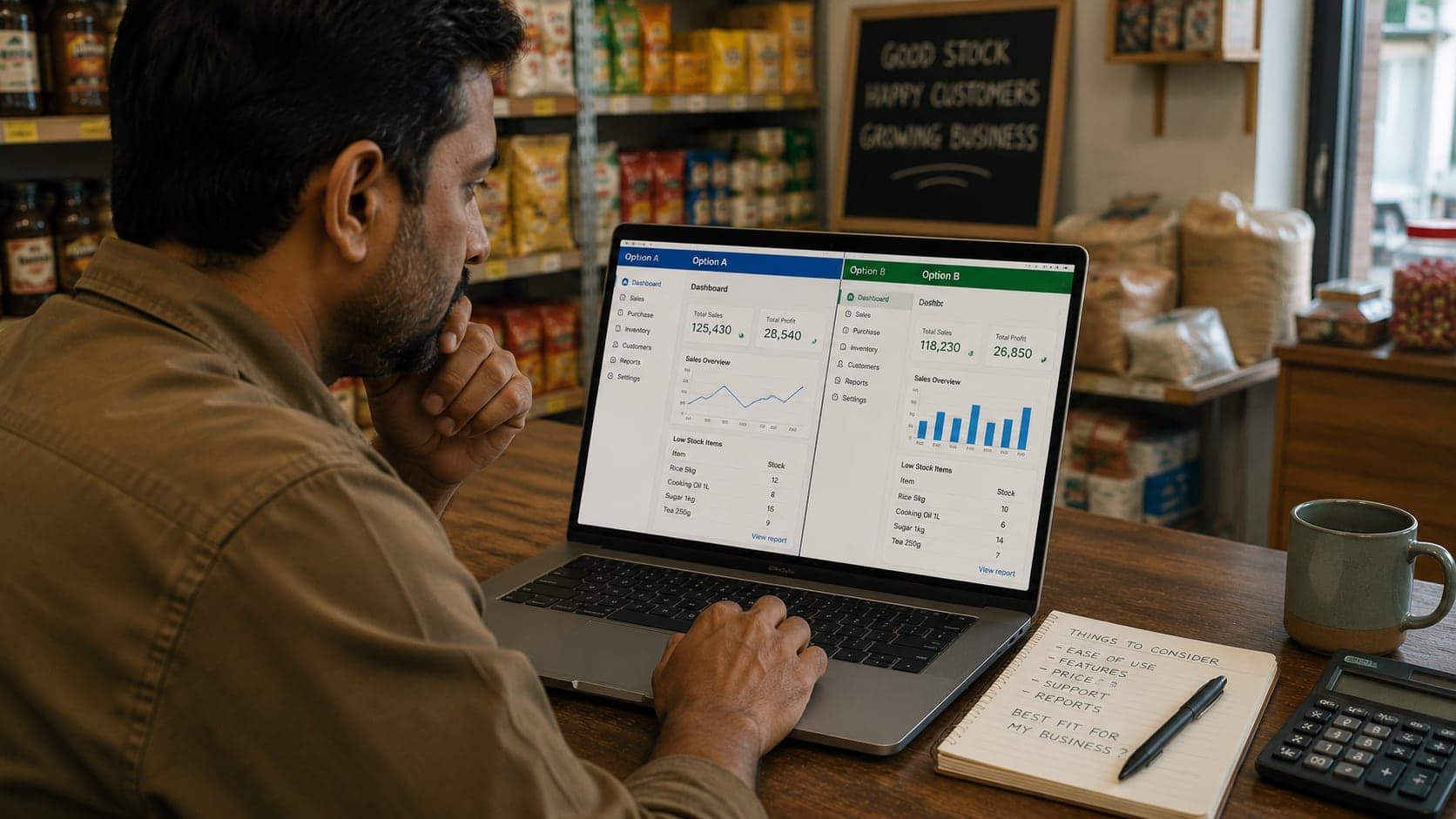
Shop software is bought badly more often than it is built badly. Owners buy from a demo that showed the vendor's best screen, for problems they do not have, at a price that was only the first of several — and a year later the “system” is one more login nobody opens. This guide is a seven-step process to buy once, correctly: know your problems, rank your needs, choose an architecture, verify features, price the whole thing, trial it honestly, and migrate without losing a week of business.
Write down your actual problems first
Not features — problems. Before opening a single vendor website, spend two evenings listing what genuinely goes wrong in the shop, in plain sentences with names and frequencies. The list is the whole foundation of the purchase, and nobody can write it but you. A real example from a two-counter grocery and household shop:
- Queues stall at rush hour because totals are added by hand. (Daily)
- Credit balances live in a notebook only the owner can read. (60+ customers)
- We found expired stock worth a week's profit in March. (Quarterly-ish)
- Evening cash rarely matches anyone's expectation. (Weekly)
- The second counter cannot sell when the owner is away with the price notebook. (Weekly)
Notice what the list does: it converts a vague itch (“we should get a system”) into acceptance criteria. Software either fixes queue speed, credit tracking, stock visibility, cash reconciliation, and price availability — or it is the wrong software, however handsome the dashboard. If you cannot produce such a list, stop; you are not ready to buy, and that is a cheaper discovery now than after the subscription.
Write the list with the people who feel the problems. The owner knows the credit notebook is fragile; the cashier knows exactly which four products stall every queue and that the calculator's memory key stopped working in June. Fifteen minutes of asking “what wastes your time every day?” at the counter produces requirements no amount of solitary desk-thinking will find — and it enrols the very people whose adoption will decide whether the system lives, months before you ask them to change how they work.
Separate must-have from nice-to-have
Translate each problem into the capability that solves it, then sort ruthlessly into two columns. From the list above:
Must-have: fast barcode selling; customer accounts with running balances and statements; stock quantities with expiry visibility; a daily close report; cloud access so both counters share one price list.
Nice-to-have: loyalty points, WhatsApp receipts, a supplier portal, fancy charts. Pleasant, but none of them caused a listed problem.
The discipline matters because sales demos are engineered to make nice-to-haves feel essential. A feature you were not missing yesterday is a feature you can shop without tomorrow — while a missing must-have will be felt every single day of the contract. When comparing products later, score only the must-have column; let the nice-to-haves break ties, never make decisions.
Decide where it should run: cloud or installed
This single architectural choice shapes cost, risk, and daily life more than any feature, so make it deliberately. Installed software lives on one shop computer and keeps working through internet outages; its data is exactly as safe as your backup habit, remote access is effectively unavailable, and a second branch becomes an unsolvable puzzle. Cloud software runs in a browser against the vendor's servers; a dead till is a shrug (sign in from another device), the owner sees the shop from anywhere, branches share one truth — and an internet outage without an offline mode stops the counter.
The tie-breaker questions are concrete: How many hours a month is your connection actually down? (Measure; do not guess from grievance.) Do you ever need the shop's numbers when not standing in it? Is a second location plausible within three years? Who, honestly, will run backups of an installed system every single week? Shops with dependable connectivity or genuine multi-branch ambitions lean cloud; shops with brutal connectivity and one disciplined owner can run installed well. A fuller comparison table lives in the POS systems guide.
Building the shortlist: where to actually look
With the architecture decided, gather three to five candidates — more than that and the comparison becomes its own project. The productive sources, in order of signal quality: shops like yours (same trade, similar size — ask what they use, what broke, and what they would choose today, which is often a different answer); your hardware or wholesale suppliers, who watch dozens of counters run dozens of systems and know which vendors' customers complain; and only then open searching, where you should weight recent reviews that mention support experiences over feature lists, which every vendor writes identically.
Two filters prune the list fast before any demo. Drop anything that fails your architecture decision from step three — a desktop-only product when you chose cloud is a dead end, however polished. And drop anything you cannot see pricing or a trial for within ten minutes of looking; the buying experience is the vendor's best behaviour, and opacity now is a preview of year two. What survives goes to the feature check below.
Verify features against your list — by area
Now, and only now, open vendor websites. Check the must-have column against each candidate, area by area, and be suspicious of checkmarks: a brochure “yes” and a usable implementation are different products. What verification looks like per area:
- Selling: watch an actual sale entered — scan, quantity change, discount, hold, resume, return. Count the clicks. The counter screen is used five hundred times a day; friction there is friction everywhere.
- Stock: does quantity fall on sale and rise on purchase automatically? Can you adjust with a reason? Do reorder-level warnings exist? If you handle expiry, can it record dates?
- Accounts: named customer and supplier balances, payment recording with receipts, printable statements, and an ageing view. (What good ledgers look like is covered in the accounting guide.)
- Staff: individual logins, roles that separate cashier from manager from owner, and an activity trail on voids and discounts.
- Reports: ignore the gallery of charts; check for the four you will actually open — daily close, sales by item, stock on hand with value, and receivables ageing.
- Hardware: works with ordinary ESC/POS thermal printers and USB scanners you can buy locally — not only a blessed hardware list imported at vendor prices.
Turn the verification into a scorecard
Comparing three products from memory is how the best demo — not the best product — wins. A scorecard keeps the comparison honest, and it takes ten minutes to make: must-haves down the side, one column per candidate, and a score of 0 (missing), 1 (present but clumsy), or 2 (present and pleasant) in each cell — filled in while you are actually looking at each product, never after.
| Must-have | Product A | Product B | Product C |
|---|---|---|---|
| Fast barcode selling | 2 | 2 | 1 |
| Customer accounts + statements | 1 | 2 | 0 |
| Stock with expiry visibility | 0 | 1 | 2 |
| Daily close report | 2 | 2 | 2 |
| Both counters, one price list | 1 | 2 | 1 |
| Total | 6 | 9 | 6 |
Two readings matter more than the total. A zero on any row is a veto, not a deduction — Product C's missing customer accounts disqualifies it for this credit-heavy shop no matter what else it does well. And a column of ones is a product that will technically do everything while pleasing nobody; ones are where you go back and watch the screen again before trusting the score. Product B goes to trial. The scorecard also becomes your trial agenda: every row gets exercised with real data before money moves.
Price the whole thing, not the sticker
Software cost is a system with several parts, and vendors quote only the flattering one. The full bill for year one, itemised:
- Licence or subscription — and the unit it scales by: per shop, per counter, per user. A per-user price that looks cheap for you alone triples the day two cashiers join.
- Hardware you do not already own — computer, scanner, printer, drawer.
- Data entry— someone's days typing products and opening balances, priced honestly even if the someone is you.
- Training and the slow first week — plan it in a quiet season and it costs patience; plan it in the rush and it costs customers.
- The add-ons— the module you assumed was included, the “premium support” that turns out to be the only support, the per-SMS fees. Ask for the complete price list in writing.
A worked comparison makes the shapes visible. Product A: one-time licence 400, annual support 80 from year two. Product B: subscription 15 monthly, everything included. Over three years, A costs 560 and B costs 540 — near enough the same, and the sticker prices told you nothing. The real differences were elsewhere all along: who does backups (A: you, nightly, forever; B: the vendor), what a dead computer means (A: a crisis; B: an inconvenience), and what leaving costs (see red flags below). Price the three-year picture and the operational risks together, then decide.
Ten questions to ask every vendor before paying
Feature lists answer what the product does today. These questions answer what owning it is like — ask them in writing, and keep the written answers with the contract:
- Can I export all my data — products, customers, balances, full sales history — myself, any time, in a standard file format?
- Where is my data physically stored, and how often is it backed up? What is the most data I could lose in a bad failure?
- If I stop paying, what happens on day one, day thirty, and day ninety? Is there read-only access to wind down?
- What exactly does support include — hours, channel, response time — and what costs extra? Who answers at 8 p.m. on a Saturday when the counter is down?
- What did the last price increase look like, and how much notice was given? (The history predicts the future better than the promise.)
- Which printers and scanners do you support — a standard (ESC/POS, ordinary USB scanners) or a blessed hardware list?
- Can roles restrict what my staff see and do — and is there an activity log on voids, discounts, and price changes?
- How do updates arrive, and can an update change my workflows without warning? Is there a way to know what changed?
- Will you help migrate my existing product list and opening balances, and is that help included or billed?
- Who owns the data legally — and is it ever used, aggregated, or shared outside my account?
No small-shop vendor will have perfect answers to all ten, and that is fine. What you are listening for is comfort with the questions. A vendor who answers plainly — including the unflattering parts — is showing you what support conversations will feel like in year two. A vendor who deflects to a salesperson for question one has answered it.
Run a trial like you mean it
Most trials are wasted: an owner clicks around the demo data for twenty minutes, feels vaguely impressed, and signs. A trial that actually de-risks the purchase looks like a rehearsal:
- Enter your own fifty fastest-moving products — real names, real barcodes, real prices. Demo data hides every friction that will annoy you daily.
- Run one full real day in parallel: every actual sale, entered by the actual cashier, on the actual counter computer, receipts printed on your actual printer.
- Exercise the ugly paths deliberately: a return, a void, a price override, a held bill, a part payment on a credit account, a reprint from history.
- Do the evening close from the system and reconcile the drawer against it.
- Break something on purpose: pull the internet cable mid-sale (cloud), or kill the power and see what survived (installed).
- Send support one real question mid-trial and time the answer — you are sampling the service you will live with, while they are still courting you.
One caution from painful experience: do not run two systems (or system plus paper) longer than a planned week or two. Parallel running is a test, not a lifestyle — past its purpose, staff pick a favourite, the other record rots, and you learn nothing except who hates change least. Set the cutover date before the trial starts.
Reading the paperwork: five clauses worth two minutes each
Nobody reads software terms for pleasure, but five clauses decide most later disputes, and finding them takes ten minutes total. Renewal: does the subscription renew automatically, at what notice period, and can the price change at renewal without your signature? Data on exit: what the contract — not the salesperson — says you may take with you, and for how long after cancellation it remains available. Uptime and remedies for cloud products: what the vendor owes you when the service is down on a Saturday (usually service credits; occasionally nothing — worth knowing which). Liability: nearly every contract caps it at a few months of fees, which is normal, and is also the quiet reason your own export-and-backup habit matters regardless of vendor promises. Jurisdiction: whose courts, which country — mostly irrelevant until the one day it is the only thing that matters. None of these should scare you off a good product; all of them should be known before money moves, because afterwards they are non-negotiable by definition.
Migrate without drama
The switch itself is a small project with a known recipe. Pick a cutover date in your quiet season. Before it: products entered (fast movers first — the tail can join later), customer accounts created, and opening balancesagreed and entered as of the cutover — every credit customer's balance, ideally acknowledged by them, and your supplier balances too. The evening before: final paper close, drawer counted, stock of key items counted for opening quantities. The morning of: first sale goes through the system, the bill book goes in a drawer (not the bin — it is your archive), and for two weeks the owner checks the daily close personally against the drawer. Expect the first week to run slower and say so out loud to staff in advance; announced slowness is adjustment, unannounced slowness is “the system is bad.”
The first ninety days after cutover
Buying well and migrating cleanly still leaves the stretch where systems are actually won or lost: the first three months. A simple cadence keeps the investment honest —
- Weeks 1–2: the owner reconciles the daily close against the drawer personally, every evening. Every mismatch is chased the same day — this is when data-entry habits are formed, and habits formed now are permanent.
- Weeks 3–4: finish entering the product tail (everything that has crossed the counter and was missing), and review the first full-month reports against your old gut numbers. Large surprises are either insight or entry errors; identify which while the month is fresh.
- Month 2: revisit the problem list from step one, line by line, and mark each: fixed, improved, unchanged. Unchanged items get a specific plan — a setting, a habit, a support ticket — or an honest admission that the software does not solve them.
- Month 3: test the export (download your data and open it — an untested export is a rumour), check the backup story end to end, and only then let the old paper system leave the counter drawer for the archive box.
At day ninety, one question decides whether the purchase worked: would the counter staff give it up? If the answer is a groan, the system has become infrastructure — the quiet kind of success. If the answer is a shrug, find out what they still do outside the system, because that gap is where the old problems are living.
Red flags, whatever you buy
- No data export. If products, customers, balances, and history cannot leave in a usable file, you are not buying software; you are moving into it. This one item is worth walking away over.
- Prices only on request. Costs that require a salesperson to reveal tend to keep revealing themselves after purchase.
- Every question answered with a bigger plan. If the basics you named in step two live in the “enterprise” tier, the affordable tier is a brochure.
- Proprietary-only hardware. A system that refuses standard printers and scanners converts every future hardware failure into a vendor purchase order.
- No trial at all. A vendor who will not let the product meet your counter before payment is telling you how that meeting usually goes.
- Support that was slow while selling. It does not speed up after the invoice clears.
Bringing the staff along
Systems are abandoned by people, not by computers, and cashiers can sink software they never chose. The prevention is ordinary respect: involve the main counter person in the trial (their objections are usually the sharpest product review you will get), train on real tasks rather than menu tours, print a one-page cheat sheet for the till, and hold the line on the habits that matter — every sale through the system, every login personal, every void with a reason. The owner going around the system “just this once” teaches everyone the system is optional. It is the one lesson staff learn instantly.
When not to buy anything
An honest buyer's guide ends by naming the case where the answer is “nothing, yet.” If the shop is one person, thirty cash sales a day, no credit, and no second counter on the horizon, a disciplined bill book and the routines from the accounting guide solve most of what software would — for free. Buy when a listed problem recurs weekly and has a price on it: queues that lose customers, credit that goes foggy, stock bought twice, cash that will not reconcile. Software purchased against real, named, costed problems gets used. Software purchased against a feeling gets a login nobody remembers by spring.
FAQ
Frequently Asked Questions
Quick answers to common questions about this topic.
Should I buy an all-in-one system or separate tools?
For a shop, integrated beats assembled. Sales, stock, and customer balances are one circulatory system — a sale must move all three at once. Separate billing, inventory, and accounting tools mean re-typing between them, and re-typing is where records diverge. Reserve the separate-tools approach for needs the integrated product genuinely lacks.
Do I need new computers to run shop software?
Usually not. Cloud products run in a browser and are happy on modest, older machines — the browser, not the software, sets the bar. Installed products list minimum specifications; mid-range hardware from the last several years generally clears them. Spend on the things that touch every sale first — a decent scanner, a reliable printer — before upgrading a computer that merely feels old.
How long should choosing take?
For a small shop: two evenings on the problem list, an evening shortlisting two or three candidates against it, a one-to-two week honest trial of the leader, then a decision. A month end-to-end. Longer usually signals a missing problem list — without acceptance criteria, no amount of comparing ends the comparing.
The shop next door uses X and likes it. Enough?
It is a useful shortlist entry and a real reference — ask them what broke, what support was like, and what they wish they had asked. But their must-have column is not yours: a cash-only boutique and a credit-heavy wholesaler can both "like" systems that would fail the other. Run your own step one regardless.
Can I switch products later if I choose wrong?
Yes, at a cost measured mostly in re-entry and retraining — which is why the export question is a walk-away item and why opening balances deserve care the first time. A practical safety net: after the trial, export whatever the system lets you export and file it. If you ever migrate, products and customers move in files; history usually stays behind, so close out reports (a year-end summary, final statements) before leaving any system.
What about free software?
Free tiers and open-source options are legitimate candidates — run them through the same seven steps. Price the parts that are not free: your time as the system administrator, paid add-ons for must-haves, and what support means when nobody is paid to answer. Sometimes free wins honestly. It just rarely wins by being free.