Retail POS Software: What Store Counters Actually Need
If you are new to point-of-sale software, start with our POS systems explained guide — it covers what a POS does, hardware basics, costs, and how retail and wholesale counters differ. This guide goes deeper on the retail half only: counter speed, scanning, returns, payments, and the reports owners actually open.
Retail POS sits at the busiest point in your business — the moment a customer decides to buy. It is shaped by walk-in anonymity, mixed payments, and the small frictions that turn a queue into lost sales, not by named accounts and delivery invoices.
Retail POS vs wholesale billing
Retail POS optimises throughput: anonymous walk-ins, scan-or-search entry, payment now, receipt out. Wholesale billing optimises relationships: named accounts, carton units, per-customer prices, and invoices on credit. Hybrid shops need software that handles both without forcing every walk-in through an account screen. The POS overview compares the two counter types in detail; for wholesale invoicing and party ledgers, see the wholesale billing guide.
Counter speed: what actually slows a sale
Speed at retail is not vanity; it is capacity. A counter that averages forty-five seconds per sale can serve roughly eighty customers an hour with one operator. Push that to ninety seconds and the same hour serves fifty — thirty fewer transactions, or a longer queue that sends people away. Software speed is only part of the equation; workflow design matters more once the system is “fast enough.”
Common bottlenecks, in order of how often they appear in small shops:
- Item lookup. Typing names, scrolling categories, or waiting for search results. Barcodes remove this for packaged goods; favourites and recent items remove it for repeat sellers.
- Quantity and weight entry. Produce, fabric, and hardware sold by measure need a scale integration or a quick numeric keypad — not a modal dialog that covers the cart.
- Payment switching. Customer pays partly cash, partly wallet. Software that treats split payment as an exception rather than a one-tap flow adds friction every time.
- Receipt and change.Slow printers and unclear change displays keep eyes off the next customer. A readable total on the customer-facing side reduces “how much was that?” rewinds.
- Overrides without rules. When every discount or price change requires leaving the sale screen, staff learn workarounds. Workarounds are where stock and cash diverge.
Measure speed with a stopwatch during your trial: time ten representative baskets from first item to receipt torn. Include at least one awkward basket — mixed scan and manual entry, a return line, a split payment. If the slowest basket exceeds two minutes on trained staff, ask whether the delay is training, hardware, or software design before you blame the operator.
Layout and training habits
Even excellent software slows down when the register layout scatters common actions. Place new sale, hold/recall, discount, payment, and reprint on consistent positions. Train staff to complete the current line before answering the phone — half-finished sales are where duplicate scans and wrong quantities hide. A fifteen-minute opening drill on hold/recall and void versus return saves hours of month-end reconciliation.
Barcode scanning at the till
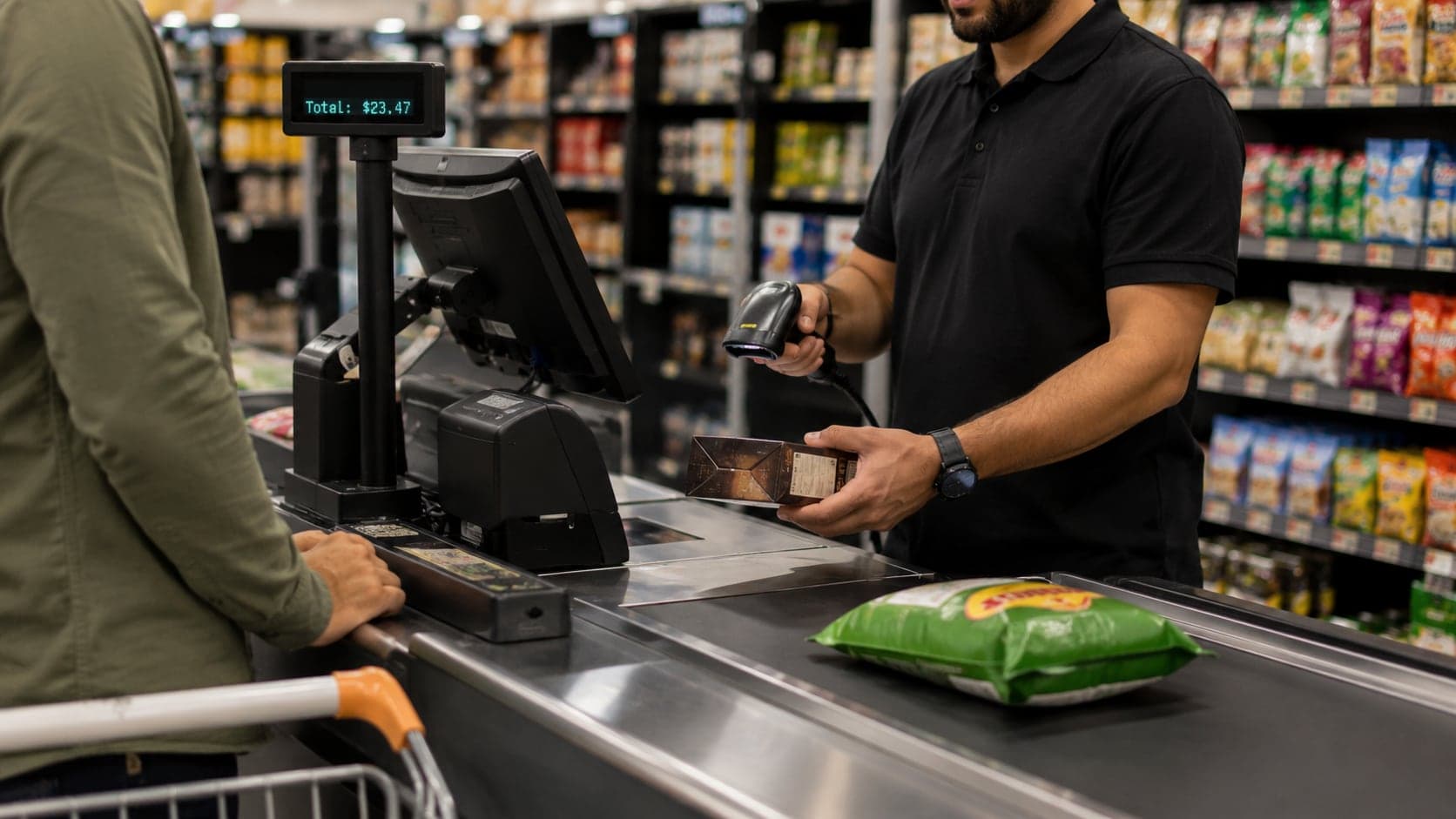
Barcode scanning is the single largest accuracy gain available to a retail counter selling packaged goods. Scanning sends the correct SKU, price, and tax treatment in one action; manual entry sends whatever the operator remembered or guessed. The inventory management guide covers stock records; here the focus is what happens at the moment of sale.
Manufacturer codes. Most branded products arrive with EAN or UPC barcodes. Link each code once to your product record; every subsequent scan is automatic. Duplicate codes — two different products sharing a supplier code — must be resolved before go-live or scans will silently attach to the wrong item.
Your own labels. Bulk goods, repacked items, and local products need labels you print. Retail POS should generate barcode labels from the product record and accept scans the same way as factory codes. Weigh-scale barcodes (price embedded in the code) need explicit support; not every system parses them correctly.
Scanner hardware. USB and Bluetooth laser scanners dominate small shops. They should work as keyboard input — scan beep, line appears — without proprietary drivers that break after an update. Test wireless range if the scanner lives on a crowded counter with metal tills and receipt printers nearby.
When scanning fails. Damaged labels, cosmetics without boxes, and market-day pop-ups will always need manual lookup. Good software makes manual entry a fast fallback: type three letters, pick from five results, continue scanning the rest of the basket. Punishing staff for unscannable items encourages off-system sales.
Returns and exchanges without chaos
Returns are where retail trust meets inventory truth. A customer expects fairness; you need stock back in the right place, cash or credit reversed correctly, and a record that explains why today's sales figure differs from the drawer. Paper systems handle returns with scribbled notes; retail POS should handle them as first-class transactions, not as negative hacks.
A workable returns workflow has four parts:
- Link to the original sale when possible. Lookup by receipt number, date, or customer phone pulls the exact lines back. Linked returns restore the same SKU, price, and tax; blind returns need manual item selection and manager oversight.
- Reason codes. Defective, wrong size, changed mind — short lists, not essays. Reasons aggregate into supplier claims and buying decisions later.
- Restock rules. Sellable goods return to available stock; damaged goods route to a separate status or write-off. Without this distinction, your inventory looks healthy while the shelf is empty of saleable units.
- Refund method. Cash back, original payment reversal, or store credit — each should be explicit. Store credit should post to a customer record or a controlled voucher, not an informal IOU.
Exchanges are simpler when treated as return-plus-sale in one flow: old item in, new item out, pay or refund the difference. Software that forces two separate transactions invites staff to skip the return half and give informal discounts instead — which destroys margin tracking.
Pricing, discounts, and margin protection
Retail pricing looks simple — a number on the shelf — but the till is where price actually happens. Promotions, staff courtesy, price matches, and damaged-goods markdowns all meet at the register. Without rules, the shelf price is fiction by Friday afternoon.
Shelf price as default. Every line should pull the current selling price from the product record. If wholesale-style customer price lists apply to trade buyers at the counter, those should be explicit account rules, not ad hoc edits.
Promotions. Time-bound offers — buy two, percent off category, happy-hour pricing — should activate automatically when conditions match. Manual promotion entry at rush hour will be skipped.
Discount limits. Tiered approval works better than blanket bans: cashiers apply small courtesy discounts; larger ones need a supervisor PIN. Every applied discount should appear on the receipt and in daily reports. The accounting basics guide explains why unrecorded discounts erode net profit faster than owners expect — a ten-percent discount on a twenty-percent-margin item cuts profit in half.
Price overrides. Sometimes you must override — damaged box, price tag missing, matched competitor. Overrides should require a reason and appear in an exception report managers review weekly, not only in the aggregate sales total.
Payment methods at the counter
Cash dominated retail for decades; now most counters mix cash, cards, bank transfers, and mobile wallets — sometimes in one basket. Retail POS must record the method per sale, not just the total, or your daily close will never reconcile with the drawer and the terminal settlement.
Cash. Still the fastest when change is ready. Software should show amount tendered, change due, and support rounding rules if you operate where small coins are scarce. The cash drawer opens on completion, not on every button press — otherwise partial sales leave the drawer open and vulnerable.
Cards and terminals. Integrated terminals push the amount from POS to the reader; standalone terminals need the operator to type the total twice — a proven source of mismatch. Record terminal batch totals in the day-close against card sales in POS.
Bank and wallet transfers.Treat “customer says sent” as unpaid until confirmation appears on your side. POS should allow marking a sale as pending digital payment without releasing goods, or staff will learn to trust screenshots.
Split and partial payments. Part cash, part card, part credit account — common for trade customers who buy retail occasionally. Split flows should stay on one receipt with one stock movement, not three separate sales that confuse inventory.
Credit sales at a retail counter overlap with wholesale billing; if you extend counter credit, tie it to named accounts with limits and post payments to the same ledger your invoicing process uses elsewhere.
Reports retail owners actually use
Enterprise POS ships hundreds of reports; independent retail owners reliably open a handful. If software makes these hard to find, owners export to spreadsheets and the POS becomes a fancy calculator.
Daily sales summary. Total sales, transaction count, average basket, split by payment method. Compared against the drawer and terminal settlement during close. This is the heartbeat.
Hourly or shift breakdown. Shows when the shop earns. Useful for staffing, not just curiosity — a lunch spike with one cashier is a hiring signal.
Top sellers and slow movers. By quantity and by revenue — not the same list. High-volume low-margin items dominate quantity; profit often hides in slower lines with better margin.
Category mix. Which departments carried the week — especially when the shop spans groceries, household, and seasonal goods.
Discount and override log. Who applied what, when, and on which items. Review weekly; patterns here predict shrinkage and training gaps.
Returns summary. Volume, reasons, and restock versus write-off. Spikes after a promotion often mean display or quality issues, not customer caprice.
Stock on hand and low-stock alert. Retail POS should connect sales to inventory without a separate overnight job. If stock counts are always wrong, fix scanning and receiving before you trust automated reorder suggestions.
Monthly, roll daily summaries into the one-page view described in the shop accounting guide — sales, gross margin, expenses, and what customers still owe you.
Hardware at the counter
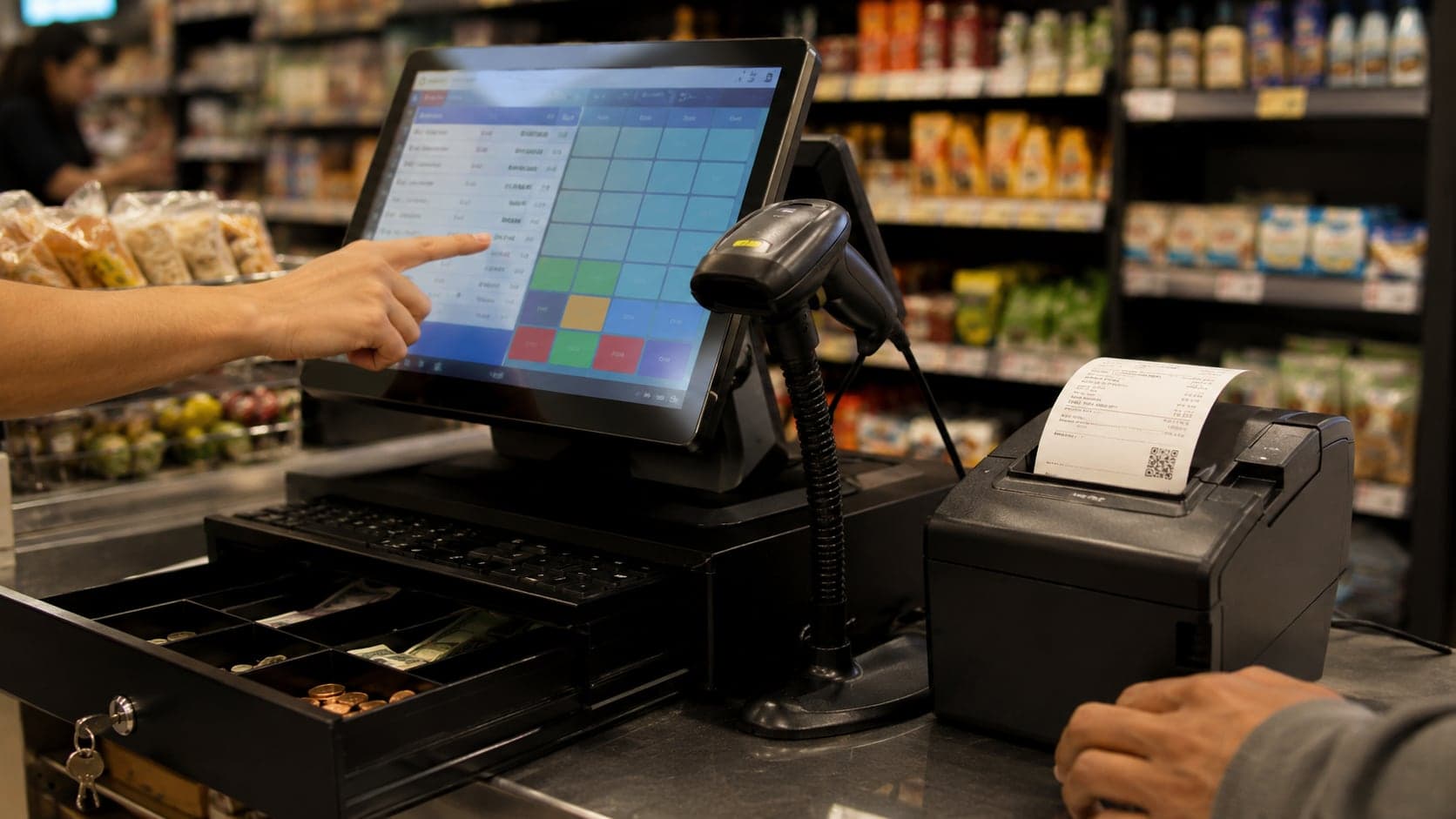
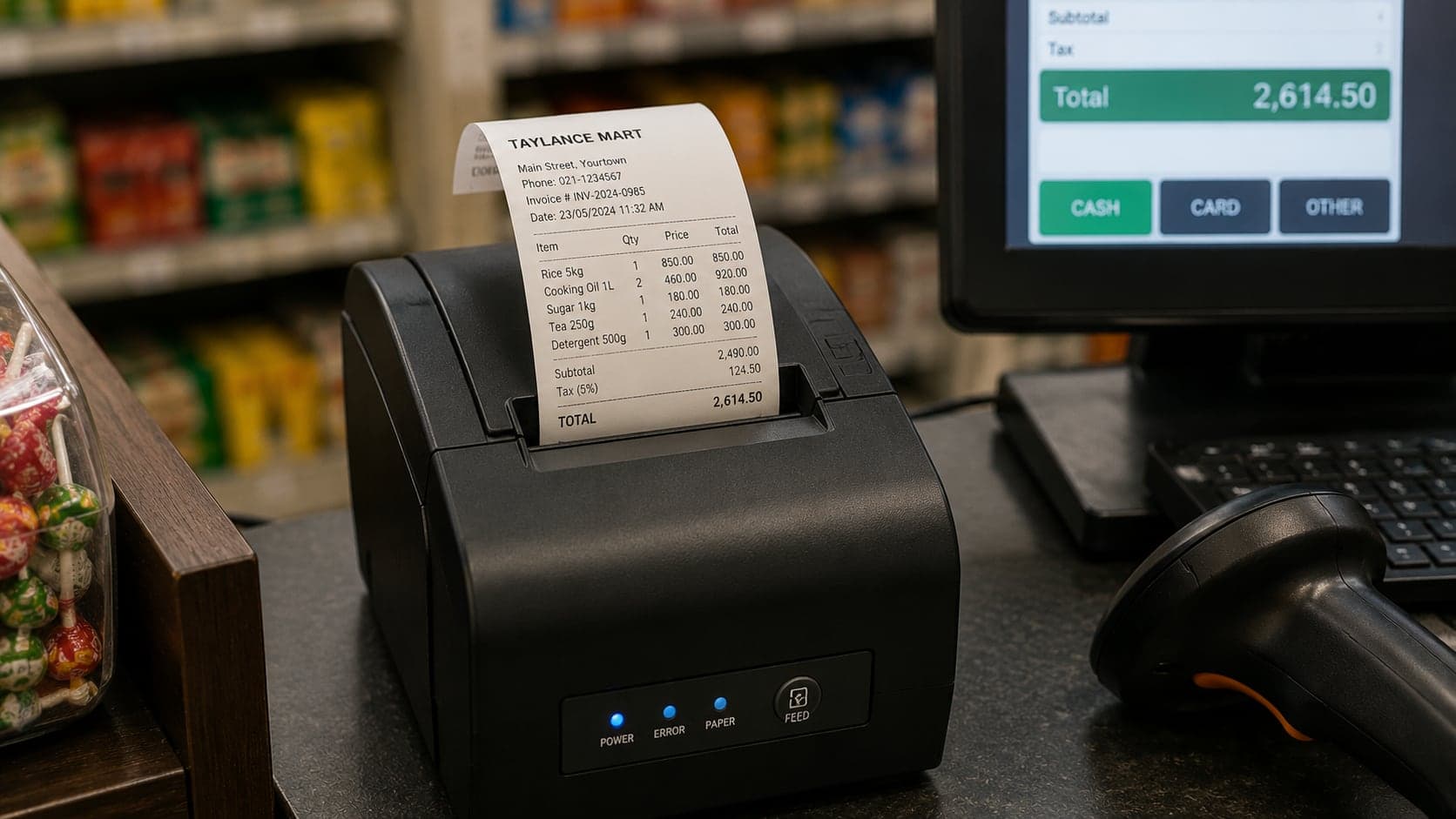
Retail counters typically need a display, thermal receipt printer, and optionally a scanner, cash drawer, and customer-facing display — most modern POS runs on hardware you already own. The POS overview lists what is worth buying first versus what can wait; the receipt printing guide covers 58 mm vs 80 mm trade-offs. Retail-specific rule: keep a spare paper roll visible and one backup printer in storage — consumer-grade thermal printers used twelve hours a day fail mid-month, and downtime at the counter means closing the shop.
Choosing retail POS software
Selection starts with your counter, not a feature matrix. List last week's friction: queues, wrong prices, stock arguments, close mismatches. Those pains become trial scenarios — if the demo cannot solve them, the longest feature list will not either.
Match retail depth. Confirm walk-in sale speed, returns, promotions, split payments, and receipt printing on your hardware. Wholesale-heavy products may retail as an afterthought.
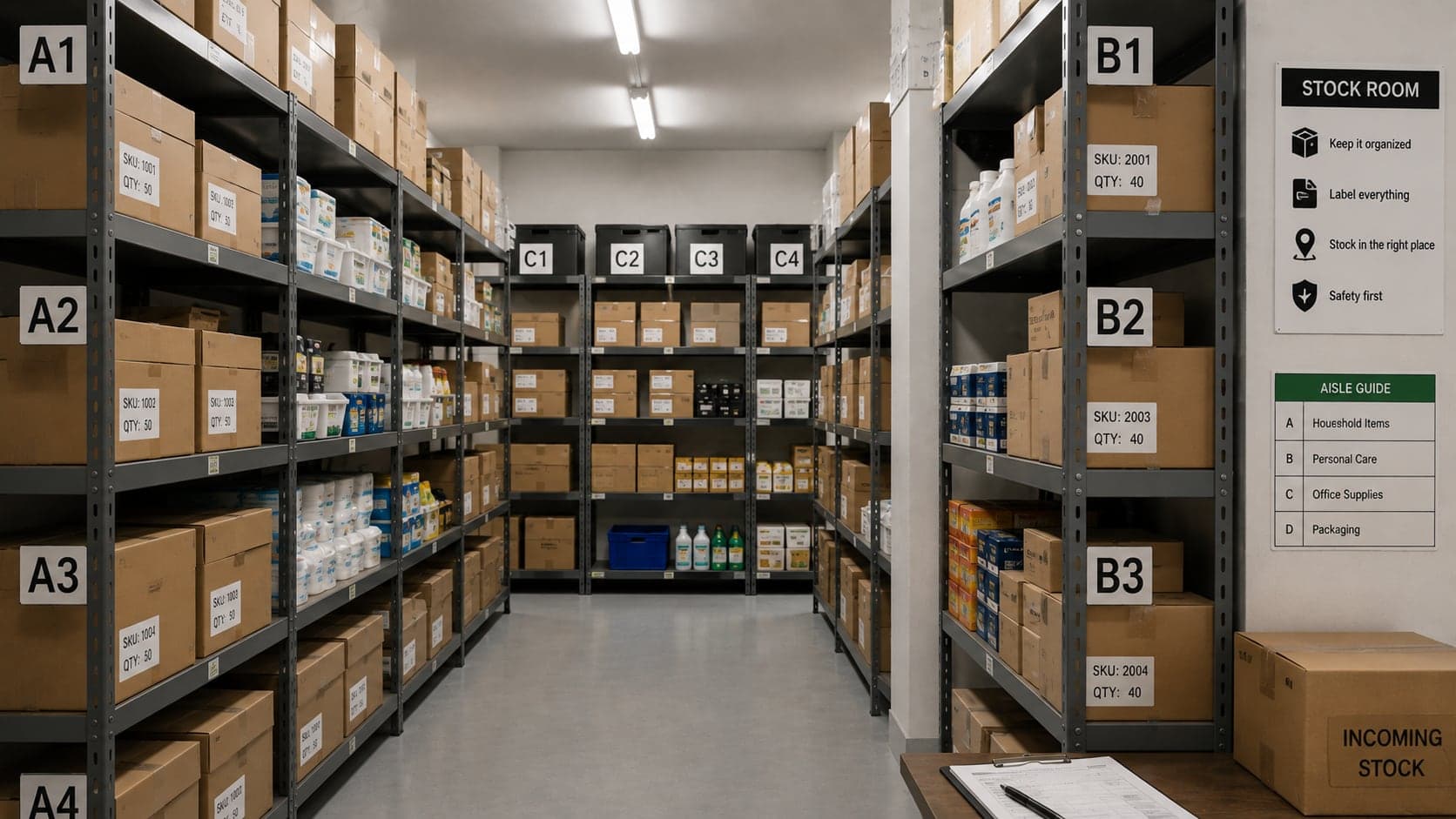
Inventory coupling. Retail without stock updates is a cash register, not shop software. Receiving, adjustments, and counts should live in the same system or sync reliably. Disconnected inventory means trusting the shelf over the screen.
Offline behaviour. If you sell during internet outages, test offline mode explicitly — what works, what queues, what fails. The cloud POS guide covers connectivity trade-offs in depth.
Roles and audit trail. Multiple staff means permissions: who can discount, void, open the drawer, view costs. Every sensitive action should log a name and timestamp.
Export and exit. You should own your product list, sales history, and customer records in standard formats. Vendors change; your data should move.
True cost. Subscription per register, payment fees, hardware, implementation time, and training. A cheaper licence that needs a day of consultant time each quarter is not cheaper.
Run a structured trial: real catalog import, three days of live sales, one deliberate return, one busy-hour timing exercise. Involve the person who works the counter most — their veto matters more than yours. The shop software buyer's guide walks through comparison, negotiation, and migration without repeating vendor talking points.
Retail POS is not glamorous infrastructure. It is the place where customers meet your prices, your staff meet your standards, and your numbers meet reality — one receipt at a time. Choose software that keeps that meeting short, honest, and repeatable.
FAQ
Frequently Asked Questions
Quick answers to common questions about this topic.
Can I use wholesale billing software for a retail shop?
You can, but retail and wholesale workflows diverge quickly. Wholesale tools optimise for named accounts, credit limits, carton units, and invoices that leave with a delivery. Retail POS optimises for anonymous walk-in sales, fast item lookup, mixed payment types, and receipts that print in seconds. A hybrid shop — counter plus trade customers — needs software that handles both without forcing every walk-in through a credit account screen.
How many items should a retail POS search handle comfortably?
Test with your real catalog, not a demo list of fifty products. A neighbourhood shop with 800 SKUs and a department store with 40,000 have different needs, but both should find a product by partial name or barcode in under two seconds on the hardware you will actually use. If search lags during a Saturday rush, staff will bypass the system and accuracy will follow.
Should every discount require manager approval?
Not necessarily — rigid approval for every five-percent courtesy discount slows the line. A better pattern is tiered rules: staff can apply discounts up to a set percentage or amount without a code; anything beyond that needs a supervisor PIN. The goal is to stop silent margin erosion, not to make every negotiation a ceremony. Unrecorded discounts are one of the fastest ways a busy shop loses profit.
Do I need a barcode for every product?
No. Manufacturer barcodes cover most packaged goods; fresh produce, loose hardware, and local items often need manual price entry or shelf labels you print yourself. Good retail POS lets you mix scanned and manual lines in one sale without breaking stock tracking. The inventory guide covers when to invest in your own label system.
What is the minimum hardware for a retail counter?
A reliable screen, a receipt printer, and a cash drawer cover the basics. Add a barcode scanner once scan volume justifies it — usually when more than half your lines are pre-packaged goods. Card readers depend on how customers pay; many shops start cash-only and add terminals when demand appears. Match hardware to your actual payment mix, not to a showroom demo.
How do I evaluate retail POS during a trial?
Run a busy hour, not a quiet Tuesday. Ring up real baskets — mixed items, a return, a split payment, a discount at the limit. Count taps and seconds per sale. Ask staff which steps feel awkward; they will live with the system more than you will. Check that day-close totals match the drawer and that stock moved correctly on scanned lines.