Cloud POS Systems: Benefits, Risks, and When They Fit
If you are deciding whether you need a POS at all, or what hardware and workflows look like at any counter, read POS systems explained first — including its cloud-vs-installed comparison table. This guide assumes you are weighing cloud specifically: internet dependence, offline behaviour, remote access, subscription economics, export rights, and migration.
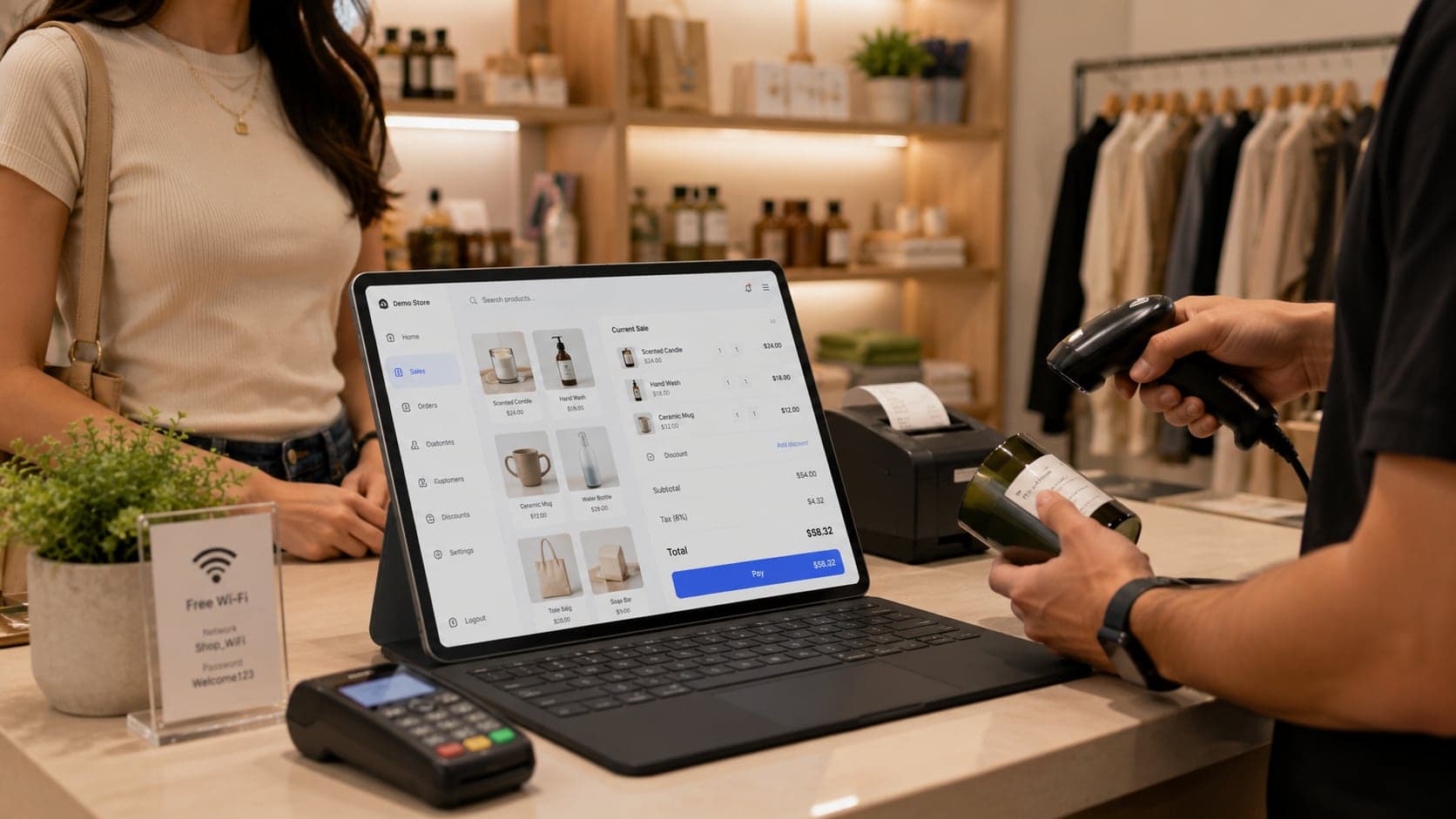
Cloud POS runs your counter through a browser or app while the system of record — products, prices, stock, sales — lives on the vendor's servers. Your device is a window into that record; receipt printers and scanners still attach locally.
How cloud POS works
Each sale looks up price and stock on the server (or a local cache when offline), commits the transaction centrally on payment, and feeds reports from the same database — which is why an owner at home can see today's totals without calling the counter. Installed POS keeps the database on a machine in the shop instead. The POS overview walks through one complete sale step by step; the sections below focus on what changes when the server is remote.
What runs where
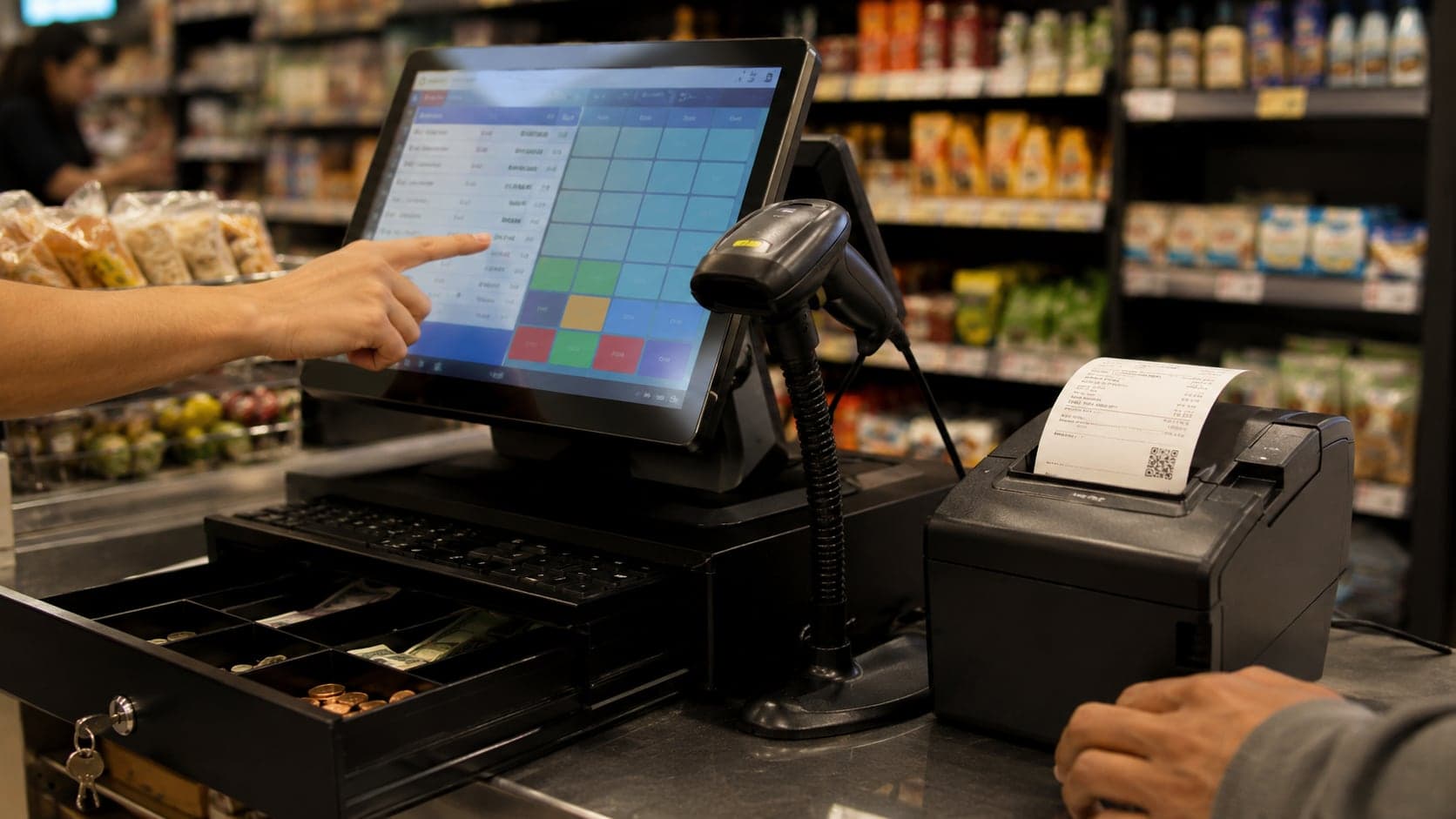
Even cloud POS keeps some logic local. Receipt printers, cash drawers, and barcode scanners attach to your device, not to the data centre. Payment terminals often pair locally for speed. Updates to application code may arrive automatically through the browser or app store — another subscription benefit and another reason to test after each update during a quiet hour.
Internet dependency and offline modes
Internet dependence is the first objection shop owners raise — and the first thing vendors hand-wave. The honest answer: cloud POS always depends on connectivity sometime; good products minimise how much depends on it right now.
Always-online designs. Some systems require a live connection for every scan and payment. Outages halt sales entirely. These are simplest to build and hardest to recommend for areas with unstable power or broadband.
Offline-capable designs. Better retail products cache product data locally, allow sales to queue when the link drops, and sync when it returns. Conflicts — the same last unit sold twice on two offline registers — need explicit rules; usually server-side stock wins and staff reconcile manually.
What often breaks offline. New product lookup beyond the cache, live credit checks, some card authorisations, and multi-location stock views. Card payments may switch to store-and-forward modes with higher fraud limits or decline until online.
Test offline the way you test speed: disconnect the router during a trial sale, ring up five items, take cash, print a receipt, reconnect, and verify stock and totals match. Repeat with a card if you rely on cards. Document what staff must do when the sync icon shows pending transactions — unsynced sales piling up for days corrupt month-end reports.
Backup connectivity is part of architecture, not an admission of failure. A mobile hotspot reserved for POS — not staff phones — costs little compared with an afternoon of closed tills.
Multi-device and multi-location access
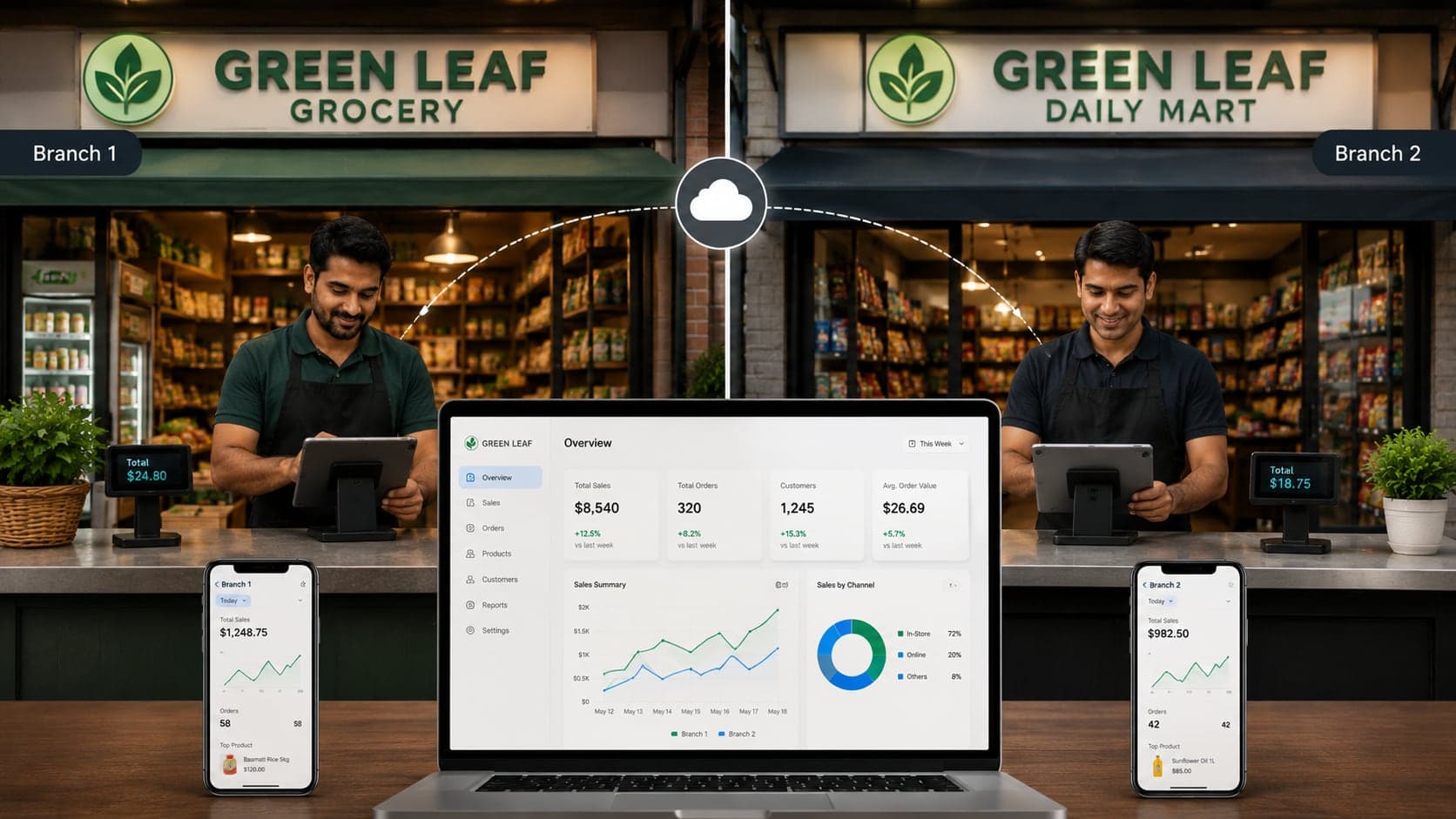
Central storage is cloud's clearest win. Any authorised device with a browser can reach the same product catalog, customer balances, and sales history — subject to permissions. Scenarios where that matters:
- Owner away from the shop.Check today's sales, approve a purchase, answer a stock question without phoning the counter and waiting while staff search.
- Multiple registers. Two counters share one stock pool; overselling the last unit becomes a system problem with a system answer, not an argument between aisles.
- Back office and floor. Receiving goods on a tablet in the storeroom updates stock before the item reaches the shelf.
- Second branch. Shared catalog, separate stock per location, consolidated reporting — the pattern described in the multi-store guide assumes cloud or equivalent central sync.
Multi-device access is also a security surface. Shared shop passwords undo the benefit — every former employee still has keys. Use individual logins, role-based permissions, and session timeouts on tablets left facing customers. Remote access from home should use strong passwords and, where offered, two-factor authentication on owner accounts.
Data security and backups
Security questions for cloud POS split into three: who can reach your data over the internet, who can reach it inside the shop, and what happens if data disappears.
Transport and storage. Reputable vendors encrypt traffic (HTTPS) and store databases encrypted at rest on managed infrastructure. Ask where servers live if data residency rules apply to your industry or country — healthcare-adjacent goods, government contractors, and some franchise agreements care about jurisdiction.
Access control.Your weakest link is usually staff credentials on a shared tablet, not the vendor's data centre. Roles should limit who sees cost prices, exports customer lists, or voids sales. Manager overrides need PINs tied to named users, not one shop-wide code written on the wall.
Backups. Cloud vendors run automated backups; you should still periodic export copies you control — monthly product and customer CSV, quarterly full sales export — stored off the vendor platform. Backups you have never restored are faith, not strategy; download a export occasionally and open it.
Incidents. Vendors publish uptime statistics; none guarantee one hundred percent. Read status pages during trial. A morning outage during peak trade is when you learn whether offline mode and communication channels work as advertised.
Installed POS puts backup responsibility entirely on you — nightly copies, off-site storage, tested restore. Cloud shifts much of that to the vendor; it does not remove your obligation to own export copies for accounting and migration. The accounting guide treats records as survival infrastructure; cloud does not change that principle, only where the primary copy sits.
Subscription vs perpetual licence
Cloud POS almost always sells as subscription — monthly or annual per register, per location, or per user tier. Installed POS historically sold perpetual licences plus optional maintenance; some vendors now hybrid both. Compare total cost over the horizon you realistically keep software — three to five years for most independent shops.
What subscription includes. Hosting, security patches, feature updates, support channels, and payment-integration upkeep. Missing a renewal usually means read-only access or shutdown — your data exists but the counter stops.
What perpetual buys. Right to use a version indefinitely, often with paid maintenance for updates. You host locally — hardware cost, power, backup, and IT time are yours. Stopping maintenance leaves working software frozen at an ageing version, which becomes a compliance and security problem years later.
Hidden lines. Payment processing fees, SMS charges, extra modules for inventory or multi-store, implementation training, hardware leases, and API access for accounting sync. Build a spreadsheet with best-case and worst-case year-one totals before signing.
Subscription wins when you value predictable updates and want no server in the back room. Perpetual wins when internet is poor, data must stay on-premises, or total five-year math favours owned software and you accept maintenance discipline. Neither is universally cheaper — arithmetic beats ideology.
Vendor lock-in and data export
Vendor lock-in is the gap between “we store your data” and “you can leave with your data usable elsewhere.” Cloud amplifies the stakes because daily operations live on their platform; leaving mid-month without export is not viable.
Before committing, verify export paths concretely — not from a sales slide:
- Product catalog. Names, SKUs, barcodes, categories, costs, selling prices — in CSV or spreadsheet form you can inspect.
- Customers and suppliers. Contact fields and opening balances for ledger continuity.
- Stock quantities. Per location if multi-branch.
- Sales history. Line-level detail for trends and tax audits, not just PDF summaries.
- Accounting handoff.Integration or export compatible with your accountant's tools — ties to billing and invoicing records if you migrate document numbering.
Run an export during trial and attempt to map fields to a spreadsheet you would hand a replacement vendor. Proprietary formats that only the same vendor re-imports are soft lock-in. API access helps if you have technical help, but CSV export is the baseline every owner should exercise without a developer.
Contract terms matter: notice periods, data retrieval window after cancellation, and whether they charge for bulk export. A vendor confident in their product rarely punishes departure with data hostages.
Comparing cloud vs installed POS
Cloud POS trades internet dependence and subscription cost for built-in remote access, automatic updates, and easier multi-branch sync. Installed POS keeps working when the line drops but puts backup, security, and server maintenance on you. The POS overview has a full side-by-side table (internet outages, dead computers, pricing, branches). Hybrid setups exist — judge the architecture you will operate daily, not the label on the brochure.
When cloud POS fits — and when it does not
Cloud POS tends to fit well when:
- Internet is reliable enough for daily use, with backup connectivity planned.
- You want multiple registers, branches, or remote owner visibility without running your own server.
- You prefer automatic updates and vendor-managed security patches.
- Staff turnover makes centralised permission management important.
- You accept subscription as operating expense in exchange for lower upfront capital.
Installed or heavily offline-capable POS may fit better when:
- Connectivity is frequently down and product offline modes you tested are inadequate.
- Regulatory or franchise rules require data on-premises.
- You already employ someone who maintains local servers competently.
- Long-term licence math clearly beats subscription and you will pay for maintenance anyway.
- Counter speed cannot tolerate even occasional latency to a remote server — rare with good caching, but worth measuring.
Shop type matters less than infrastructure and ambition. A single neighbourhood counter can run cloud happily; a warehouse dispatch desk with thin internet may not. The retail POS guide covers counter features; this section covers where those features should live physically and logically.
Migration considerations
Moving to cloud POS — or away from it — is a data and habit migration, not a weekend software swap. Treat it like changing accounting systems: plan, rehearse, cut over at a boundary.
Before migration. Clean the product catalog: merge duplicates, fix barcodes, decide obsolete SKUs. Dirty data migrates faithfully and causes twice the pain in the new system. Reconcile stock with a physical count on cutover weekend — covered in the inventory guide— so opening balances match the shelf.
Parallel running. Short parallel periods rarely work for counters — staff will use one system. Better: run old system for lookup only after cutover, new system for all sales, for one week maximum while you verify totals.
Hardware readiness. Printers, scanners, and drawers configured before opening Monday. The receipt printing guide helps avoid driver surprises. Cloud POS on tablets fails silently when Bluetooth printers drop pairing — test reboot procedures.
Training and rollback. Staff cheat sheets for the ten actions they perform hourly: sale, return, hold, discount, close. Know your rollback trigger — if opening day totals diverge wildly, revert to paper duplicates and fix before resuming — rather than arguing with customers while debugging sync.
Historical data. Decide how much history imports versus archives read-only in the old system. Full line-level history aids trends; opening balances alone suffice if spreadsheets preserve the past. Accountants often need a closing export from the old system even when operations move entirely to the new one.
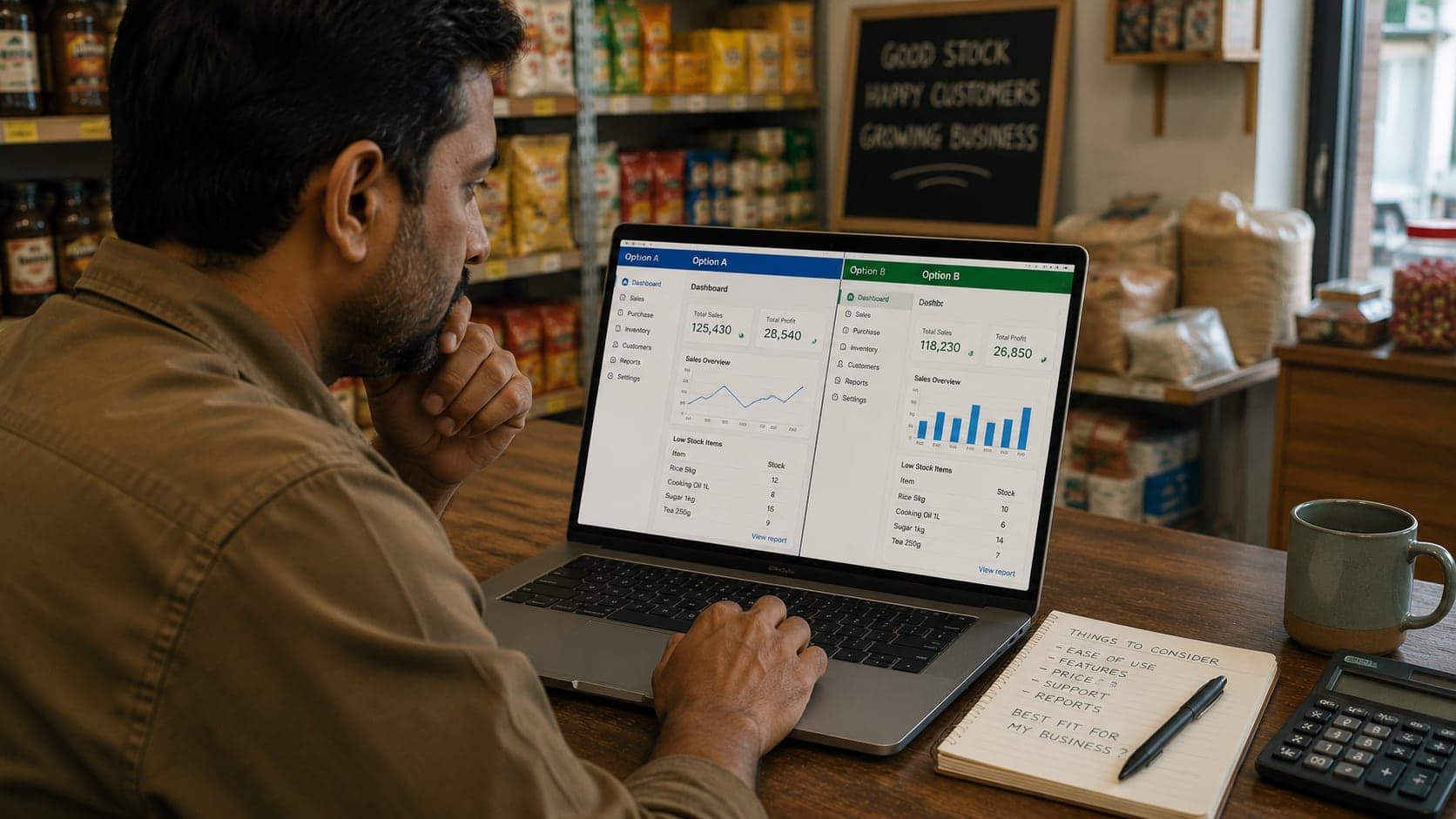
Vendor coordination. Book implementation help if offered — worth paying for during cutover week, not after disaster. The buyer's guide includes negotiation and trial checkpoints that apply equally to cloud selection.
Cloud POS is infrastructure you rent rather than own — which is excellent when the rent buys reliability, access, and peace of mind you would not build alone, and expensive when it buys dependency without export rights or offline dignity. Evaluate it with the same scepticism you apply to a lease on the shop itself: read the terms, test the failures, and keep your own copy of what matters.
FAQ
Frequently Asked Questions
Quick answers to common questions about this topic.
Can I run cloud POS without internet?
Most cloud products offer partial offline operation — local sales queue and sync when connectivity returns — but capabilities vary widely. Some allow full counter operation; others block new product lookup or card payments. Never assume offline works until you test your exact hardware on your actual connection, including what happens if the outage lasts all day.
Is my sales data safer in the cloud or on my own computer?
Safer depends on execution, not location. Reputable cloud vendors run encrypted backups, redundant servers, and physical security most shops cannot replicate. A laptop under the counter with no backup is worse than a competent cloud host. A well-maintained local server with nightly off-site backup can match cloud resilience. The riskiest pattern is either extreme without discipline: cloud with weak passwords shared across staff, or local with one copy and no tested restore.
Why do cloud POS vendors charge monthly per register?
Subscription pricing covers hosting, updates, support, and ongoing development. Per-register fees reflect that each active counter consumes server resources and often payment-integration maintenance. Some vendors bundle registers into location-based plans. Compare total cost over three to five years, not the first-month promotional rate.
What should I export before leaving a cloud POS vendor?
At minimum: product catalog with barcodes and costs, customer and supplier lists with balances, opening stock quantities, and sales history in a machine-readable format — CSV or standard accounting export. Export while still subscribed; cancelled accounts often lose portal access within weeks. Verify imports in the new system before you rely on the old portal for lookups.
Does cloud POS work for shops with slow or unreliable internet?
It can, if offline mode is robust and you keep a backup connection — a mobile hotspot, a second ISP, or scheduled sync during quiet hours for non-counter tasks. If your line drops hourly and offline mode is limited, installed software on a local network may cause fewer interruptions. Match architecture to infrastructure reality, not to what works in a city demo.
Who owns the data in a cloud POS system?
You should — contractually and practically. Terms should state you retain ownership of business records you enter, grant the vendor only the rights needed to operate the service, and guarantee export on request. If terms are silent or claim broad vendor rights over your sales history, treat that as a red flag regardless of product quality.