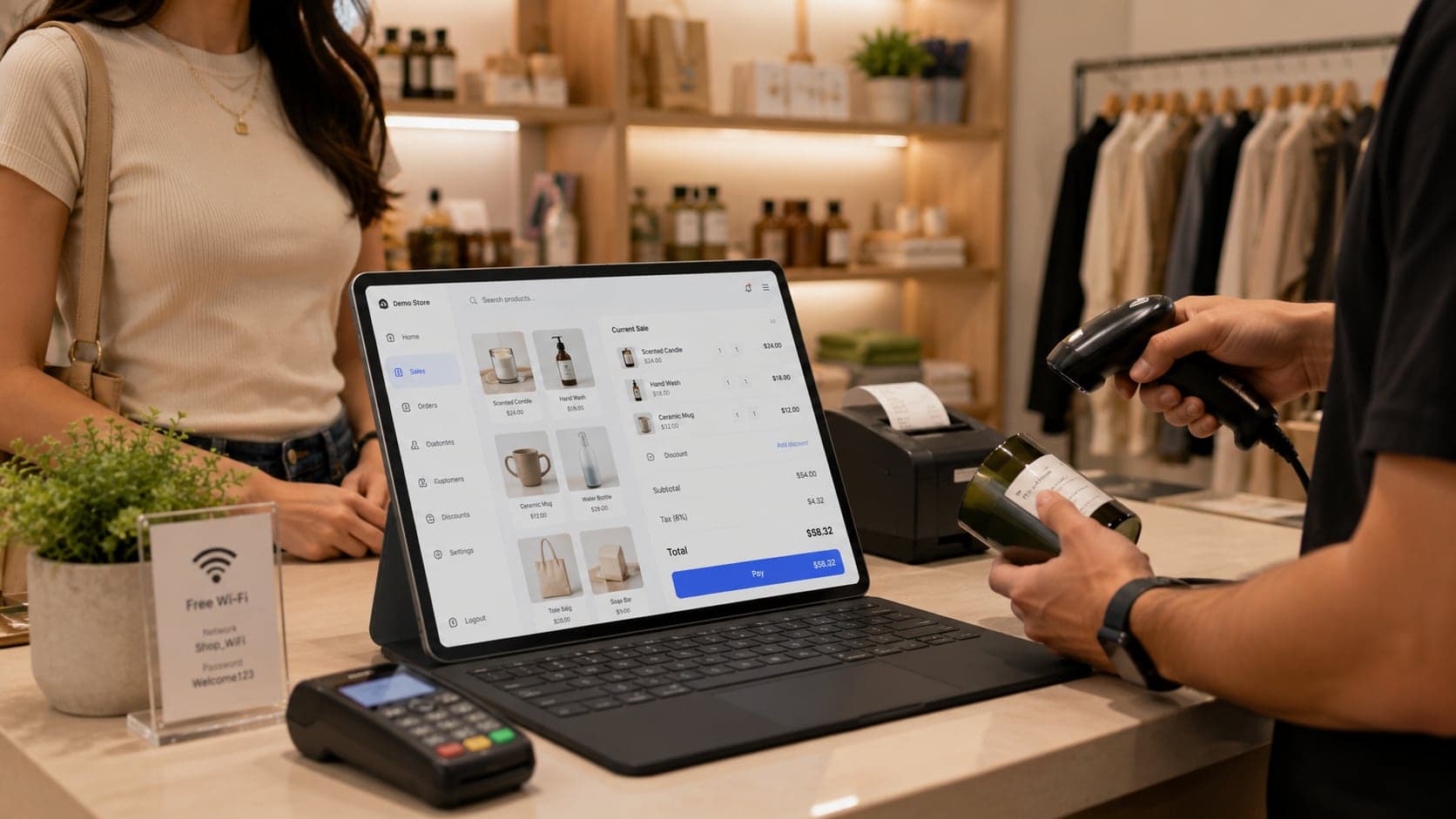
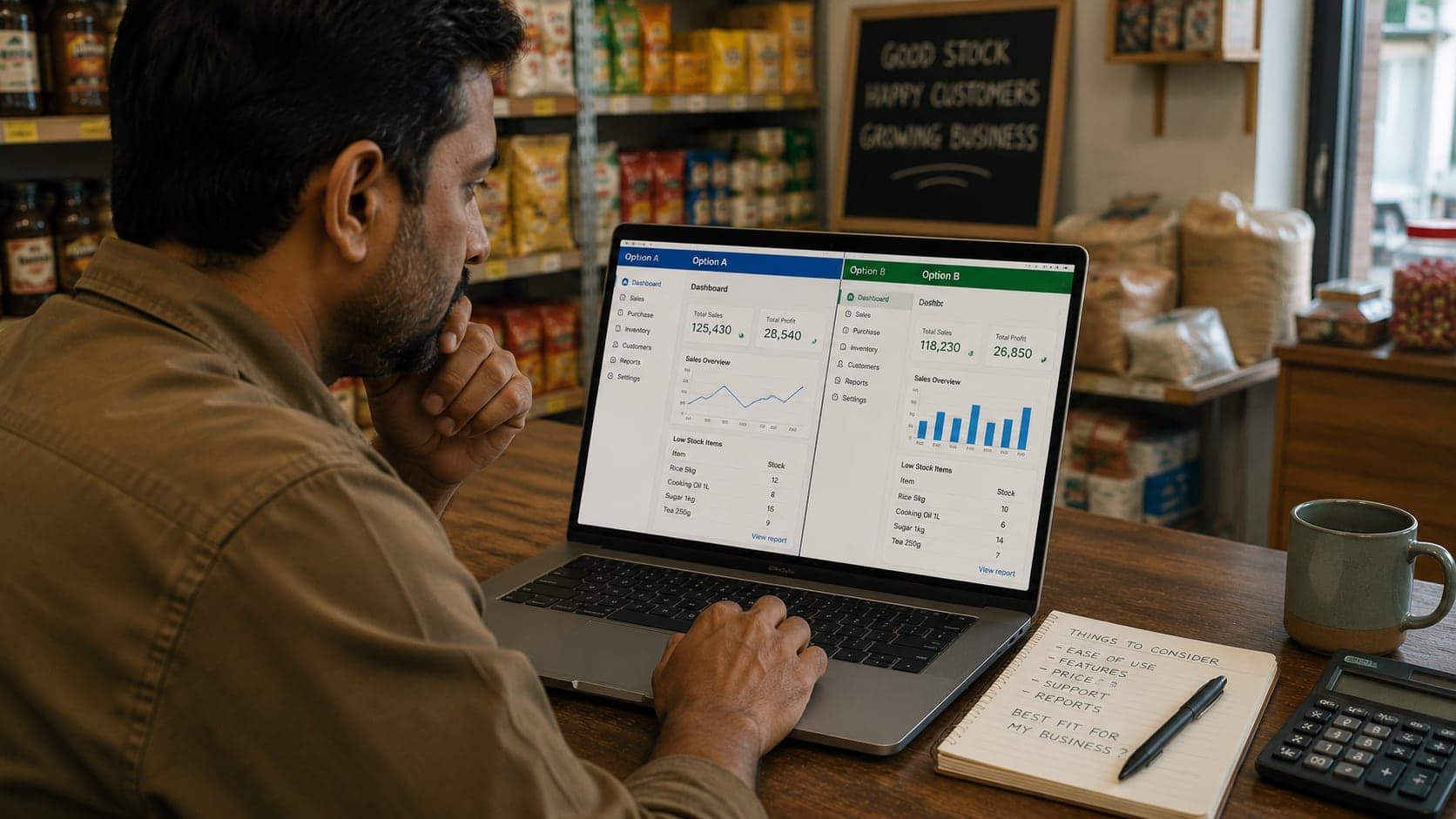
Multi-Store POS: Running More Than One Branch

Opening a second shop feels like doubling success; without shared systems it often doubles confusion instead — two catalogs drifting apart, stock that exists somewhere but not where the customer stands, and reports that never quite add up. Multi-store point-of-sale is the layer that keeps branches aligned: one product truth, stock per location, controlled transfers, reporting a owner can read without visiting both counters daily. This guide explains what changes when you leave single-store thinking behind.
Why multi-store POS is a different problem
A single-shop POS answers: what sold today, what is on the shelf, what cash should be in the drawer. Multi-store POS adds questions single-location software was never built to hear: where did that stock go, which branch earned that margin, who changed the price uptown, and can branch B sell while branch A's server is fine but the central catalog is locked?
The failure mode of expansion is not usually bad staff at the new location — it is inconsistent data between locations. Branch one renames a product; branch two sells the old name. Headquarters buys in bulk and assumes both shops received allocation; one shop never logged the inbound. A customer returns at the wrong branch and neither system shows the original sale. Each problem is small; together they erode trust in numbers, and owners revert to driving between shops with notebooks.
Multi-store architecture exists to make the branch dimension first-class: every sale, stock movement, price, and user action knows which locationit belongs to, while products and policies can still be shared. If your current software treats “location” as a report filter added later, you will feel friction at two branches and breakage at three.
Read the small-business POS guide for what a first counter needs; this guide assumes that works and asks what must evolve when the second door opens.
One shared product catalog
The catalog is the shared vocabulary of your business: names, SKUs, barcodes, units, tax categories, default prices, supplier links. In multi-store POS, one catalog serves all branches. Each branch sells from the same item list; differences appear in stock levels and sometimes in local price overrides — not in duplicate item records with slightly different spellings.
Why one catalog matters:
- Reporting aggregates cleanly.“Widget A sold 400 units company-wide” requires one product ID, not four regional aliases.
- Transfers make sense. Moving stock is quantity between locations for the same SKU — impossible if each branch invented its own codes.
- Buying stays centralised. Purchase orders from the purchase order guide reference one item master received into branch-specific bins.
- Customers recognise consistency. Receipts, labels, and returns work at any branch when the product record is shared.
Governance beats hope: designate who may create products — usually headquarters or a single admin — and make branch managers request additions through a short form rather than typing at the counter during rush hour. Branch-created SKUs multiply like weeds and are pruned only during painful year-end stock takes.
Catalog changes need effective dates where possible. A price rise on the first of the month should not appear on branch B's screen on the twenty-eighth because someone clicked save early. Scheduled price lists, or at minimum a publish step, prevent accidental early adoption.
Barcodes deserve central discipline too. Manufacturer codes stay as scanned; internal codes for bulk-break items get assigned once. The barcode inventory guide applies per branch for printing labels, but the underlying code lives in the shared catalog.
Stock tracked per branch, not globally
Shared catalog does not mean pooled stock. Each branch holds physical goods in its own building; the system must mirror that with branch-level quantity on hand. Global stock — one number for all locations — is a fiction that breaks the moment a customer asks for an item the report says you have somewhere.
Minimum fields per branch per SKU:
- Quantity on hand — updated by sales, receiving, transfers, adjustments.
- Reserved or in-transit — optional but valuable when transfers sit in a van overnight.
- Reorder point and preferred supplier— may differ by branch if sales velocity differs; a slow branch should not inherit headquarters' aggressive reorder settings blindly.
Branch managers need a screen that answers local questions fast: what is low here, what sold here this week, what is overstocked here. Headquarters needs roll-ups: total company stock, branch comparison, dead stock by location. Same data, two lenses.
Opening stock at a new branch is a deliberate event — counted, entered, signed off — not an informal guess copied from branch one. The inventory management guide cycle-count habits apply per location; headquarters auditing one branch quarterly and never visiting another is how discrepancies become culture.
Negative stock — selling what the system thinks you do not have — should flag loudly in multi-store setups. At one counter the owner knows the shelf; at two, branch B may sell branch A's allocation on paper while the crate never moved.
Transfers between stores done properly
Inter-branch transfers are where multi-store inventory lives or dies. The informal pattern — load a car, tell the other manager by phone, fix paperwork never — produces branch A showing surplus that should not be reordered and branch B showing stockouts while boxes sit in a back room unlogged.
A proper transfer workflow has four states:
- Requested or drafted — branch B asks for ten units; optional approval if headquarters controls allocation.
- Shipped / out — branch A quantity decreases; goods leave the sellable count.
- In transit — optional holding state if travel time is more than a few hours; prevents A reordering while B waits.
- Received / in — branch B confirms count; quantity increases; discrepancies recorded.
Partial receipts happen — eight arrived, two damaged. The system should close the transfer with variance, not silently pretend ten landed. Repeated variance on the same route is a process or personnel signal worth investigating without accusation.
Transfers are not sales. Do not ring them as zero-dollar sales or manual adjustments without reference — you lose transfer history and cannot answer “how much moved between branches last quarter?” for tax, insurance, or internal chargebacks. Some businesses use internal transfer pricing (branch A “sells” to branch B at cost plus freight); if yours does, document the rule and apply it uniformly.
Returns that cross branches — bought at A, returned at B — need policy: accept for customer service, but log which branch holds the returned unit and which branch's sales history gets the credit note. Customer kindness without system discipline creates phantom stock.
Centralized reporting without flying blind locally
Owners opening branch two often swing between extremes: micromanage both tills daily, or look only at a monthly total and miss branch B's cash gap until the bank statement argues. Good multi-store reporting serves both headquarters and branch managers with the same underlying numbers.
Reports headquarters should run weekly:
- Sales by branch — revenue, transaction count, average basket.
- Gross margin by branch — if costs are in the catalog, margin comparison shows pricing and shrinkage differences, not just revenue bragging rights.
- Stock valuation by branch — money sleeping on shelves per location.
- Transfer log — volume, delays, variances.
- Exceptions — voids, large discounts, negative stock events, unmatched close variances.
Reports branch managers should run daily:
- Day close — same ritual as single-store; expected versus counted cash, per the accounting guide.
- Local top sellers and slow movers — reorder and display decisions happen here, not at headquarters guessing.
- Staff activity if the POS logs user per sale — not for spying, for training and theft pattern detection.
Time zones and fiscal calendars must align in software settings. Branch B closing at eleven pm and branch A at eight pm should not split one logical business day across two report windows because nobody set cut-off times.
Export to accounting should support branch dimensions — one file with branch column, or separate files per tax entity if legally required. Re-keying branch totals into headquarters spreadsheets defeats the purpose of centralized POS.
Role-based access per location
Multi-store without permissions is a single login on two counters — which means no accountability and headquarters settings changed by accident at branch B. Role-based access ties users to locations and limits what they can do at each.
A practical role model for small chains:
- Headquarters admin — catalog create/edit, global price lists, user management, all-branch reports, transfer approval.
- Branch manager — local stock receiving, transfers initiate/receive, local reports, staff scheduling maybe, discount limits higher than clerks, no catalog delete.
- Branch clerk — sales, returns within policy, stock lookup, no price edit, no export, no user admin.
- Auditor / accountant (read-only) — reports and exports, no sales, no settings — useful for external bookkeepers.
Location scoping matters: a branch manager at B sees B's stock and B's close by default, not A's drawer. Headquarters sees all. Cross-location visibility is a privilege, not the default — reduces casual comparison drama and data leakage if devices are shared.
Shared logins destroy multi-store audit trails. If staff resist personal logins, tie permissions to named users anyway — the alternative is void wars nobody can resolve. Password policy can be light for small teams; identity cannot be shared.
Remote access for owners — viewing dashboards from home — should use the same role system, not a backdoor admin password posted in a group chat. Read-only owner accounts are enough for monitoring; settings changes can wait until morning.
Pricing consistency across branches
Customers talk. Neighbours visit both branches. Inconsistent pricing — same SKU, different shelf price ten blocks apart — reads as unfair even when each manager had local reasons. Multi-store POS should centralise base prices and control exceptions.
Patterns that work:
- Single base price list published from headquarters; branches inherit automatically.
- Scheduled promotions with start and end dates, optionally scoped to one branch for local clearance without changing global base price.
- Manager discount ceilings — ten percent without approval, above requires code — rather than ad-hoc price edits on the product record.
- Customer tier pricing — wholesale versus retail — defined once in catalog, not renegotiated per branch unless sales policy truly differs.
Patterns that fail:
- Branch managers editing master prices for “just this week” and forgetting to revert.
- Duplicate products at different prices to game reports — destroys catalog integrity.
- HQ sending price changes by WhatsApp message instead of through the system — branch B never updates.
Tax differences between municipalities may require branch-specific tax profiles on the same base price — that is legitimate configuration, not inconsistency. Document which branches use which tax rule so new SKUs inherit correctly.
Price labels on shelves should regenerate from the system after changes — manual label guns drift from POS within days. A weekly price mismatch audit at each branch, five minutes on top sellers, catches silent errors before customers do.
Opening a second branch: a practical checklist
Treat the opening as a project with a cutover date, not a parallel experiment that lingers for months.
Six to eight weeks before opening:
- Confirm POS plan supports multiple locations on your subscription tier — no surprise per-branch fees.
- Create branch B in the system with address, tax profile, receipt header, bank settlement mapping if separate.
- Define roles; create branch manager and clerk accounts scoped to B.
- Order hardware; test printer and scanner with branch B receipt template — legal name, tax ID, return policy may differ.
- Decide initial assortment: full catalog visible, or subset for a smaller format store.
Two weeks before:
- Train branch B manager on receiving, transfers, day close, returns — not only sales.
- Plan opening stock: purchase into B or transfer from A with documented transfers, not borrowed boxes.
- Run a pilot day — ring test sales, void test sales, print receipts — without customers.
- Align invoicing and receipt numbering per branch if legally required.
Opening week:
- Headquarters owner on site at B for first three closes minimum.
- Daily compare B close to cash book; fix workflow before week two.
- No informal transfers — every crate logged.
- Morning huddle: yesterday's exceptions list from POS, five minutes.
First thirty days:
- Weekly HQ review of B margin, shrinkage flags, top voids.
- First cycle count on B top twenty SKUs.
- Retire any parallel spreadsheet tracking if POS totals match.
- Document lessons — what broke, what training missed — before opening branch C in imagination.
Architecture choices: cloud, hub, or separate systems
Multi-store POS ships in three common shapes. None is universally correct; each trades connectivity, cost, and control.
Cloud-native multi-store. One vendor hosts catalog and sales; branches run browser or app clients; sync is continuous when online. Pros: headquarters sees live-ish dashboards, no server in the back room, easier remote administration. Cons: internet dependency unless offline mode is proven; subscription forever. The cloud POS guide covers outage behaviour — test at branch level before committing.
Hub-and-spoke installed. A central server — at headquarters or hosted — holds master data; branches run local clients or sync periodically. Pros: branches can trade offline longer; some retailers prefer capital purchase over rent. Cons: you own uptime; backups and updates are your problem unless vendor manages hosted hub.
Separate single-store systems merged upstream. Each branch runs independently; exports feed accounting or a BI tool. Pros: cheap short term, branch autonomy maximal. Cons: catalog drift, no real-time transfers, double entry, weakest option if branches share stock and brand. Acceptable as temporary bridge; poor as five-year plan.
Decision questions:
- How often must HQ see branch sales — same hour, or next morning is fine?
- How often will stock move between branches — daily van or quarterly emergency?
- Who fixes a broken server at ten pm — you, or vendor support?
- Can one person administer users and catalog, or do you need delegated branch admins?
- What export does your accountant require — and does each option produce it native?
Migration path matters: branch one on software that cannot add locations forces a painful cutover later. If expansion is plausible within two years, favour platforms with native multi-location in the same database, evaluated through the choosing software guide trial checklist — specifically the questions on branch count, transfer workflow, and consolidated reporting.
When a single-store setup is still enough
Not every second outlet needs full multi-store POS on day one. A pop-up stall, a weekend market booth, or a warehouse that only fulfils online orders might report sales separately until patterns stabilise — provided catalog and pricing stay centrally documented and someone merges numbers weekly with eyes open.
Stay on single-store architecture while:
- The second point of sale is temporary or seasonal.
- Inventory never moves between sites — each buys and sells independently.
- One owner is physically present at both locations most days and can carry mental context.
- Customer expectations do not include cross-location returns or shared loyalty balances.
Move to multi-store POS when any of those assumptions break — usually the moment transfers become weekly, a branch manager runs closing without you, or a bookkeeper asks for branch profit and loss separately. The cost of early multi-store software is smaller than the cost of untangling duplicate catalogs after eighteen months of drift.
Multi-store discipline is ultimately about respect for the branch dimension: every sale and every unit of stock knows where it lives, while products and policies stay one company speaking one language. Get that right and the second shop feels like extension; get it wrong and you run two slightly similar hobbies, each with its own version of the truth — the problem multi-store POS exists to prevent.
FAQ
Frequently Asked Questions
Quick answers to common questions about this topic.
Can I run two branches on two separate POS systems and merge reports in Excel?
You can, and many shops do until the second branch stabilises — but the merge is manual, error-prone, and blind to transfers between locations. Separate systems also duplicate catalog work: every price change happens twice, every new product is entered twice. Excel merging is a bridge, not a destination, if both branches are permanent.
Should each branch have its own bank account and tax registration?
That depends on your legal structure and local rules — ask an accountant before opening. POS architecture is separate from legal entity structure: you can run one shared catalog with branch-level sales reporting even when finances are legally distinct, but the mapping between branch, bank account, and tax ID must be explicit in your records from day one.
How do I handle stock that moves between stores informally?
Informal moves become invisible shrinkage at one branch and surprise surplus at the other. Use a transfer document in the POS — out from branch A, in transit, in at branch B — even for internal van runs. Staff will resist paperwork for 'just moving ten cartons'; the alternative is monthly arguments nobody wins.
Can branch managers set their own prices?
They can, but should not silently. Local promotions happen — clearance, neighbourhood competition — yet uncontrolled price edits destroy comparability in central reports and confuse customers who visit both branches. Better pattern: branch-level promotion rules with dates, or manager discount limits, while base prices stay central unless headquarters changes them.
What happens if the internet fails at one branch only?
Cloud multi-store POS should queue sales locally at the affected branch and sync when connectivity returns; other branches continue normally. Test this before opening branch two. A branch that cannot sell offline for hours because DNS failed is a revenue and reputation problem that central IT hears about too late.
Do I need multi-store POS before opening the second location?
Not necessarily before signing the lease — but before branch two trades independently, yes. Migrating mid-ramp at a new shop splits staff attention between customers and data entry. Pick multi-location-capable software during branch-one growth if expansion is likely within eighteen months; implement shared catalog and roles before the second opening day.