
What is mobile app development — and why do businesses need it?
iOS and Android applications planned around real user jobs, engineered for store release, and built by Taylance Tech for lasting maintenance — not a one-week prototype that dies after launch.
Mobile app development is the work of designing, building, testing, releasing, and maintaining software that runs on smartphones and tablets. It includes the screens people tap, the device features the app uses, the APIs that move data, and the store listing work required to reach customers on Apple App Store and Google Play.
Businesses need mobile app development when their customers or staff live on phones, when push alerts or offline use matter, or when a mobile-specific workflow cannot be handled well by a responsive website alone. An app is not automatically better than a website; it is the right tool when presence on the home screen, device capabilities, or store distribution create clear value.
Taylance Tech provides mobile app development as a professional service: product definition, experience design, engineering, quality assurance on real devices, store submission support, and post-launch improvement. We advise honestly when a progressive web experience or a website is enough — and when a native-quality app is worth the investment.
Problems
Problems that push teams toward a mobile app
These pressures appear before companies search for a mobile app development partner.
Critical work happens away from desks
Field staff, drivers, clinicians, or sales teams need tools that fit a pocket, not a laptop ritual.
Users abandon slow or clumsy mobile websites
When the job needs camera, location, biometrics, or offline continuity, a generic mobile site feels incomplete.
Engagement depends on timely alerts
Order updates, reminders, and approvals lose urgency when they only live in email inboxes.
Two platforms mean double cost without a plan
Separate iOS and Android projects diverge unless architecture and process keep them aligned.
Store rejection surprises the launch date
Privacy forms, payment rules, and review guidelines were never treated as part of the build.
The MVP ships, then nobody maintains it
OS updates, dependency changes, and crash reports pile up with no owner after release day.
Services
Mobile app development services we provide
From first product definition through store release and ongoing improvement.
Cross-platform iOS and Android apps
Shared codebases with React Native and Expo when one product must ship on both platforms without doubling every feature cost.
Native iOS and Android builds
Swift or Kotlin when platform-specific performance, hardware depth, or OS integrations justify separate native work.
Push notifications and re-engagement
Permission-aware notification design, targeting, and analytics so alerts help users instead of training them to ignore you.
Location and map-driven features
Maps, tracking, and geofenced experiences when place is part of the product job — scoped carefully for privacy and battery use.
Payments and subscriptions on mobile
In-app purchases and billing flows implemented with store policy awareness for Apple and Google requirements.
Offline-capable mobile architecture
Local persistence and sync strategies so core tasks survive weak networks — with honest messaging about what works offline.
Guides
Related reading
Vendor-neutral guides on related topics — written to be useful on their own.
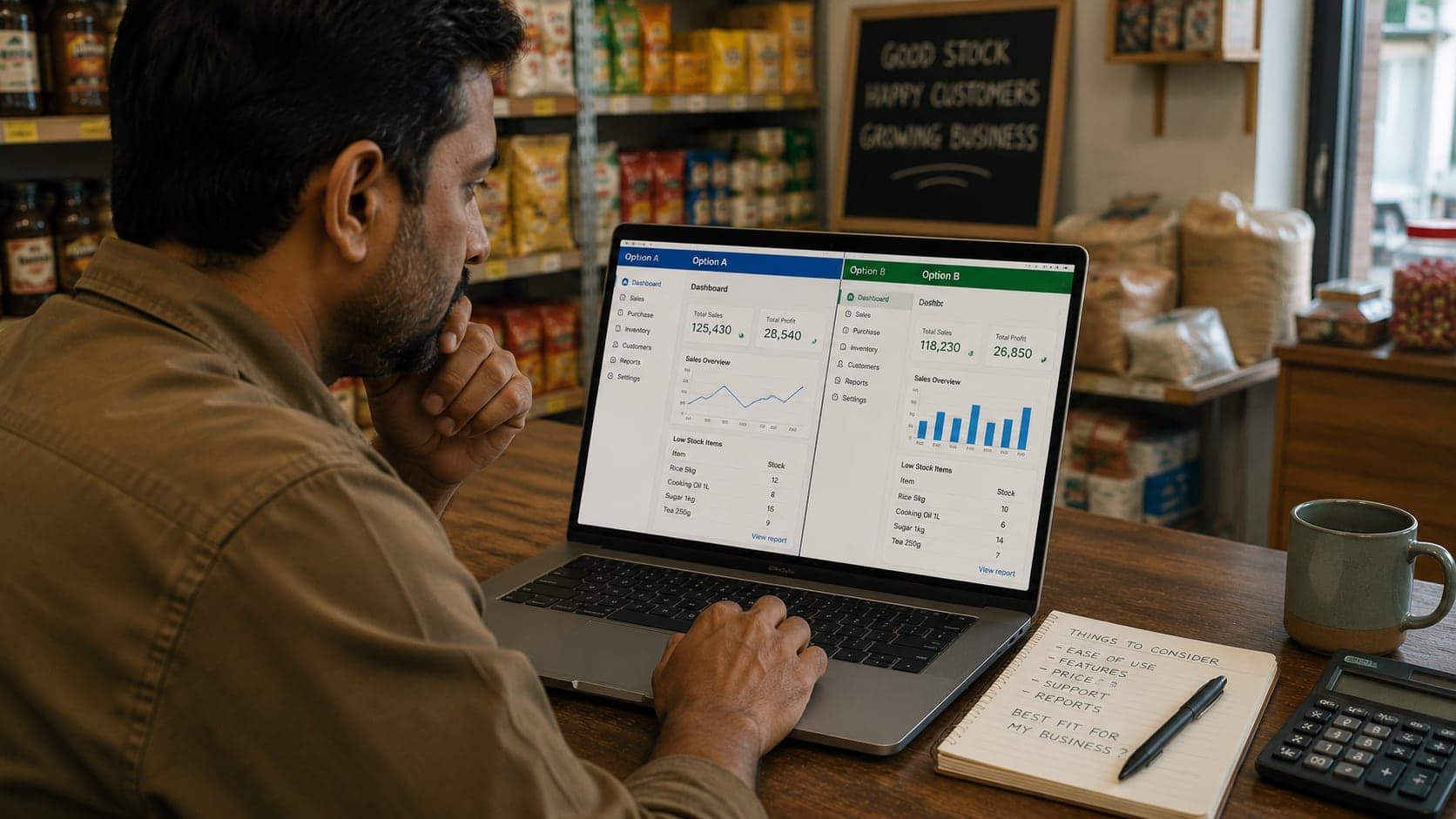
Choosing Shop Software
A seven-step buying process: audit your real problems, compare cloud and installed options, calculate true cost, run a proper trial, and migrate safely.
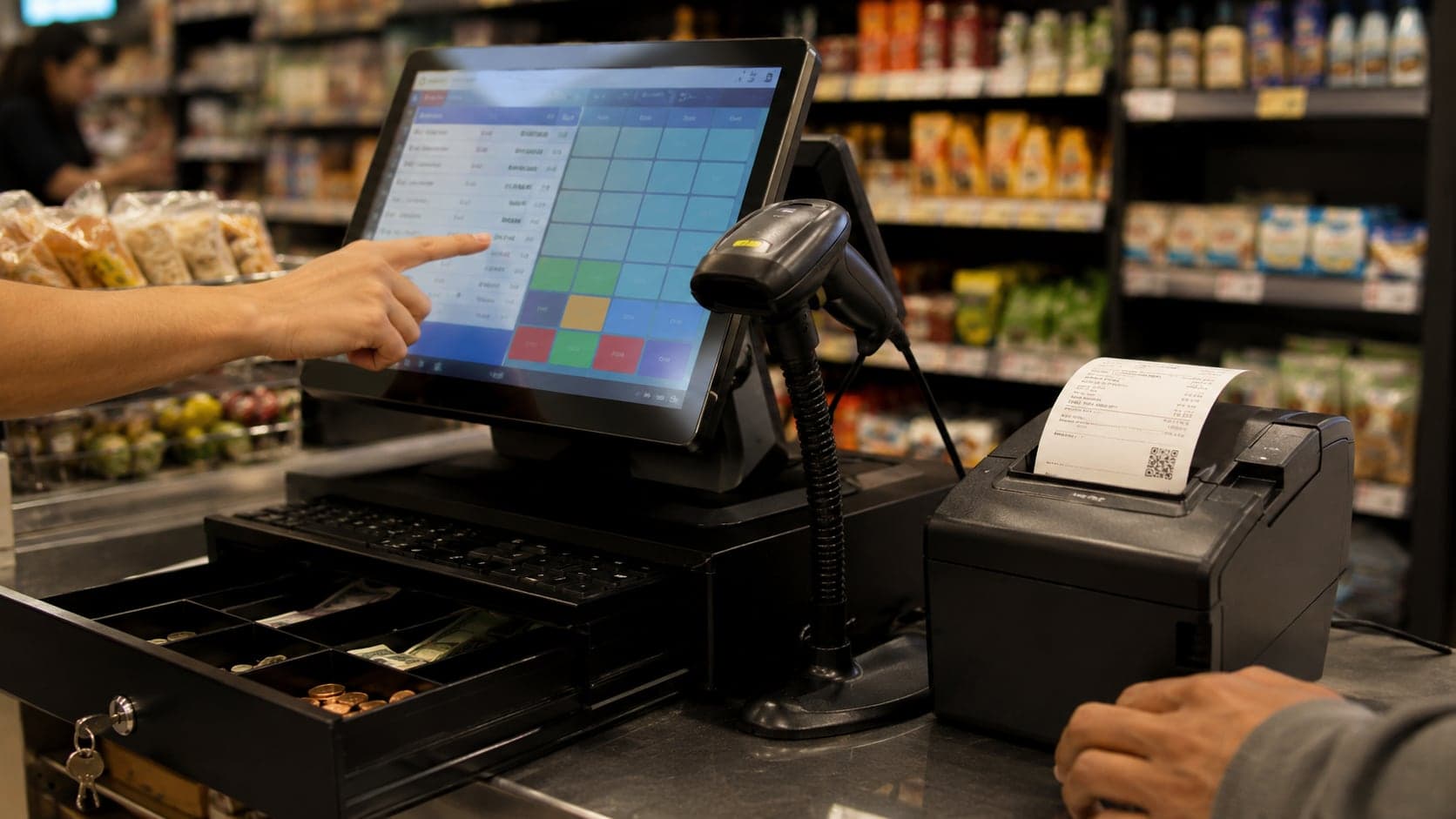
POS Systems Explained
What a point-of-sale system actually does, the hardware involved, cloud versus offline software, and how to tell when your counter has outgrown paper billing.
Browse the full collection on all guides, or read engineering articles on our blog.
Definition
What professional mobile app development includes
A clear definition for buyers comparing freelancers and studios.
Professional mobile app development covers more than drawing screens. It includes defining the jobs users must complete, designing navigation that fits one-handed use, engineering client software for iOS and Android targets, connecting secure backends, handling permissions honestly, testing on real devices, preparing store listings, and planning updates after release.
A consumer app, an internal staff app, and a marketplace client share engineering disciplines but differ in distribution, compliance, and support expectations. Scope documents should name which kind you are building.
Taylance Tech treats mobile delivery as a product engagement with milestones you can install and review. You should always know what the next build will prove.
- User jobs and MVP boundary agreed early
- Platform strategy chosen for cost and capability
- Device testing and store requirements planned into the schedule
- Maintenance ownership defined before launch day excitement fades
Why businesses need apps
Why businesses need mobile apps
When phone software earns its keep.
Businesses need mobile apps when the relationship with the user is frequent and task-driven. Opening a home-screen icon is faster than hunting a browser bookmark, and that friction difference compounds for daily habits.
They need apps when device capabilities are part of the value: camera capture, precise location, biometrics, Bluetooth accessories, background updates, or robust offline drafts. Browser features improve every year; they still do not replace every native capability cleanly.
They need apps when push notifications are a legitimate operational channel — delivery status, appointment reminders, approval requests — and when email alone is too slow or too ignored.
They do not automatically need an app to “look modern.” If the website already completes the job well on phones, an app may be premature. We help you make that call with evidence, not vanity.
Cross-platform
Cross-platform mobile development with shared code
One product team, two store fronts.
Cross-platform frameworks let a large share of interface and business logic run on both iOS and Android. For many business apps, that is the rational default: one backlog, one design system, aligned releases.
We commonly use React Native with Expo when it fits, because it supports productive delivery and access to native modules when a feature needs platform depth. Shared code is a cost strategy, not a religion — we measure where native bridges are required.
Cross-platform fails when teams pretend every animation and hardware edge case is identical. Good delivery identifies platform differences early and budgets for them.
You still need separate store listings, certificates, and review cycles. Shared code reduces engineering duplication; it does not erase store operations.
Native
When native iOS or Android development is the better path
Choosing depth over sameness.
Native development in Swift or Kotlin is appropriate when the product lives deep inside platform frameworks: advanced graphics, specialized sensors, demanding performance budgets, or OS features that arrive first on native APIs.
Native can also make sense when your organization already staffs platform specialists and wants repositories that match that structure. Tooling familiarity is a legitimate decision factor.
The cost is real: two codebases, two release trains, and duplicated product decisions unless process is strict. Native is not “more professional” by default — it is more appropriate for certain constraints.
Hybrid approaches exist: a cross-platform shell with native modules for the hard parts. We recommend that shape only when the boundary is clean and documented.
MVP discipline
Mobile MVP discipline that protects budget
Ship a learning release, not a fantasy roadmap.
Mobile projects inflate when every stakeholder adds “just one more screen.” An MVP should complete one valuable job reliably end to end — signup to success — not sample every future idea.
We force prioritization: must-have for launch, should-have for early updates, later-maybe for the backlog. Analytics and support channels are part of MVP so learning is possible.
Design polish still matters on mobile; users judge trust quickly. MVP does not mean broken. It means fewer features done properly.
If market risk is high, we may recommend a clickable prototype or a limited beta before full store investment. Spending to learn is smarter than spending to impress a slide deck.
UX on small screens
Mobile UX that respects thumbs and attention
Interface craft unique to phones.
Phone interfaces fail when they copy desktop layouts. Tap targets, thumb reach, and interrupted sessions need different navigation and shorter task chunks.
We prototype flows on device-sized canvases and review them as sequences, not isolated artboards. Onboarding should teach the first job quickly and skip lectures.
Empty states, error messages, and permission prompts are part of UX. A camera denial screen that stranded the user is a product defect.
Accessibility on mobile includes readable type, contrast, screen reader labels, and reduced-motion respect. Inclusive defaults widen your audience and often improve clarity for everyone.
Backend and APIs
Backends and APIs for mobile clients
The phone is only half the system.
Stable mobile apps need clear API contracts, versioning habits, and authentication that survives token expiry without stranding users mid-task.
We design mobile clients to share backends with other channels when that is your architecture goal, using REST or GraphQL as appropriate. One source of truth beats duplicated business rules on each client.
Payload size, pagination, and caching matter on cellular networks. Mobile API design is performance work, not only CRUD convenience.
When no backend exists yet, we scope the minimum services required for the MVP instead of building a platform fantasy beside the first screens.
Offline
Offline and weak-network behavior
Field reality instead of office Wi-Fi assumptions.
Offline capability is a product decision: which actions must work without connectivity, how conflicts resolve on sync, and how the UI explains status. Blanket “works offline” claims without rules create data corruption.
We implement local storage and sync patterns matched to the risk of the data. A draft note and a payment confirmation do not share the same offline policy.
Battery and storage budgets matter. Aggressive background work that drains phones earns one-star reviews even when features are clever.
Testing must include airplane mode and flaky networks. Happy-path demos on office Wi-Fi do not prove field readiness.
Notifications
Push notifications without becoming noise
Permission, relevance, and restraint.
Notification permission is earned. Asking on the first launch before value is clear trains users to deny. We plan permission timing around a moment of understood benefit.
Categories, quiet hours, and preference centers reduce uninstall risk. Every alert should answer why it arrived and what to do next.
Operational alerts and marketing pushes should not share one undifferentiated firehose. Mixing them damages trust in the channel you need for critical updates.
Measurement closes the loop: open rates, dismissals, and conversion from notification to completed task tell you what to stop sending.
Payments
Mobile payments and store billing rules
Money flows that survive review.
In-app purchases, subscriptions, and external payment methods are tightly regulated by Apple and Google policies. The correct approach depends on what you sell and how entitlement is delivered.
We implement payment flows with those constraints in mind and document assumptions in scope. Surprises during review are usually policy surprises that should have been design inputs.
Receipt validation, restore purchases, and failed-payment states belong in the build. Checkout that only works on the happy path creates support load.
If your model is better served by web checkout under current rules, we discuss that explicitly rather than forcing a non-compliant path.
Store submission
App Store and Google Play submission support
Release operations as part of delivery.
Store submission includes certificates, provisioning, store listings, screenshots, privacy nutrition labels or declarations, content ratings, and review notes. Treating this as a last-day chore is how launches slip.
We prepare technical release artifacts and guide listing content so reviewers understand login paths and demo credentials when needed.
Rejections happen even to careful teams. We budget time for response and remediation instead of promising a mythical one-click approval.
After approval, staged rollouts and monitoring reduce the blast radius of unexpected crashes on diverse devices.
Security and privacy
Security and privacy on mobile
Practical protection without theater.
Mobile security includes secure storage of tokens, certificate pinning where justified, careful logging, and least-privilege permission requests. Asking for contacts or location “just in case” harms conversion and review outcomes.
Privacy policy alignment with actual data practices is mandatory. The app’s behavior and the policy text must match.
We discuss threat context: a public content app and a finance workflow do not share identical controls. Overbuilding wastes budget; underbuilding creates incidents.
Dependency and OS update hygiene continues after launch. Abandoned apps become liabilities as platforms harden requirements.
QA on devices
Quality assurance on real devices
Emulators help; hardware decides.
We test critical journeys on representative iOS and Android devices, including mid-range hardware that matches your audience more than a flagship demo phone.
Interrupted flows matter: incoming calls, backgrounding, permission denial, low storage, and session expiry. Mobile life is messy; apps must recover gracefully.
Automated tests catch regressions in business logic; manual exploratory testing catches interaction defects automation misses. Both have a place.
Beta programs through TestFlight and internal Play tracks give stakeholders and friendly users a safe place to break things before the public does.
Analytics
Analytics and crash monitoring from day one
Instrumentation that makes iteration possible.
Without analytics events and crash reporting, post-launch planning is guesswork. We define key funnels during build: activation, core action completion, retention signals you care about.
Privacy-conscious analytics choices respect platform rules and user expectations. Collect what you will use; ignore vanity metrics that never change decisions.
Crash-free session rates and startup time are operational health measures. Watching them after each release is part of professional ownership.
Insights should feed the backlog. Features that do not move agreed metrics lose priority — even if someone loved the idea in a workshop.
Performance
Mobile performance users can feel
Startup, scroll, and battery as product features.
Slow startup and janky lists cause uninstalls faster than missing edge-case features. We budget for image sizing, list virtualization, and careful navigation transitions.
Network waterfalls on cellular connections need caching and sensible retries. Spinners without explanation feel broken.
Background work and location updates must justify their battery cost. Users notice heat and drain even when they cannot name the cause.
Performance is rechecked when features land. One heavy screen can undo months of careful work.
Internal apps
Internal and workforce mobile apps
Tools for employees, partners, and field teams.
Internal apps optimize for speed of trained users, offline reliability, and integration with existing systems of record. Consumer onboarding patterns may be the wrong template.
Distribution may use enterprise or private channels rather than public store marketing. We clarify distribution method early because it changes release process.
Role-based access and device loss scenarios matter more when apps hold operational data. Session controls and remote revoke strategies belong in requirements.
Training and change management still sit with your operations leaders. Software cannot replace a rollout plan for staff habits.
Consumer apps
Consumer-facing mobile products
Acquisition, trust, and retention pressures.
Consumer apps compete with attention. First-session value must be obvious. Long registration walls before benefit are a common self-inflicted wound.
Store conversion depends on listing quality: screenshots, preview video where useful, clear subtitle, and honest descriptions. Engineering and store marketing must cooperate.
Ratings and reviews become part of your public reputation. Support response paths should exist before launch, not after the first one-star wave.
Retention features must respect user control. Dark patterns may boost a metric this week and destroy trust next month.
Engagement models
How mobile engagements are usually structured
Commercial clarity for a multi-month craft.
Most work begins as a scoped MVP project with design, build, QA, and store submission milestones. Ongoing retainers follow when you need continuous releases.
Assumptions about who supplies accounts (Apple Developer, Google Play, Firebase, analytics) are written down. Missing account access delays calendars more than coding speed myths admit.
Change control protects both sides. Mobile scope expands easily; written tradeoffs keep dates meaningful.
You communicate with people who can answer product and technical questions directly. That is how we work at Taylance Tech.
Handoff
Ownership, source code, and handoff
You should not be locked out of your product.
Repositories, store consoles, signing keys, and service accounts should have clear ownership. We recommend client-owned accounts with appropriate collaborator access.
Documentation covers architecture, release steps, environment variables, and known limitations. Future developers should not reverse-engineer tribal knowledge.
If your internal team will take over, we plan a handoff period with walkthroughs. Dumping a zip file is not a professional transfer.
Licenses for third-party SDKs used in the project are listed so compliance stays visible.
Mistakes
Mobile project mistakes we help clients avoid
Expensive patterns seen too often.
Building for both stores before validating the core job on one audience segment.
Ignoring store policies until submission week.
Skipping real-device testing on weaker hardware.
Asking for every permission on first launch.
Launching without crash reporting or a support mailbox that someone actually reads.
Treating the first release as finished product instead of the start of learning.
Myths
Myths about mobile app development
Beliefs that distort budgets and timelines.
Myth: an app will create demand by itself. Reality: distribution and offer quality still matter.
Myth: cross-platform always equals low quality. Reality: quality follows craft and fit, not slogans.
Myth: native is always required for professionalism. Reality: many successful business apps are cross-platform.
Myth: you can finish design once and never revisit it. Reality: OS patterns and user expectations move.
Myth: store approval is automatic if the build installs. Reality: policy and listing quality are part of the product.
Choosing a partner
How to choose a mobile app development partner
Questions that reveal delivery maturity.
Ask how they choose cross-platform versus native for your case. Ask how they test on devices. Ask who prepares store submissions and privacy forms.
Ask what happens after launch: who watches crashes, who ships OS compatibility updates, how retainers work.
Ask for clarity on code ownership and account ownership. Hesitation there is a warning sign.
Taylance Tech expects these questions. A partner who cannot answer them will struggle when review season or a production incident arrives.
Poor fit
When a mobile app engagement is a poor fit
Honest boundaries.
If your need is a simple brochure presence, invest in a strong mobile website first.
If stakeholders cannot agree on the primary user job, pause. Apps amplify confusion when strategy is unclear.
If you need only a marketing campaign microsite, a full store app is usually the wrong vehicle.
If budget cannot cover testing, store work, and at least a short post-launch period, reduce scope rather than pretending those phases are optional.
Professional limits
Professional expectations and limits
What Taylance Tech commits to — and what we will not claim.
Expect structured discovery, installable progress builds, real-device QA habits, store submission support, and maintainable code with clear ownership paths.
Do not expect guaranteed approval on the first store review, guaranteed download numbers, or guaranteed chart rankings. Those outcomes depend on factors beyond engineering craft alone.
Do not expect unlimited features inside a fixed MVP price without tradeoffs. Scope changes are possible when acknowledged.
Within those limits, mobile app development is how your organization meets people on the devices they carry every day. That is the service we provide.
First release
A grounded first-release plan for mobile products
What a serious launch window usually contains.
A grounded first release includes the core user job, stable authentication, essential empty and error states, analytics events for the main funnel, crash reporting, and store listing assets that match the build reviewers will install.
Content and account access arrive on a calendar. Delays in legal copy, branding exports, or developer program enrollment delay submission even when engineering is ready. We surface those dependencies in planning so dates stay honest.
The week after release should be quieter on new features and louder on observation: crash clusters, review themes, and activation drop-offs. Fixing sharp edges early protects ratings and morale.
Only after that stabilization window do we widen the roadmap. Shipping speed matters; so does not destabilizing the trust you just earned on home screens.
- Core job works end to end on both target platforms you chose
- Demo accounts ready for store review when login is required
- Support channel staffed for early feedback
- Next update window reserved for fixes before major feature work
Process
How our mobile app development process works
A release-minded sequence from idea to store shelves.
Product strategy and scope
We define the user jobs, success metrics, platform choice, and MVP boundary so the first release can be finished and learned from.
Experience design and prototyping
Flows and interactive prototypes are reviewed on phone-sized screens before engineering locks expensive navigation mistakes.
Iterative engineering
Short cycles produce installable builds you can try on devices. Feedback arrives while course correction is still affordable.
QA, beta, and store preparation
Real-device testing, beta distribution, privacy questionnaires, listing assets, and policy checks happen before public submission.
Launch and continuous improvement
We support release, monitor crashes and reviews, and plan updates from usage evidence — not from unchecked feature wish lists.
Compare
Cross-platform vs native vs “mobile website only”
Choose the delivery shape that matches the job and the budget.
| Criterion | With Taylance Tech | Common shortcut |
|---|---|---|
| Reach iOS and Android | Cross-platform when shared UI and logic fit the product | Two fully separate teams for every small change |
| Deep platform features | Native modules or native apps when required | Fighting a framework past its comfort zone |
| Home-screen presence | Store-distributed apps users can reopen instantly | Relying only on bookmarks to a mobile site |
| Offline and device hardware | Designed persistence, camera, sensors, biometrics as needed | Hoping the browser tab survives real field conditions |
| Store compliance | Review guidelines treated as build requirements | First hearing about rejection on launch week |
| When an app is unnecessary | We say so if a strong mobile web path is enough | Building an app because competitors have one |
Stack
Technologies we work with
Mobile toolchains chosen to fit the product — not collected for a proposal slide.
React Native
Cross-Platform
Expo
Toolchain
Swift
iOS
Kotlin
Android
TypeScript
Language
Firebase
Backend services
Supabase
Backend services
GraphQL
API
REST APIs
API
TestFlight
iOS distribution
Play Console
Android distribution
CI for mobile
Delivery
Fit
Who this mobile app service fits
Organizations with a clear mobile job to do — not teams chasing an app for vanity alone.
- Companies whose customers expect a branded app for recurring tasks
- Operations teams that need field tools on phones and tablets
- Startups validating a mobile-first product with a disciplined MVP
- Businesses extending an existing backend into iOS and Android clients
- Product owners preparing for App Store and Google Play review the first time
- Teams replacing an abandoned app that no longer receives OS updates
Checklist
Mobile app project readiness checklist
Confirm these items before kickoff to keep the first release shippable.
- Primary user job stated in one sentence
- Target platforms chosen (iOS, Android, or both) with rationale
- MVP feature list and explicit out-of-scope list written
- Success metrics for the first ninety days defined
- Apple Developer and Google Play account ownership decided
- Backend or API readiness assessed
- Push notification use cases prioritized and trimmed
- Offline requirements named honestly
- Payment model reviewed against store policies
- Privacy policy drafting owner assigned
- Device test matrix agreed (including mid-range phones)
- Beta audience identified
- Store listing asset owners assigned (screenshots, copy)
- Crash reporting and analytics tools selected
- Post-launch support window agreed
Related
Related services
Other ways we can help when your project spans more than one discipline.
FAQ
Mobile app development questions
Straight answers about native vs cross-platform, store submission, backends, and ownership.
Do you build native or cross-platform mobile apps?
We often recommend React Native and Expo for iOS and Android when a shared product roadmap makes sense, and we use native Swift or Kotlin when platform depth requires it. The choice follows your features, timeline, and team constraints — not a one-line slogan.
Do you handle App Store and Google Play submissions?
Yes. We help prepare release builds, certificates, listing materials, privacy declarations, and review notes, and we support responses if a review needs clarification or changes.
Can the mobile app use the same backend as our other software?
Yes. We commonly connect mobile clients to shared APIs and databases so business rules stay consistent across channels. If a backend does not exist yet, we scope the minimum services the MVP needs.
How long does it take to build an app?
Timelines depend on scope, integrations, and content readiness. A focused MVP and a large multi-role product do not share one calendar. After discovery we provide a milestone plan with installable builds along the way.
Will you maintain the app after launch?
We offer post-launch support and improvement cycles covering crashes, OS compatibility, and agreed feature iterations. Maintenance expectations are written into the engagement so ownership is clear.
Do we need an app if we already have a mobile-friendly website?
Not always. If the website already completes the job well, an app may be optional. Apps become compelling for home-screen habits, push alerts, offline work, or device capabilities the browser path cannot handle cleanly. We help you decide with the use case in front of us.
Who owns the source code and store accounts?
We recommend that you own the repositories and store consoles, with appropriate access for our team during the project. Ownership and handoff details are confirmed in writing.
How do we start?
Contact Taylance Tech with the problem your app should solve, your target users, platforms, and timeline. We respond with fit assessment and a proposed discovery path.
Ready to discuss your mobile app?
Tell us the job your app must do, who will use it, and which platforms matter. We will give an honest read on fit, approach, and a sensible first release.