Invoice Software for Shops: Features That Matter
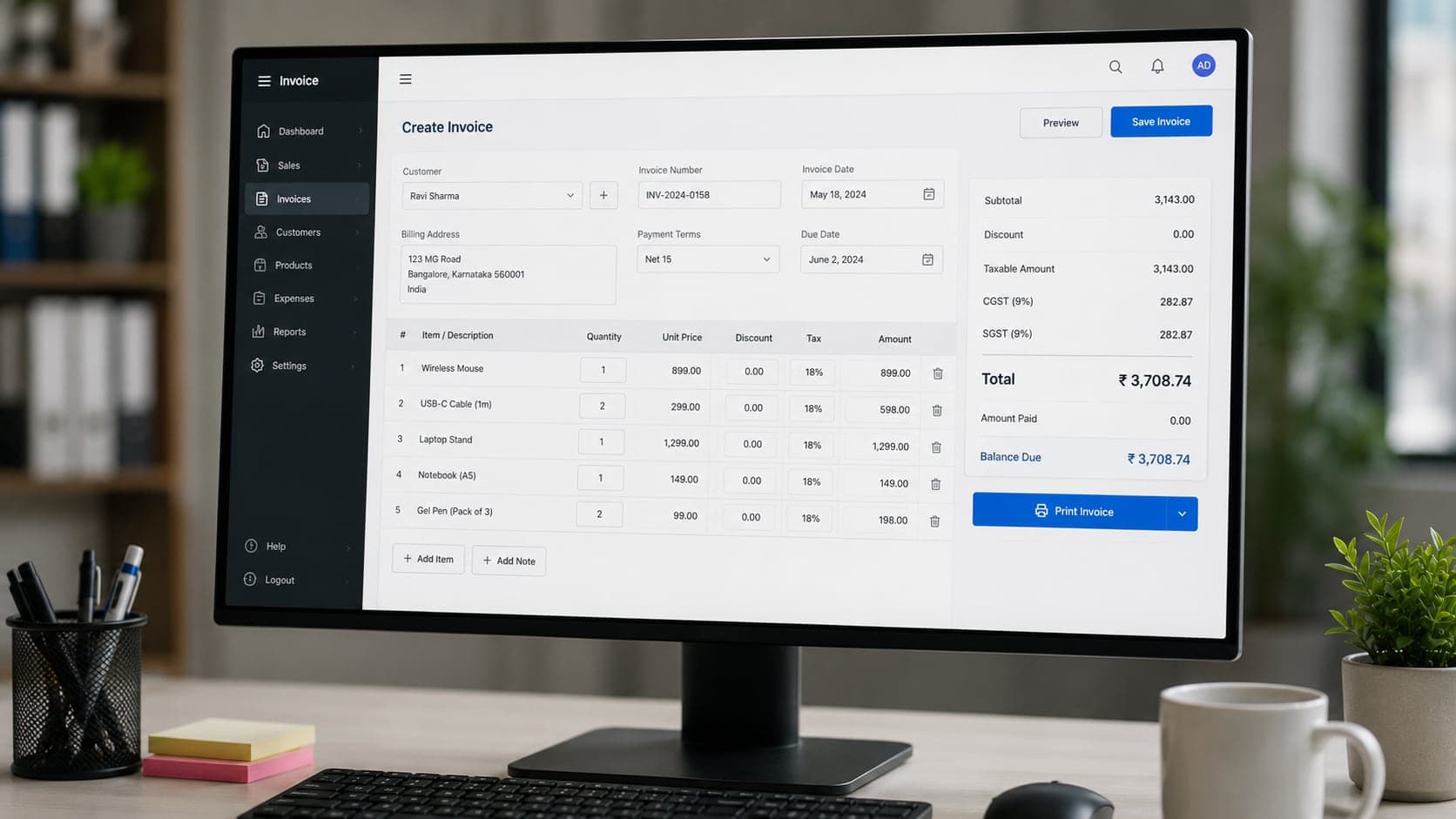
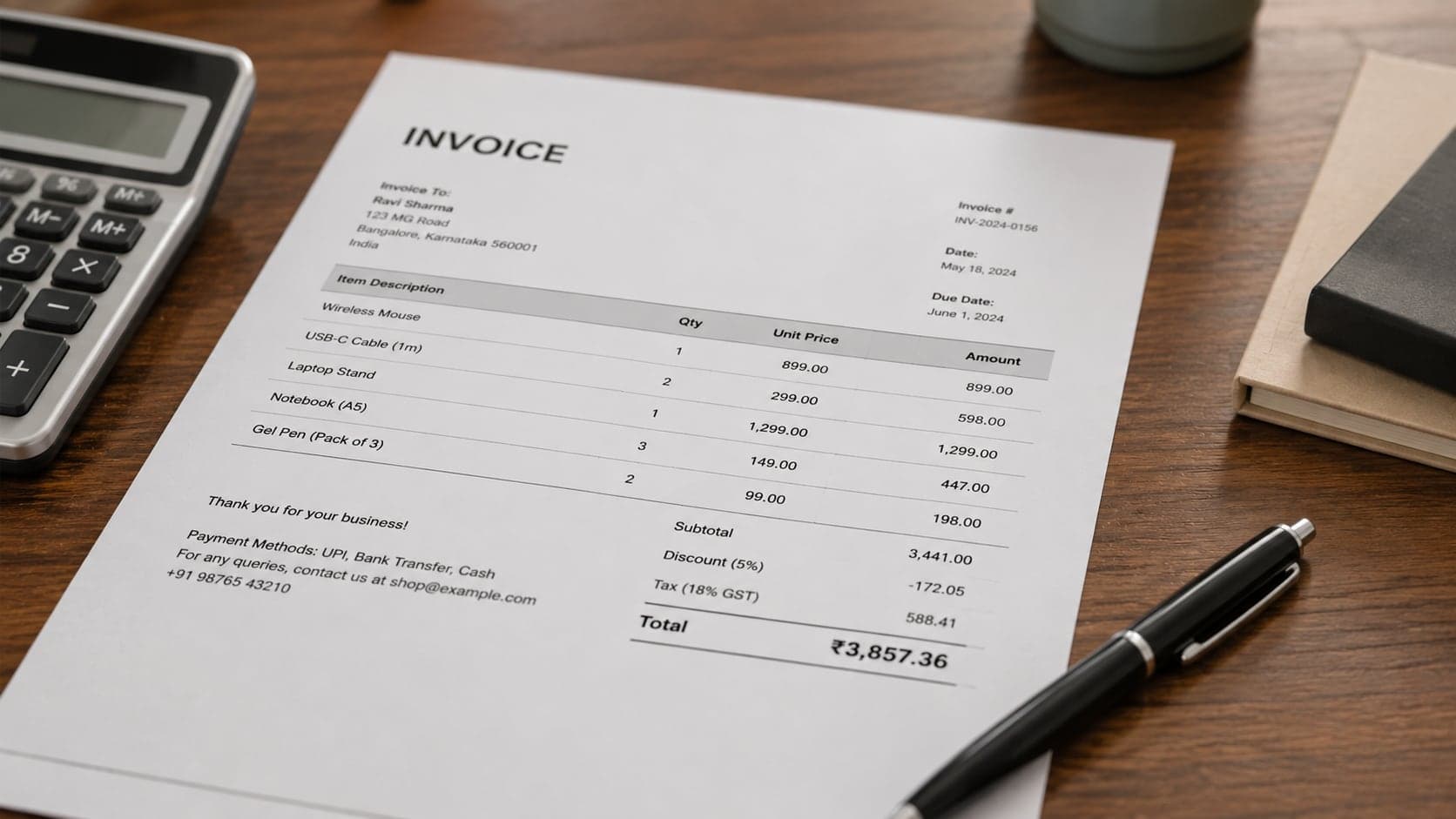
Invoice software is not a prettier way to print a total. It is the system that remembers who owes what, keeps document numbers in order, applies tax correctly on every line, reverses mistakes without rewriting history, and hands your accountant something they can reconcile instead of reconstruct. This guide explains what invoice software should actually do for a shop — numbering, credit balances, tax, credit notes, statements, integration with sales and stock, and the records that make year-end a formality instead of a rescue.
Beyond printing a total
Many shops evaluate “invoice software” by opening a template, typing three lines, and admiring the PDF. That test proves the printer works. It does not prove the software will protect you in February when a customer disputes a balance, in March when the tax office asks for a sequential register, or in April when your accountant needs sales split by payment method and tax category.
Real invoice software sits at the centre of three obligations:
- Commercial truth. Every sale on credit becomes a named debt with a document number, a date, and line detail that both sides can point to later. The billing guide covers what those documents must say; software's job is to make saying it automatic and impossible to skip.
- Operational memory. Invoices tie to customers, items, prices, and — when stock matters — quantities leaving the warehouse. A total without context is a number that ages into a argument.
- Audit surface. Numbers advance in order, corrections leave traces, and reports reconcile to the documents they claim to summarise. That is what separates software from a folder of Word files named Invoice_final_v3_really_final.docx.
Shops that treat invoicing as “just paperwork” usually have paperwork problems that look like cash problems: money stuck in disputed balances, tax filed from reconstructed guesses, and staff retyping the same customer details hundreds of times a year. Invoice software exists to make those failures structurally difficult.
What invoice software should do
Before comparing products, list the jobs — because feature lists on websites are designed to impress, not to match your counter. Invoice software for a shop should handle at least this set:
- Customer master data.Legal name, address, phone, tax registration if applicable, default credit terms, and a unique account code. Every invoice pulls from this record so “Rahim Store” and “R. Gen Store” do not become two phantom debtors.
- Product and service lines. Items with codes, descriptions, units, and prices — including different prices for different customers where trade requires it.
- Document types. Quotation, proforma, invoice, credit note, receipt — each with its own numbering series and a clear status (draft, issued, voided).
- Automatic ledger posting. Issuing an invoice increases what the customer owes; recording a payment decreases it; issuing a credit note decreases it — without a separate notebook entry that might never happen.
- Tax computation per line. Rates, exemptions, and summaries that roll up to period reports — not a single tax line typed from memory at the bottom of the page.
- Search and reprint. Find invoice INV-0842 from six months ago in seconds, reprint it identically, show its payment history — because that is what a dispute sounds like.
- Exports. Sales register, receivables, tax summary — in formats your accountant accepts.
Optional but valuable for many shops: partial payments, advance deposits against future invoices, multi-invoice statements, delivery note generation without prices, and email or WhatsApp PDF delivery with a send log. None of these are exotic; they are Tuesday afternoon in a wholesale counter.
Numbering sequences that survive scrutiny
Invoice numbers are not decoration. They are the index of your commercial memory — and in many tax regimes, a legal requirement. Good invoice software treats numbering as infrastructure, not a field the user types.
Sequential, gapless where possible. INV-0001, INV-0002, INV-0003 — each issued invoice gets the next number at the moment it is finalised, not when someone remembers to check the last one. Gaps happen (voided drafts, cancelled sequences) but should be rare, documented, and visible in an audit log — not scattered because two staff used the same duplicate book.
Separate series per document type. Invoices, credit notes, and receipts should not share one counter. CN-0001 referencing INV-0042 is readable; document 0043 that is somehow both an invoice and a credit note is not.
Prefixes that encode meaning. Many shops use INV for invoices, CN for credit notes, RCP for receipts, QT for quotations. A prefix plus year (INV-2026-0042) helps filing and matches how tax periods are often reported. The scheme matters less than consistency — pick one and let software enforce it.
No manual override without a trail. Sometimes you must insert an out-of-sequence number to match a legacy series during migration. Software should allow that only with a reason recorded, not as a default habit.
Numbering mistakes that become expensive
| Mistake | Why it hurts |
|---|---|
| Reusing numbers each year | INV-0042 from 2024 and INV-0042 from 2026 collide in every dispute and tax query. |
| Editing an issued number | The customer's file and yours no longer refer to the same document. |
| Two staff, one duplicate book | Parallel sequences that cannot be merged without someone losing face. |
| Gaps with no explanation | Auditors assume missing sales; you spend days proving negatives. |
The test when evaluating software: issue three invoices, void a draft, issue a credit note, and read the numbering report. If you cannot explain every gap in one sentence, keep looking.
Credit balances and running accounts
Invoice software earns its keep the moment you stop asking “how much does this customer owe?” from memory. Each named customer carries a running balance — the same story the party ledger tells on paper, but updated the instant a document is issued or a payment recorded.
Balance increases when: an invoice is issued (goods or services delivered on credit), a debit note is raised for an agreed charge (freight, adjustment), or a mis-posted credit is reversed properly.
Balance decreases when: a payment is received (cash, bank, wallet), a credit note is issued for return or correction, or an advance is applied from a prior deposit.
Software should show the balance on screen before you confirm another credit sale — not as a luxury feature for enterprises, but as the basic answer to “should I extend more credit today?” Pair that with a per-customer credit limit and the limit enforced at invoice time: at the limit, the system routes to cash or manager override, not to a silent post that everyone forgets until month-end.
Credit balances(the customer is in credit — you owe them) appear when they pay in advance or when a return exceeds what they still owed. Good software holds that as a negative balance or a formal “advance / on-account” bucket and lets you apply it to the next invoice without pretending the money was never received. Shops that handle advances in a separate notebook discover at year-end that the notebook and the ledger tell different stories.
Tax lines without month-end chaos
Tax on invoices is line-level arithmetic that must sum to period-level truth. Invoice software should store a tax category on each product (standard rate, reduced, zero, exempt), apply it per line when the invoice is built, and show both net and tax on the printed document — not a single tax total someone calculated on a calculator under pressure.
What you need from reports at month or quarter end:
- Output tax summary — total tax charged on sales, split by rate where the regime requires.
- Taxable vs exempt sales — gross and net, so returns can be checked against the sales register.
- Credit note tax reversal — returns reduce tax liability in the same period logic as the original sale, with references that trace CN to INV.
Common failure mode: software that shows tax-inclusive prices at the counter but cannot produce an ex-tax register for filing. Another: prices entered net but printed inclusive without clear labelling — customers and auditors read different totals from the same invoice. During trial, build one invoice with mixed rates, one credit note, and run the tax report. If the report cannot be explained to a non-technical owner in two minutes, the month-end pain is already built in.
Registration numbers, tax IDs on the header, and legal wording (“tax invoice” vs “invoice”) should follow local rules — software should template them once, not retype them per document. The billing guide lists header fields; invoice software's role is to enforce them on every issue.
Credit notes and returns
Returns, price corrections, and billing errors are normal. The dangerous response is to open INV-0042 and edit it. The correct response is a credit note — a separate document that reduces what the customer owes (or increases their credit balance) while leaving the original invoice intact.
Invoice software should make credit notes almost as easy as invoices: pick the customer, reference the original invoice (optional but strongly preferred), select lines and quantities returned or adjusted, issue CN with its own number. Stock-returning goods should flow back into inventory when the credit note is confirmed — otherwise quantities on paper and quantities on shelves diverge quietly.
Partial credit notes matter in wholesale: three of ten cartons damaged, not the whole shipment. Line-level credit with quantities and unit prices matching the original invoice is how you win disputes without negotiation theatre.
Financial-only credit notes(no stock movement) — for a agreed rebate or a billing error on freight — should still exist as documents, with a reason field. Auditors and customers both ask “why did the balance drop?” six months later; a credit note with a reason beats a shrug.
Statements and ageing
An invoice asks for payment for one transaction. A statement lists everything outstanding on an account — opening balance, invoices, credit notes, payments, closing balance — usually for a period. It is the document that turns an awkward phone call into paperwork both sides can sign.
Invoice software should generate statements in one action per customer or in batch for every account with a balance. Each line on the statement should link to a document number — INV-0521, RCP-0288, CN-0071 — so the customer's accountant can reconcile without calling you.
Ageingsorts outstanding balances by how long they have been unpaid: current, 30 days, 60 days, 90+, sometimes custom buckets. Ageing is how you see profit trapped in other people's drawers — the shop looked busy while receivables grew faster than cash. Run ageing weekly in credit-heavy trade; monthly is enough for lighter credit.
Sample ageing summary (receivables)
| Customer | Current | 30 days | 60 days | 90+ |
|---|---|---|---|---|
| Rahim General Store | 3,900 | 4,600 | — | — |
| City Electricals | — | 8,200 | 2,100 | — |
| Metro Traders | — | — | 5,400 | 1,800 |
Metro Traders' 90+ column is where new credit should stop until something moves — policy enforced by software is easier to enforce than policy kept in the owner's head alone.
Integration with POS and inventory
A shop that only ever bills on credit could run invoice software alone. Most shops mix walk-in cash, phone orders, and account customers — and need invoicing, POS, and stock to share one truth.
Single customer record. The account customer who buys at the counter today and on credit tomorrow should be one account, not two names in two systems. Integration means the POS sale on credit posts an invoice (or invoice draft) automatically; a counter sale to the same person updates the same balance.
Single product catalog. Item codes, descriptions, units, and prices should not be maintained twice. When the wholesale price changes, one update should flow to counter and invoice screens — or at least warn when they diverge.
Stock movement on issue. Issuing an invoice should reduce on-hand quantity (or reserve it from allocation) when the business treats invoice as dispatch. Some shops invoice before dispatch; others on dispatch — software should match your warehouse habit, not force the wrong one.
Receipts vs invoices at the counter. Cash walk-ins need fast receipts; credit customers need invoices. The same sale engine should branch by payment type without duplicate entry.
When integration is missing, staff bridge with manual retyping — and manual retyping is where quantities, prices, and customer names diverge. During evaluation, run one item from purchase through stock, counter sale, credit invoice, return, and credit note; if any step needs a spreadsheet, price that time monthly.
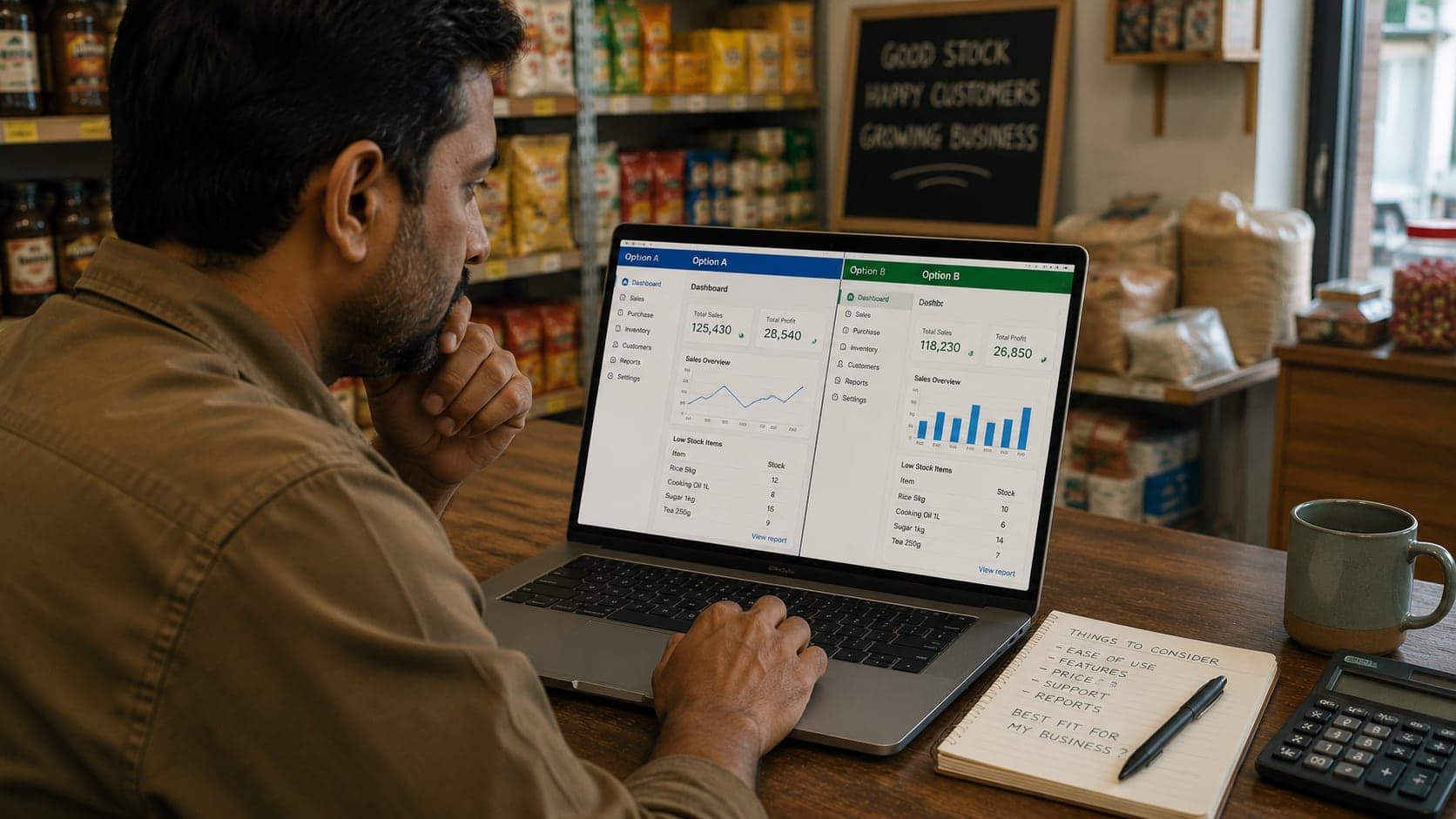
Choosing invoice software
Feature checklists grow endless. These questions cut through most marketing:
- Can I enforce numbering? Finalised documents get sequential numbers; edits and voids leave audit traces.
- Does the ledger update without a second step?Issue invoice → balance changes. Record payment → balance changes. No “also post to khata.”
- Credit notes are native? Not a negative invoice hack — a proper CN series with references.
- Statements and ageing in one click? Batch for all accounts, PDF or print, with document references on every line.
- Tax reports reconcile? Line tax sums to period report; credit notes included; exportable.
- Role control? Who can issue, who can void, who can change prices, who can see margins.
- Offline or degraded mode? If your internet fails mid-morning, can you still invoice? Cloud systems differ sharply here.
- Migration path? Opening balances, customer import, optional historical PDF attach — tested on your data, not a demo tenant.
Run a parallel trial: keep old process one week, new software the same week for real customers (or mirrored entries), then reconcile. The shop software buyer's guide covers trial contracts and migration timing; invoice-specific depth is judging ledger and document screens with the same scepticism as the sales screen.
Price the whole cost: subscription, per-user fees, SMS or email charges, extra branches, support after year one. Cheap invoice software that cannot export or locks data behind an exit fee becomes expensive the first time you need to change.
Records your accountant can use
Invoice software is management tooling for you; for your accountant it is a evidence generator. Clean records shrink their bill and your risk. Hand them these each period, reconciled:
- Sales register — every issued invoice and credit note for the period, with dates, numbers, customer, net, tax, gross, payment status.
- Receipts register — money received, matched to invoices or marked on-account, with method (cash, bank, wallet).
- Receivables summary — closing balance per customer, ageing, and agreement with the statement you would send the customer.
- Tax summary — output tax by rate, adjustments from credit notes, aligned to the filing calendar.
- Void and correction log — what was voided, why, and what document replaced it.
The reconciliation test: total sales on the register should tie to cash received plus change in receivables (plus credit notes and adjustments) for the same period. If that sentence cannot be true from your exports, something is posted twice or not posted at all.
Keep issued PDFs archived — software cloud backup plus a periodic download to storage you control. Accountants increasingly work from exports, but tax queries often want the actual document image five years later.
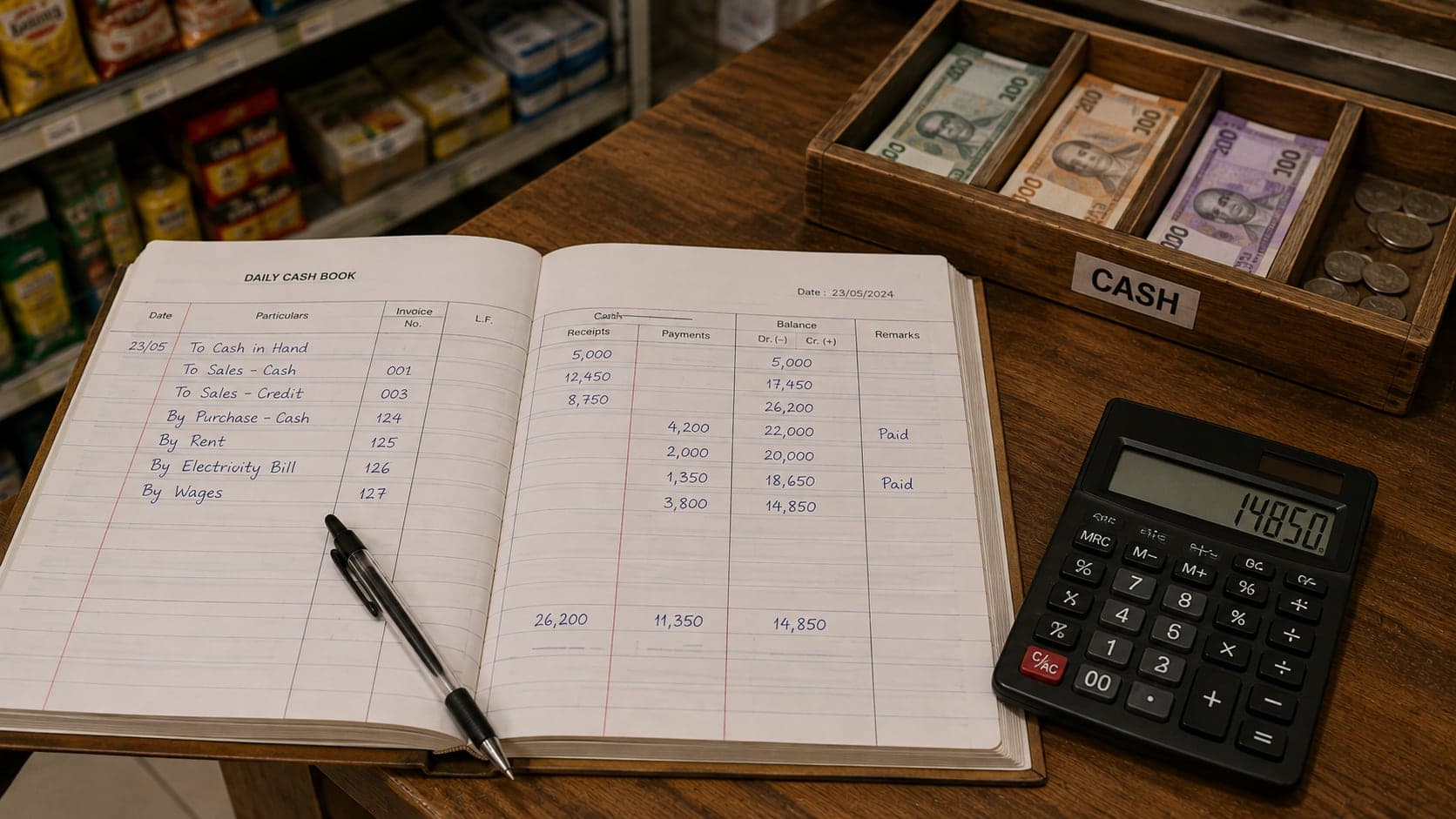
Invoice software does not replace the three shop records — cash book, sales record, party ledgers — it automates the sales and ledger portions when used fully. The cash book still needs bank and till truth; the accountant still files what the law requires. What changes is that invoice disputes, tax periods, and year-end stop depending on memory and duplicated typing. Pick software that makes the right document the easiest document to issue, and issuing the right document becomes the path of least resistance at the counter — which is the whole game.
FAQ
Frequently Asked Questions
Quick answers to common questions about this topic.
Can I keep using Word or Excel for invoices?
For a handful of invoices a month with no credit and no tax complexity, a disciplined spreadsheet can work — but it cannot enforce numbering, post to ledgers automatically, or resist silent edits. The moment you have named credit customers, tax lines, or staff issuing documents, the arithmetic time and error risk usually exceed what modest invoice software costs. The question is not legality but whether your volume has crossed the line where manual tools become the expensive option.
What if I need to change an invoice after it was issued?
Issued invoices should not be edited in place — that is how disputes become unwinnable. The correct path is a credit note (to reverse or reduce) followed by a new invoice if needed, each with its own number and a reference to the original. Good invoice software blocks casual edits on finalised documents and routes corrections through credit notes instead. If your current tool lets anyone rewrite last month's invoice silently, that is a feature to replace, not celebrate.
Is invoice software the same as POS software?
Not always, though the best shop systems combine both. A POS focuses on fast counter sales, barcode scanning, and receipt printing. Invoice software focuses on named accounts, credit terms, statements, and documents that survive an audit. Retail-heavy shops need POS first; wholesale and mixed-trade shops need invoicing depth. If you sell on credit to businesses, judge any POS by its invoice and ledger screens, not only by how fast it rings up a walk-in.
How do I migrate years of old invoices into new software?
You rarely need every old PDF inside the new system — you need opening balances and recent detail. Pick a cutoff date, agree each customer's balance with them, enter that as the opening ledger balance, and keep scanned or paper archives for anything older. Import line-level history only where disputes are likely (large accounts, recent quarters). Software that cannot set opening balances cleanly will make your first month a nightmare; test that workflow before you buy.
Do I need tax registration before buying invoice software?
No — but you need to know whether you are registered, and what your regime requires on documents. Software should support your current status and the one you are heading toward: tax lines present or absent, registration numbers on the header, sequential tax-period reports. Buying software that assumes a tax system you do not use yet is wasteful; buying software that cannot add tax lines when you register is worse.
What export format do accountants actually want?
Ask yours — preferences vary by country and practice. Common requests are CSV or Excel exports of sales by period, PDF archives of issued invoices, and a receivables summary with ageing. The universal requirement is consistency: same columns every month, same numbering, totals that reconcile to your bank and cash book. Software that exports pretty reports but cannot produce a reconciled sales register is solving the wrong problem.