Apple Just Warned iPhone Users in 110 Countries About Spyware. Here Is How to Tell a Real Alert From the Scam That Will Follow

The message is unnerving even before you reach the second sentence:
“Apple detected a mercenary spyware attack targeted at your iPhone.”
Apple sent that warning to selected users in 110 countries last week. By Monday, people who investigate spyware for a living were describing the response as unprecedented. Access Now, a nonprofit that runs an emergency digital-security helpline, received far more requests for help than usual. Researchers also saw an unusual number of recipients discussing the warning publicly.
This does not mean 110 countries—or all iPhone owners in them—are under attack. Apple has not disclosed how many people received the notification, who is behind the activity, or whether every targeted device was compromised. The company says these attacks are expensive, highly sophisticated and directed at a very small number of people, often because of who they are or what they do.
There are really two stories here. The first concerns the relatively few people who received a genuine warning and should act on it. The second concerns everyone who will receive a fake version from scammers hoping that a frightening headline will make them click before they think.
Fortunately, Apple has provided a verification method that takes less than a minute and does not require trusting an email, a text message or a caller.
The one-minute test: do not use the link in the message
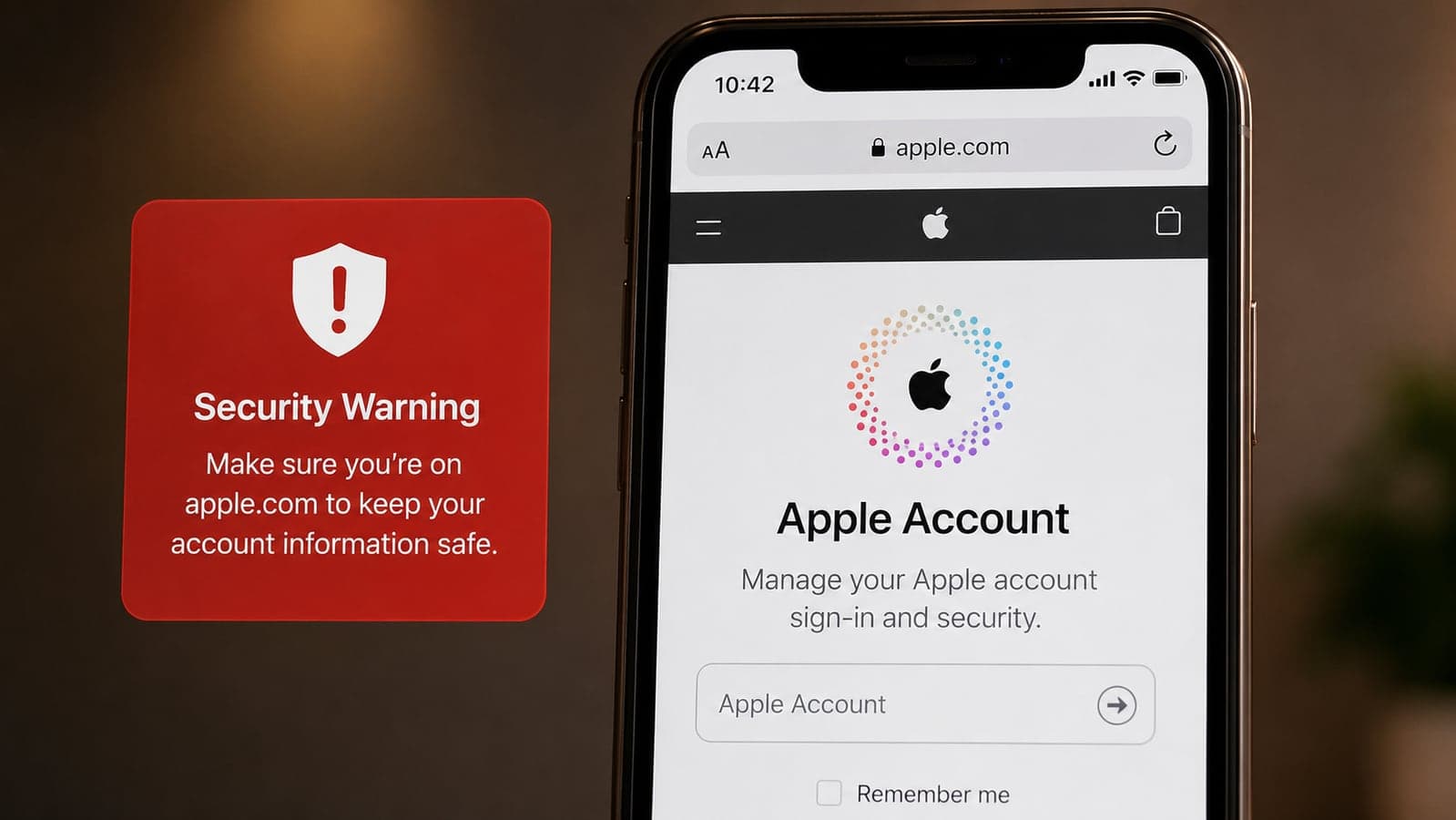
Open a fresh browser window and type account.apple.com yourself. Sign in normally. If Apple sent you a genuine threat notification, a clearly marked warning will appear at the top of your Apple Account page.
That account banner is the decisive check. Apple may also display the warning on an iPhone’s Lock Screen and in Settings, and in 2026 it began sending associated email from threat-notifications@email.apple.com. An email address alone is not sufficient proof, however: sender details can be imitated, and a convincing-looking message can lead to a counterfeit sign-in page. Going independently to the account website removes that trap.
Apple states that a real threat notification will never ask you to:
- click a link in the email or message;
- open an attachment;
- install an app or configuration profile;
- provide your Apple Account password; or
- read out a verification code by email or phone.
If a supposed “Apple security agent” asks for any of those things, stop. The request is the scam.
If the warning is real, what does it actually mean?
It means Apple detected activity that it believes, with high confidence, is consistent with an individually targeted mercenary-spyware attack. It does not necessarily mean the attempt succeeded. Apple deliberately avoids explaining the technical evidence behind individual alerts because doing so could help spyware operators change their methods.
Mercenary spyware is not ordinary adware or a random virus circulating through mass email. It is sold as a capability to governments and other well-funded customers, and it is typically used against selected journalists, campaigners, lawyers, political figures, diplomats and people close to them. Apple says such operations can cost millions of dollars and have a short useful life once discovered.
That distinction matters. A person who never received an account-verified alert should not read this news as evidence that their phone is infected. Installing an unfamiliar “spyware cleaner” from an advertisement may create the very risk they were trying to avoid.
What to do after verifying a genuine notification
First, preserve the alert and seek informed help. Take a photograph or screenshot where appropriate, note when it appeared, and avoid deleting messages or resetting the device before speaking to a specialist. A factory reset may remove evidence that investigators need to understand what happened.
Apple directs recipients to Access Now’s Digital Security Helpline, which provides 24/7 rapid-response assistance to members of civil society. The organization cannot tell you why Apple generated the alert—outside groups do not receive Apple’s underlying detection data—but it can assess your circumstances and give tailored advice. If your employer has a qualified security team, notify it through a known, independent channel as well.
Second, install current software updates. Update the affected iPhone, iPad or Mac and any other devices connected to the same Apple Account. Updates often contain protections against recently discovered attack methods. Do not postpone the update because the device appears to work normally; sophisticated spyware is designed not to announce itself.
Third, turn on Lockdown Mode. On an iPhone running current software, go to Settings → Privacy & Security → Lockdown Mode → Turn On Lockdown Mode, then follow the restart prompt. Apple recommends enabling it on every device associated with the potentially targeted person, not only the phone that displayed the warning.
Fourth, review the account around the device. Confirm that two-factor authentication is enabled, inspect the devices signed in to your Apple Account, and remove anything you do not recognize. Do not make rushed account changes through a link or incoming call. Navigate to Apple’s settings or account website yourself.
What Lockdown Mode changes—and why most people leave it off
Lockdown Mode is an extreme protection setting, not a secret “make iPhone safer” switch that everyone forgot to enable. It deliberately reduces the phone’s attack surface by limiting features that sophisticated exploits have abused.
Depending on the device and software version, those restrictions can include blocking many message attachments, limiting contact from unfamiliar FaceTime callers, reducing some complex web technologies, preventing installation of configuration profiles and requiring the phone to be unlocked before many wired accessories can connect. Features such as Shared Albums, SharePlay and some continuity functions may be unavailable.
That inconvenience is the design, not a bug. A smaller set of permitted behaviors gives an attacker fewer routes into the device. Apple says it is not aware of a successful mercenary-spyware compromise against someone who had Lockdown Mode enabled, although no security feature should be treated as an absolute guarantee.
For most people, leaving Lockdown Mode off is reasonable. Apple’s own guidance says the vast majority of users will never be targeted by this kind of attack. Turn it on if Apple has verified a threat notification on your account, if a qualified adviser recommends it, or if your work and circumstances give you a credible reason to expect individual targeting.
The predictable second wave: fake Apple spyware warnings
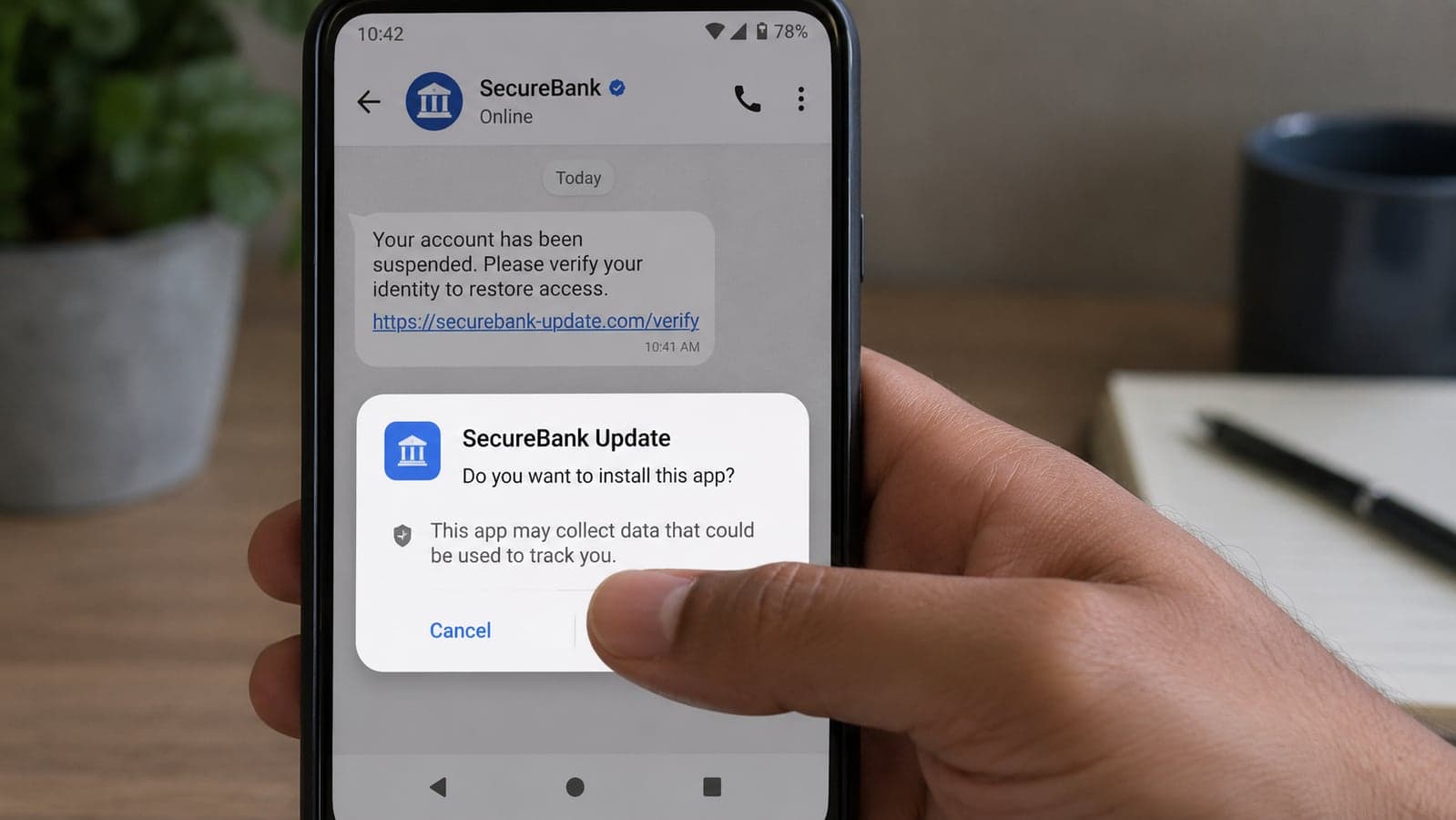
A real security event creates useful material for criminals. They now have a current headline, official-sounding terminology and frightened recipients who have been told that immediate action matters. Expect counterfeit emails, browser pop-ups and calls that borrow the phrase “mercenary spyware” and imitate Apple’s red warning symbol.
The safest response is almost boring:
- Do not click anything in the warning.
- Do not call the number shown in a pop-up.
- Close the page or message.
- Type account.apple.com into a new browser window.
- If no threat banner appears after you sign in, the message was not an Apple threat notification.
A web page claiming that “three viruses were found on your iPhone” is not performing a forensic scan of your phone. A browser page does not gain that ability merely by displaying an Apple logo, vibrating the device or starting a countdown. Its goal is usually to sell dubious software, capture credentials or persuade you to give a stranger remote access.
The same verification habit works beyond this incident. When a bank, courier, marketplace or messaging service sends an alarming notice, leave the message and open the organization’s known app or type its address yourself. We recommended the same approach in our guide to fake online stores and social-media ads: the link is often the trap, so remove it from the decision.
What should an employer do if a member of staff receives one?
Do not treat the person as the problem, and do not ask them to forward the suspicious content widely through company email. Move the conversation to a known phone number or an in-person channel, involve whoever owns security or IT, and assume that work accounts and sensitive conversations on the device may need review.
For a small organization without a security department, the immediate priorities are containment and qualified advice—not buying the first “mobile protection” product found in search. Document the alert, contact Apple through an official route, seek specialist help, update connected devices and review access to email, cloud storage, messaging and administrative accounts.
This is also a useful test of an incident plan. Who would an employee call? Who can disable a company account after hours? Where is the list of sessions and devices? If the answers live only in one person’s memory, write them down now. Strong sign-in methods help too: our recent explanation of passkeys and the retirement of SMS login codes covers why a credential that cannot be typed into a fake page is valuable during exactly this kind of confusion.
Three facts worth remembering
A genuine Apple notification is serious but narrowly targeted. Receiving one does not prove a successful compromise; not receiving one does not call for panic or a paid “scan.”
The Apple Account page is the source of truth. Type account.apple.com yourself. A genuine warning appears there. Apple will not ask for your password, verification code, an installation or an email link.
Lockdown Mode is for credible high-risk situations. It meaningfully restricts the device to reduce attack opportunities, which is why Apple recommends it to notified users and why it is unnecessary for most people.
The frightening message should not make the next decision for you. Verify it somewhere the message cannot control. If it is real, act methodically and get expert help. If it is not, close it without giving the sender the click they were counting on.
If your business has no clear answer to “what happens when an employee receives a serious security warning?”, Taylance Tech can help turn that uncertainty into a short, usable response plan—covering account access, devices, backups and who does what first. Contact us to start with a practical review rather than another shelf-length policy.
Reporting and instructions were checked on August 19, 2026 against Apple’s official threat-notification and Lockdown Mode documentation (updated August 13), TechCrunch’s reporting on Apple’s notifications to users in 110 countries, and guidance from Access Now’s Digital Security Helpline. Apple has not publicly disclosed the number of recipients or attributed this notification wave to a named spyware operator; this article does not speculate beyond the available evidence.
FAQ
Frequently Asked Questions
Quick answers to common questions about this topic.
How do I know whether an Apple spyware warning is real?
Do not use a link in the message. Open a new browser window, type account.apple.com yourself and sign in. If Apple sent a genuine threat notification, a clearly marked banner will appear at the top of your Apple Account page. Apple may also show the warning on your iPhone Lock Screen and in Settings. A legitimate notification never asks you to open a file, install an app or profile, disclose your password or provide a verification code by email or phone.
Does an Apple threat notification mean my iPhone was hacked?
Not necessarily. It means Apple detected activity that it believes with high confidence is consistent with an individually targeted mercenary-spyware attack. The warning may indicate an attempted attack rather than a successful compromise. Apple does not reveal the technical trigger for individual alerts because that information could help spyware operators evade future detection. Recipients should still take a verified warning seriously, update their devices, enable Lockdown Mode and seek qualified assistance.
Who received Apple's August 2026 spyware alerts?
Apple told TechCrunch that the latest notifications went to selected users in 110 countries, but it did not disclose the number or identities of recipients. Apple says mercenary spyware usually targets a very small number of people because of who they are or what they do; common high-risk groups include journalists, campaigners, lawyers, political figures and diplomats. Presence in one of the 110 countries does not mean every iPhone user there was targeted.
How do I turn on Lockdown Mode on an iPhone?
On a currently updated iPhone, open Settings, choose Privacy & Security, scroll to Lockdown Mode, select Turn On Lockdown Mode and follow the restart prompt. Apple recommends enabling it across all of a targeted person's Apple devices for complete protection. Lockdown Mode restricts some attachments, web technologies, unfamiliar communications, shared features and wired connections, so normal device behavior may change while it is enabled.
Should everyone enable Lockdown Mode?
No. Apple describes Lockdown Mode as an extreme, optional protection for people who believe they may be targeted by highly sophisticated attacks. The vast majority of users will never face mercenary spyware, and the setting intentionally disables or limits useful features. It is appropriate after a verified Apple threat notification, when recommended by a qualified security adviser, or when a person's work and circumstances create a credible risk of individual targeting.
What should I do after receiving a genuine Apple threat notification?
Preserve the notification, update the affected device and other devices using the same Apple Account, enable Lockdown Mode, review signed-in devices and account security, and seek tailored help. Apple specifically recommends Access Now's 24/7 Digital Security Helpline for at-risk civil-society users. Avoid factory-resetting or deleting potential evidence before speaking with a specialist, and notify your employer's security contact through an independently verified channel if work information may be involved.
 Tayyab Aslam