Website Builder or Custom Development? The Real 2026 Answer, With Numbers

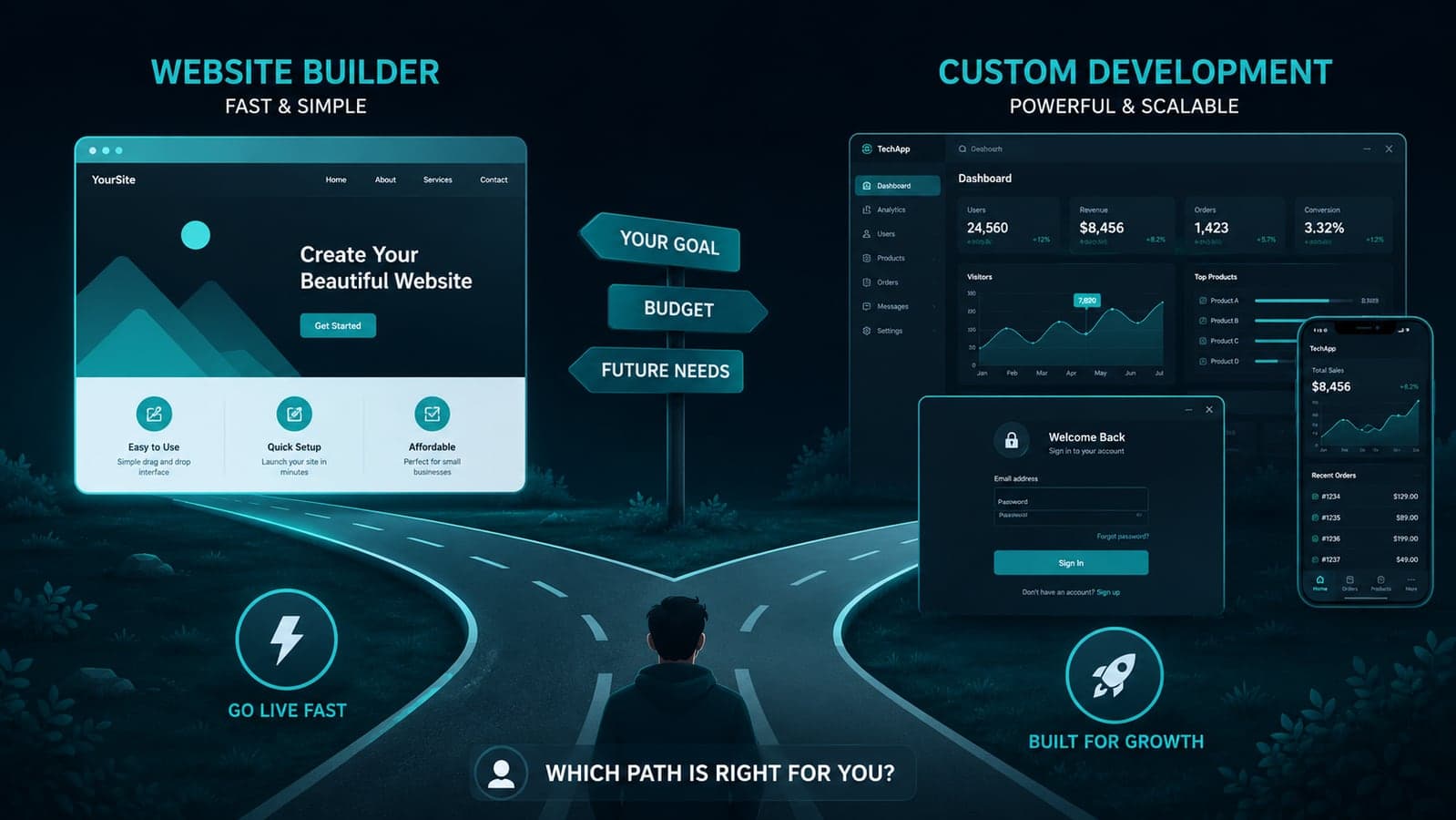
Here's a statistic worth sitting with: 83% of small businesses now have a website, up from 64% in 2018 — and the single biggest reason for that jump isn't cheaper developers. It's that you often don't need one anymore. Drag-and-drop builders and AI site generators have made it possible to go from nothing to a live, decent-looking website in an afternoon, for $10–30 a month.
That's genuinely good news, and for a large share of businesses, it's the correct, permanent answer. This article isn't a pitch against that. It's the thing that's harder to find honestly written anywhere: a clear, specific answer to when a website builder stops being the smart choice and starts quietly costing you more than custom development would have.
The Numbers Behind the Boom
The scale of the shift is real. The global website builder market hit roughly $6.4 billion in 2026, and the AI-powered segment of it is growing even faster — from $2.7 billion to $3.2 billion in a single year, on its way to a projected $17.4 billion by 2035. Over 62% of people building a website now prefer a no-code or low-code tool over hand-coding, and small and medium businesses drive nearly half of all revenue in the category. Wix alone grew 32.6% year over year and now powers more than 4% of all websites on the internet.
None of that is hype. Builders got genuinely good. Modern templates are polished, AI setup tools write reasonable starter copy, and — this surprises people — some builders now output cleaner code than a lot of hastily hand-built sites did five years ago. If your need is "a professional-looking presence that tells people who I am, what I do, and how to reach me," a builder is very often the right, complete answer. Buying custom development for that job is usually overpaying.
Where the Ceiling Actually Is
The problem isn't the builders. It's that almost nobody explains where their ceiling sits until a business hits it — usually mid-project, with money and time already spent. Four places that ceiling shows up in practice:
1. Anything that isn't a "site" — it's an "application." A page that displays information is a site. A tool where users log in, see personalized data, and the system remembers state between visits — a booking system, a client portal, a multi-step quote calculator, an internal dashboard — is an application. Builders are built for the first category and bend, awkwardly and expensively, toward the second. The moment your project needs custom logic ("if this customer has ordered before, show X; otherwise show Y") rather than a fixed page layout, you're pushing against what the platform was designed to do.
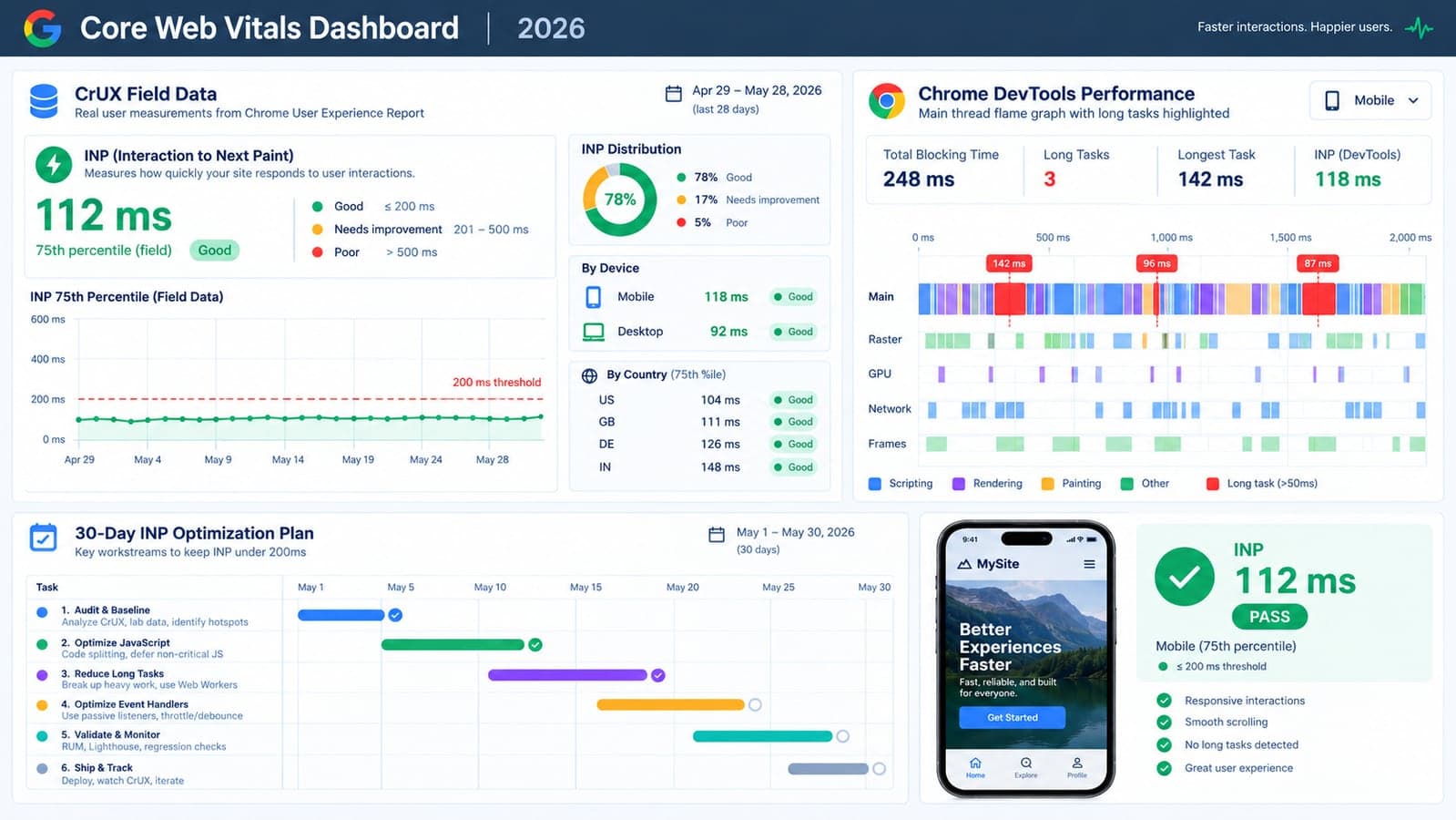
2. Performance, once traffic gets real. Independent testing shows real spread even among builders: Duda leads the category with an 83.6% Core Web Vitals pass rate, but plenty of builder-made sites — especially heavily customized ones — fall well below that. And the business cost of slow load times is well documented: sites loading in under a second convert roughly 3x better than slower ones. A builder handles this fine at low-to-moderate traffic. It gets progressively harder to control as pages, plugins, and third-party embeds pile up.
3. Ownership and lock-in. This is the one nobody budgets for. Content, design, and often your data live inside the builder's platform. Migrating away later — because you outgrew it, or a price hike changed the math, or a feature you need simply doesn't exist there — is frequently a full rebuild, not an export. That's a real, if invisible, cost of the low upfront price.
4. Anything that touches money, logins, or sensitive customer data at scale. Basic e-commerce is a builder strength. A full multi-tenant SaaS product, a payment flow with complex business rules, or a system handling sensitive customer records is a different category of engineering entirely — the kind where the platform's guardrails, built for the common case, start working against you.
What This Looks Like in Practice, Building Both Kinds of Projects
We build both simple sites and full custom platforms, so we see this ceiling from both sides regularly. A pattern worth knowing: the most expensive path we see clients take isn't "chose the wrong tool." It's staying on a builder about six months past the point they should have moved, patching around limitations with more plugins and workarounds, and then rebuilding from scratch anyway — at that point paying for both the outgrown builder subscription and the custom build. The businesses that come out ahead financially are usually the ones that made the switch decision deliberately, before the workarounds started piling up, not after.
The reverse mistake is just as real and just as common: businesses that commission custom development for what was always going to be a five-page marketing site. That's not caution, it's overpaying for something a builder does perfectly well — and it's the kind of project we'll tell a prospective client to solve with a $20/month tool instead, because that's the honest answer.
The Actual Decision Test
Four questions, in order. The first "yes" you hit usually settles it:
- Does it need user accounts with different data per user? (Not just a contact form — actual logins, personalized dashboards, saved state.) → Custom.
- Does the core value depend on business logic a template can't express? (Dynamic pricing, multi-step workflows, conditional rules, integrations between multiple systems.) → Custom.
- Will this need to handle real transaction or user volume where every second of load time has a measurable cost? → Lean custom, or a builder with genuinely proven performance at scale.
- None of the above — you need a professional, findable, fast presence that tells your story and captures leads? → A builder is very likely the right call, and probably the cheaper one for years to come.
The Bottom Line
The honest 2026 answer isn't "builders are for beginners" or "real businesses need custom code." It's that these are two different tools solving two different problems, and the expensive mistake runs in both directions — overbuilding a brochure site, or underbuilding something that was always going to need real engineering underneath it. The $6.4 billion builder market exists because most projects genuinely belong there. The businesses that end up frustrated are usually the ones who never got a straight answer about which category their project actually falls into.
If you're not sure which side of that line your project sits on, that's a genuinely useful five-minute conversation to have before committing budget either direction — tell us what you're trying to build, and if the honest answer is "go use Webflow, you don't need us," that's exactly what we'll say.
Frequently Asked Questions
Is a website builder good enough for a small business in 2026?
For most small businesses whose website's job is to inform, build credibility, and capture leads, yes — modern builders produce fast, professional, mobile-friendly sites with built-in SEO tools. The limitation appears when a project needs custom user accounts, complex business logic, or performance at real scale, which is where purpose-built code generally outperforms a general-purpose builder.
What's the difference between a website and a web application?
A website primarily displays information — pages, content, contact details — that's largely the same for every visitor. A web application involves user accounts, personalized data, and logic that changes based on user actions, such as a booking system, dashboard, or client portal. Builders are designed around the first category and become progressively harder to use for the second.
How much does custom web development cost compared to a website builder?
Website builders typically run $10–30 a month for a small business site. Custom development costs considerably more upfront — anywhere from a few thousand dollars for a focused project to much more for a full application — but avoids the platform lock-in and scaling limitations that can force a costly rebuild later if the project outgrows a builder.
Can I switch from a website builder to custom development later?
Usually, but rarely painlessly. Content and design typically live inside the builder's platform, so migrating away is often closer to a rebuild than an export. This is worth factoring in upfront: if there's a reasonable chance a project will need custom functionality within a year or two, it's often more cost-effective to build correctly from the start than to migrate later.
What should I look for if I decide a website builder is right for my business?
Prioritize genuine performance (Core Web Vitals pass rates vary significantly between platforms), real data portability rather than vague export promises, and whether the builder's ecosystem actually supports the specific features your business needs today — not just templates that look right in a demo.
 Tayyab Aslam